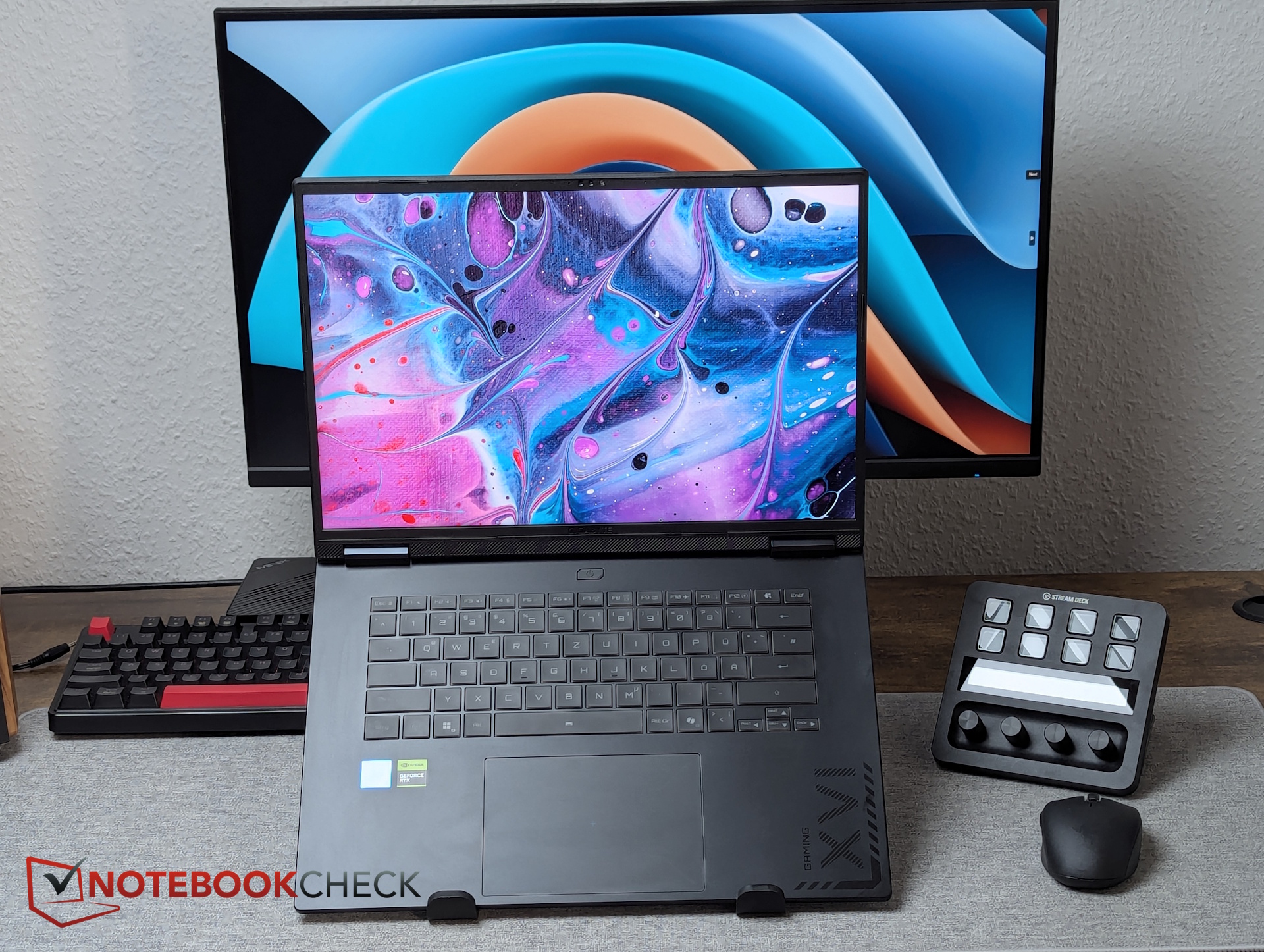
Gigabyte is pitching the A16 Pro as the kind of laptop many buyers are searching for right now: thin, efficient, long-lasting on battery, and still reasonably affordable for the performance it promises. On paper, it checks a lot of boxes for gamers who want a portable 16-inch machine, and for people who’d like one laptop that can handle gaming and creative workloads.
A closer look, however, suggests the A16 Pro doesn’t fully capitalize on its “Pro” label. One of the biggest takeaways is that Gigabyte hasn’t introduced meaningful design changes compared to the regular A16. In fact, the A16 Pro uses the exact same chassis as the non-Pro model, which makes the upgrade feel more like a spec bump than a carefully reworked premium version.
So what actually separates the A16 Pro from the standard A16? The key differences are internal. The Pro version gets a newer CPU, and the more powerful NVIDIA GeForce RTX 5070 Ti is reserved for the A16 Pro, while the non-Pro model tops out with the RTX 5070 (non-Ti). That extra graphics power can be a real advantage for higher frame rates, heavier GPU-accelerated tasks, and more demanding settings in modern games.
But that performance bump also exposes a concern: thermals. The standard A16 already showed signs of thermal SSD throttling, likely tied to the realities of a thin chassis where heat dissipation headroom is limited. With even stronger components inside the same slim shell, the A16 Pro appears to carry over that issue rather than fixing it. For anyone planning to game for long sessions, move large files often, or rely on sustained performance under load, thermal behavior can be just as important as the raw specs.
Connectivity is another area where the “Pro” branding starts to feel questionable. The presence of an outdated USB 2.0 port, along with USB speeds topping out at USB 3.0 / USB 3.1 Gen1 (5 Gb/s), may be passable on an entry-level gaming laptop. But for a system marketed as “Pro” and positioned as a possible creator-friendly notebook, it’s harder to justify. Faster ports matter for external SSDs, high-resolution media workflows, docks, and modern peripherals that benefit from higher bandwidth.
Overall, the Gigabyte A16 Pro clearly has strengths, especially if your priorities are a slim design, solid efficiency, and strong GPU performance for the money. At the same time, the lack of chassis updates, the potential carryover of SSD throttling, and the dated port selection may leave some gamers and entry-level creators wondering what’s truly “Pro” about it beyond the specifications.