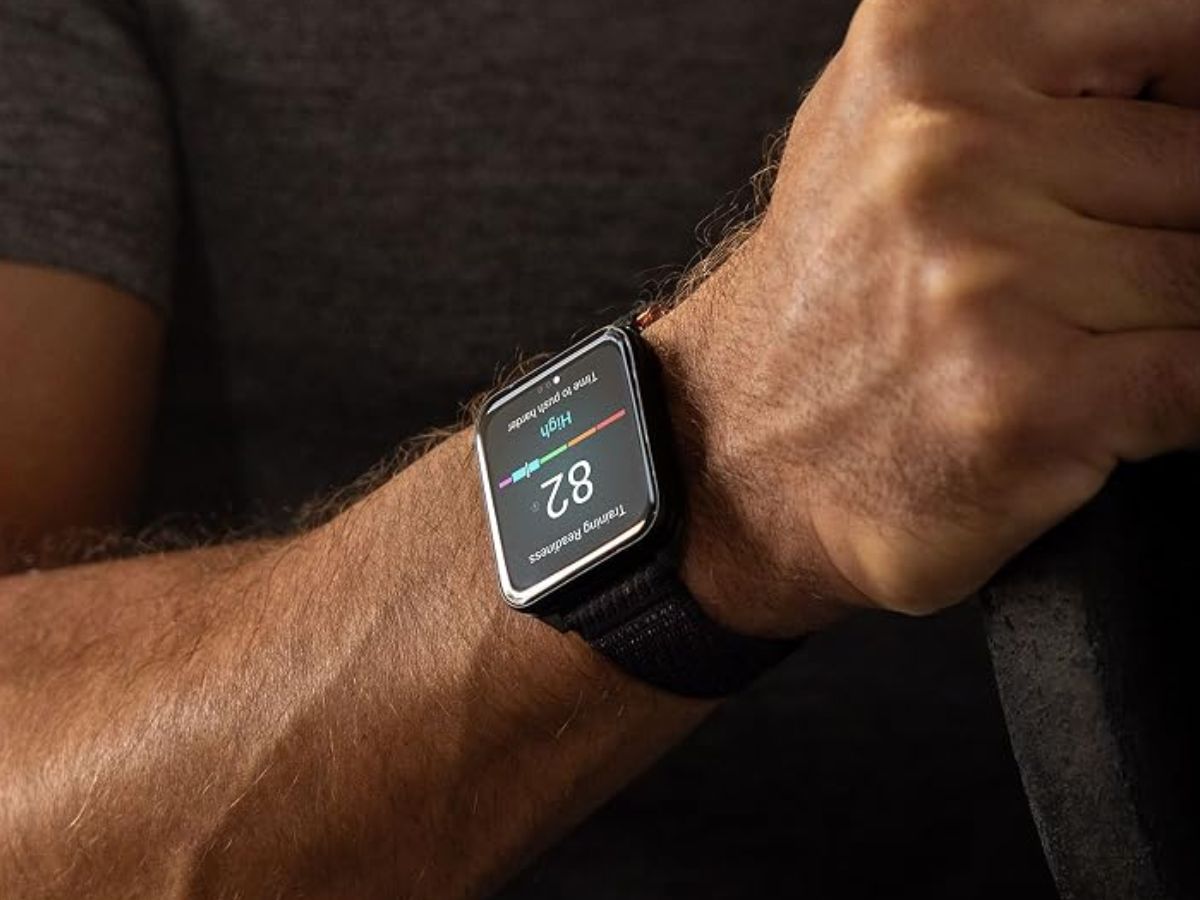
Garmin has started rolling out beta version 19.15 for the Venu X1 smartwatch, marking the beginning of the new 19.xx beta testing cycle. This update follows the recent 18.32 stable release, which closed out the previous 18.xx software phase earlier in October 2026.
The Garmin Venu X1 beta 19.15 update brings a mix of usability improvements, navigation refinements, and bug fixes aimed at making the premium smartwatch feel smoother during workouts and daily use.
One of the notable changes focuses on Auto Lap prompts. The watch can now announce the number of laps during a workout, making it easier for athletes to track progress without constantly checking the screen. This should be especially useful for runners, cyclists, and anyone training with structured lap-based sessions.
Garmin has also adjusted the Pulse Ox app experience. Vibrations are now blocked while the watch is taking a Pulse Ox reading, helping reduce interruptions and potentially improving the consistency of measurements.
Another quality-of-life improvement appears on the Change Sport page. Favorite activities are now shown first, allowing users to switch to their most-used workout modes more quickly. Additional activities can still be accessed by selecting the “More” option, keeping the interface cleaner and easier to navigate.
Navigation also gets attention in this beta release. Garmin says search results for points of interest, or POIs, should now appear faster. This could make a noticeable difference when looking for nearby locations while exploring, walking, cycling, or traveling.
The update also changes how course turn guidance appears. Full-page course turn prompts will no longer take over the screen while users are viewing the map page. This should create a less disruptive navigation experience, especially for users who prefer to keep the map visible during an activity.
Alongside these improvements, beta version 19.15 includes fixes for several issues. Garmin has addressed bugs related to Garmin Explore data, Bluetooth headphone connectivity, and the virtual partner screen. These fixes should help improve overall reliability for users who depend on the Venu X1 for outdoor tracking, music, and performance-based workouts.
Venu X1 owners enrolled in Garmin’s beta program can manually check for the update directly from the smartwatch. To install beta version 19.15, open the main menu, go to Settings, select System, choose Software Update, and then tap Check For Updates.
As this is a beta release, some users may prefer to wait for the stable version if they rely on their watch for critical training or daily tracking. However, for those who like trying new Garmin smartwatch features early, the Venu X1 beta 19.15 update delivers a useful set of refinements across workouts, navigation, and system stability.


