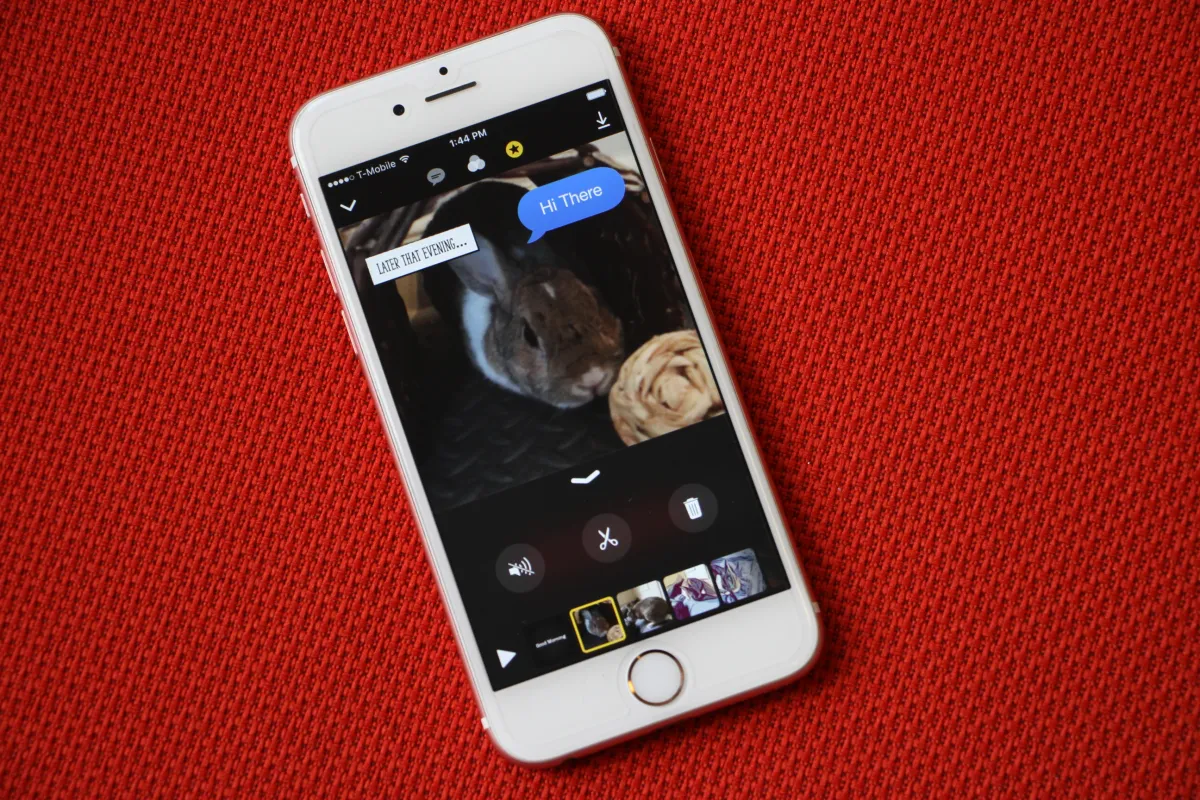
Apple is quietly sunsetting its Clips app. As of October 10, the lightweight video editor is no longer available to download from the App Store, and Apple says it doesn’t plan to release future updates. If you already have Clips, you can keep using it on current or earlier versions of iOS and iPadOS, and you’ll still be able to re-download it from your Apple account if you previously installed it.
What this means for current users
– No new features or bug fixes are coming. Over time, compatibility issues may crop up as iOS and iPadOS evolve.
– Apple recommends saving your creations now, so you don’t lose work if something breaks down the line.
How to preserve your Clips projects
– Open Clips and export your videos to your photo library.
– Save with effects applied if you want to keep filters, stickers, and captions baked in.
– If you prefer a clean version, export without effects so you can re-edit in other apps.
– Once videos are in Photos, you can edit, share, or back them up like any other media.
A quick look back at Clips
Launched in 2017, Clips was Apple’s playful, social-friendly editor for stitching together quick videos with filters, emojis, posters, captions, and music. It aimed squarely at the short-form, Stories-style format. While Apple added new features for a time, recent updates largely focused on maintenance. MacRumors notes that development had slowed to bug fixes in the last few years.
Why interest faded
Early reviews often praised Clips for its simplicity, but that simplicity could also feel limiting next to more robust editors and the rise of new creative tools. On Reddit, many Apple fans said they hadn’t used Clips in years—or never discovered it at all. And in today’s landscape, where AI-driven video tools like OpenAI’s Sora are grabbing attention, a traditional manual editor can feel a bit old-school.
Good alternatives to try
– Photos app on iPhone and iPad: Quick trims, filters, and soundtracks without leaving your library.
– iMovie: A familiar, free option for multi-clip editing and titles.
– LumaFusion: Pro-grade mobile editing with advanced timelines and effects.
– CapCut or VN: Popular for short-form, social-ready edits with templates and transitions.
– Final Cut Pro for iPad: If you need deeper control and pro features.
Key takeaways
– Clips has been removed from the App Store for new downloads.
– Existing users can continue using it and re-download from their account history.
– Back up your videos now to avoid compatibility headaches later.
– Consider shifting to alternative editors to future-proof your workflow.
The bottom line: If Clips helped you tell quick, creative stories, make time to export your projects and explore a new editor that fits your style.