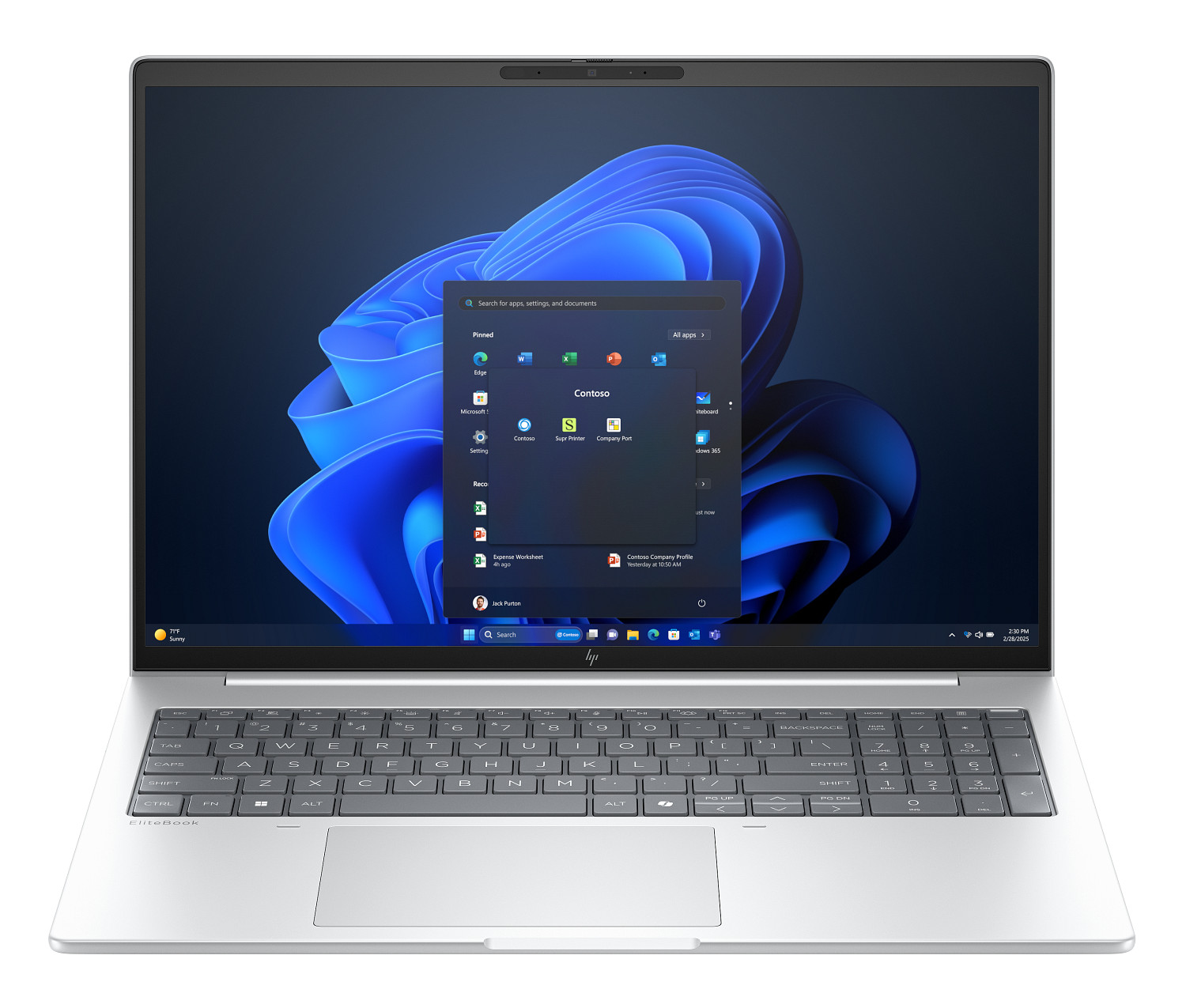
HP EliteBook 8 G1a 16 buyers guide: the touchscreen model’s color trade-off you should know
HP’s 2025 EliteBook 8 G1a 16 is rolling out as the direct successor to the EliteBook 865 G10, and it brings the right kind of modern upgrades: a slimmer profile, roomier and more comfortable keys and clickpad, extra USB-C connectivity, and the latest AMD Pro Zen 5 processor options for business-ready performance. There is, however, a key detail in the display options that can seriously affect your experience—especially if you care about color accuracy.
The 16-inch 1200p panel is offered in both touchscreen and non-touch configurations, but they’re not equal in color quality. According to HP’s own product specifications, the 1200p touchscreen model covers only about 63 percent of the sRGB color space. The non-touch 1200p option, on the other hand, delivers near-full sRGB coverage at over 95 percent. That’s a substantial difference that can translate to more muted, less accurate colors on the touchscreen version.
Why this matters: a narrower color gamut can make web graphics, photos, and videos look less vibrant and less true-to-life. For designers, photographers, video editors, marketing teams, or anyone who needs reliable color matching, the non-touch configuration will be the safer choice. The gap is also unusual—on many laptops, touch and non-touch displays tend to have similar color profiles, but here the disparity is pronounced.
If you’re considering the EliteBook 8 G1a 16, take a moment to check the display specs in the configuration you’re buying. It’s an easy-to-miss line item, but it has real-world impact.
Practical buying advice:
– Choose the non-touch 1200p panel if color accuracy is important to your work. Its >95% sRGB coverage will better suit creative and multimedia tasks.
– Choose the 1200p touchscreen if you prioritize touch input and don’t depend on precise color reproduction.
– If you need touch and accurate color, consider using an external, color-accurate monitor when docked.
– Always verify listed color gamut (sRGB, NTSC, or DCI-P3) in the product specifications before checkout.
Bottom line: the EliteBook 8 G1a 16 is a smart generational update with a thinner design, improved input devices, more USB-C, and modern AMD Pro Zen 5 processors. Just be aware that the touchscreen configuration trades away a significant amount of color coverage compared to the non-touch model, which could be a deal-breaker for color-critical workflows.