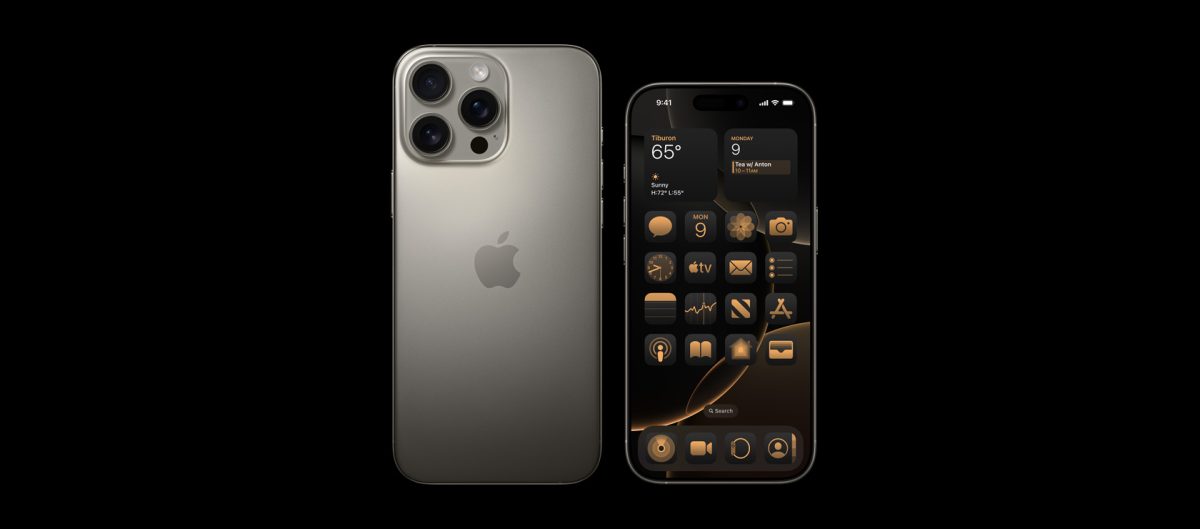
Apple recently unveiled the iPhone 16 lineup, bringing with it an array of impressive enhancements that elevate the user experience. Among the most notable updates are the innovative Camera Control Button on all models, and the integration of last year’s Action Button on the standard versions, offering quick shortcuts for various functionalities. With these additions, some users might find themselves a bit puzzled about the process of turning off the new iPhone 16 or iPhone 16 Pro.
For those making the switch from an Android device to the iPhone 16 series, it’s understandable if you’re seeking a seamless way to power down your device. Fortunately, there are two straightforward methods to do so, ensuring a smooth transition for any user.
The first method involves a simple series of steps:
1. Begin by simultaneously pressing and holding the Side/Power button along with either the Volume Up or Volume Down button.
2. Continue pressing these buttons until the Power Off Slider appears on your screen.
3. Simply drag the Power Slider to switch off your iPhone 16 or iPhone 16 Pro.
If this method seems a bit too complex, or you’re just looking for an alternative approach, you can also turn off your device via the Settings app:
1. Open the Settings app on your iPhone 16.
2. Head to the General section and scroll all the way down.
3. Tap on Shut Down to bring up the Power Slider.
4. Slide the Power Slider to turn off your phone.
Both methods are designed to be user-friendly, requiring minimal effort. While this process is consistent across iPhones with Face ID, note that devices featuring Touch ID may have a different procedure. For these specifics, Apple’s official website is a reliable resource.
Stay tuned for more helpful guides in the future, ensuring you get the most out of your Apple devices!