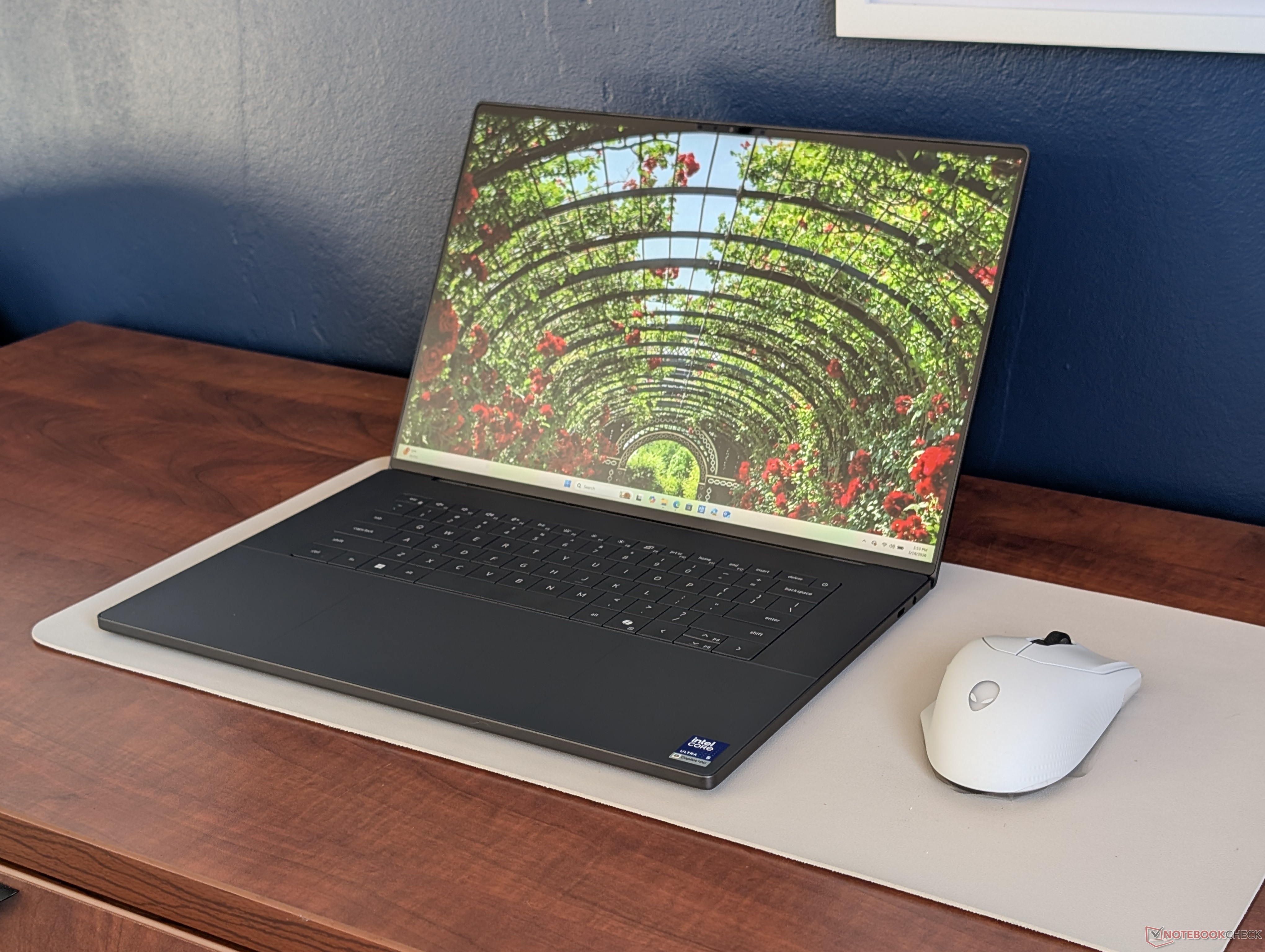
Choosing the right display can make or break your experience with a new laptop, and the Dell XPS 16 is a perfect example. When configuring this premium notebook, you’re essentially deciding between two screen options: a 1200p IPS panel or a sharper 2000p OLED panel that typically adds about $150 to the price. The tempting part is that the OLED upgrade isn’t restricted to a higher-end processor. You can pair it with even an entry Core Ultra 5 configuration if you simply want the better screen without paying for extra CPU power.
So is the OLED option worth it, or is your money better spent on more RAM or storage? The answer depends on what matters most to you: image quality and portability, or battery life and maximum practicality.
Why the Dell XPS 16 OLED display is so appealing
OLED is known for its rich, punchy look, and the XPS 16 OLED configuration leans hard into those strengths. You can expect deeper, more cinematic colors (including stronger coverage of wide color spaces like P3) and dramatically higher contrast than an IPS alternative. Blacks look truly black, and bright elements pop more in movies, photos, and creative work.
There are also a few less obvious perks. The OLED version slightly changes the feel of the machine in a way frequent travelers may appreciate. It can be around 1 mm thinner and about 100 grams lighter than the IPS model, which isn’t massive but does help when you’re carrying a laptop daily.
Other notable benefits include:
– Higher native resolution, which improves sharpness for text, detailed design work, and high-resolution content
– Touchscreen support
– DisplayHDR500 support for HDR-capable content
– No ghosting, which can help with smooth motion clarity in certain scenarios
The real downsides: battery life and screen behavior
The biggest trade-off with the Dell XPS 16 OLED configuration is battery life, and it’s not a small difference. In testing with both systems set to the same Balanced power profile, 150-nit brightness, and Windows VRR enabled, the OLED model delivered about 10.3 hours of WLAN runtime. The IPS model stretched to about 26.6 hours under similar conditions. That’s a dramatic gap, and it turns OLED from an “easy upgrade” into a decision you should make carefully, especially if you work away from chargers.
Brightness is another important factor. Although OLED can look more vivid, it isn’t necessarily brighter here. The OLED screen’s maximum brightness isn’t higher than the IPS option—and in standard SDR use, it can be dimmer, landing around 400 nits versus around 500 nits on the IPS configuration. If you often work in bright rooms or near windows, the IPS panel may actually be easier to live with.
A few additional drawbacks to consider:
– Pulse-width modulation (PWM) can be present at all brightness levels, which may bother users sensitive to display flicker
– The screen is glossy and more reflective, which can be distracting in well-lit environments
– Windows VRR behavior is more limited (down to 20 Hz instead of 1 Hz), which may matter to a small group of users focused on variable refresh rate behavior
Which Dell XPS 16 display should you choose?
Pick the Dell XPS 16 OLED if you care most about premium visuals—things like photo editing, color-rich media consumption, HDR content, and that high-contrast “wow” factor OLED is famous for. It’s also a nice bonus if you want a slightly thinner and lighter build and prefer touchscreen capability.
Choose the Dell XPS 16 IPS display if battery life is a top priority, if you work in brighter environments, or if you want the most practical day-to-day experience without worrying about reflections or the potential discomfort PWM can cause for some people.
For many buyers, the decision comes down to lifestyle. If you’re frequently mobile and want an all-day (and then some) laptop, the IPS configuration is the smarter pick. If your XPS 16 will spend most of its time near a charger and you want the best-looking screen possible, OLED delivers—but you’ll pay for it every time you unplug.


