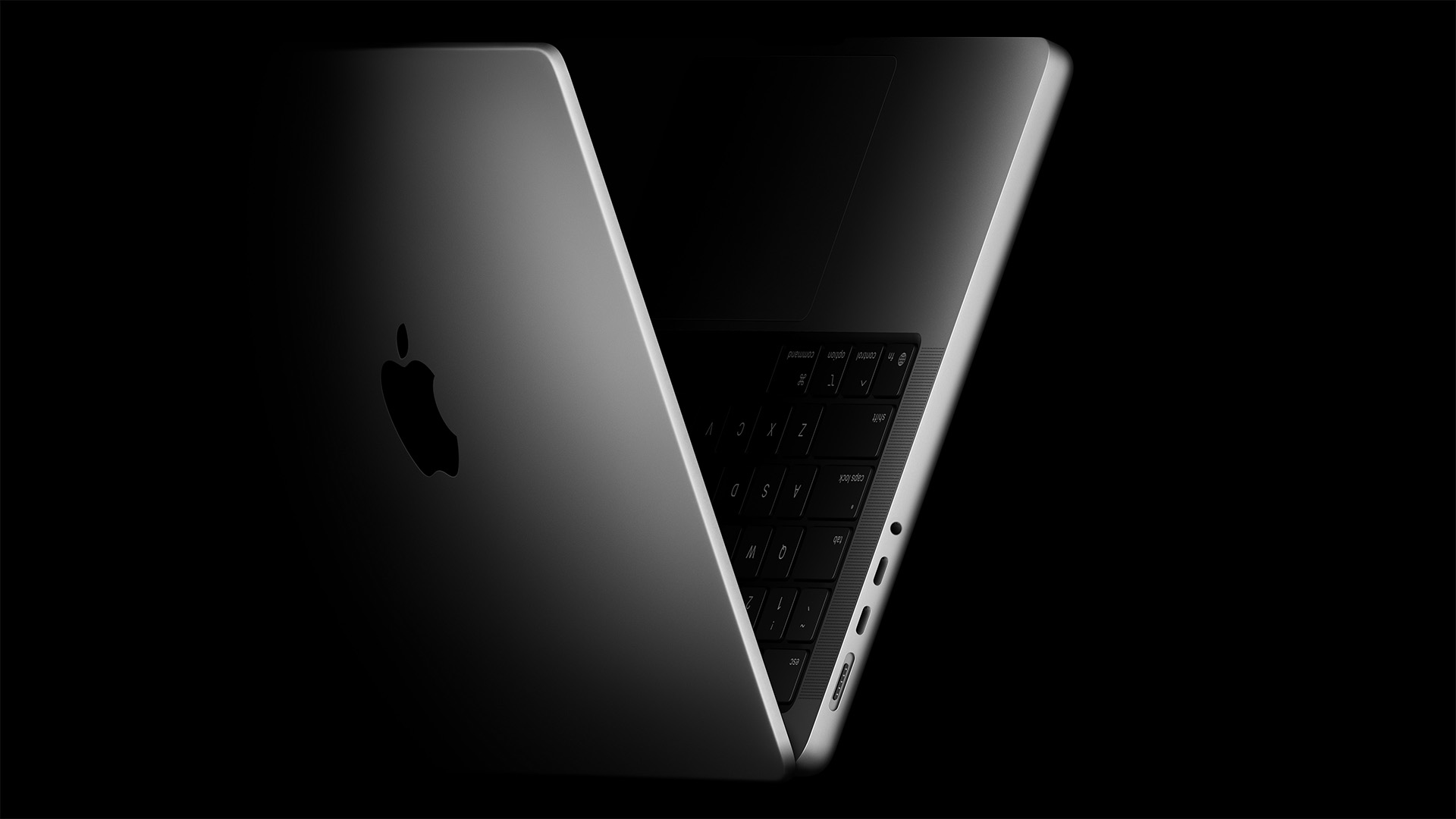
Early M5 MacBook Pro buyer reports creaking noises, says Apple refused replacement despite AppleCare+
A new 14-inch M5 MacBook Pro owner says his premium laptop started making faint creaking sounds just three weeks after purchase—and claims Apple declined to replace it even though he pays for AppleCare+. The report comes from Reddit user “noss616,” who says he bought a top-end configuration and began hearing subtle creaks when opening or closing the lid, pressing on the palm rest, or slightly flexing the chassis.
According to the post, the owner visited two retail locations seeking a swap but was told staff couldn’t hear the issue, possibly due to noisy store environments. When employees took the laptop into the back for inspection, they reportedly returned with “no fault found,” and one staff member allegedly said the sound was normal for a metal-on-metal body. The user also claims he was told a replacement could set a precedent that might lead to an “endless cycle of exchanges” if the same noise appeared on another unit.
The creaks captured in the shared video are extremely faint—so much so that you may need to increase your volume to notice them. Even so, when you spend around $2,000 or more on a pro-grade machine, expectations for build quality are understandably high. That’s why this situation is striking a nerve: minor or not, owners reasonably want quiet operation, especially when paying for AppleCare+.
While the user says he was denied a replacement, persistence can make a difference. In a similar story, a 2019 Intel-based MacBook Pro owner initially struggled to get a battery issue resolved but, after escalating through support channels, ultimately received a brand-new M5 MacBook Pro at no extra charge. Results can vary, but it shows that escalating respectfully and methodically can pay off.
If your MacBook makes creaking or popping sounds, here are practical steps to improve your chances of a fix or replacement:
– Record clear evidence. Capture the noise in a quiet room from multiple angles: opening/closing the lid, pressing on the palm rest, and gently flexing the chassis.
– Reproduce it consistently. Note the conditions: temperature, surface, whether the device is warm after use, or if the noise occurs at a specific hinge angle.
– Visit another location or request a second opinion. Different technicians may interpret borderline issues differently.
– Ask for a manager or escalate through official support. Be polite but firm, and reference your AppleCare+ coverage and consumer rights where applicable.
– Keep detailed notes. Dates, store locations, case numbers, and employee names help build a clear history.
– Act within return or exchange windows. If you’re still within the standard return period, push for an exchange sooner rather than later.
Not every faint creak indicates a defect—tolerances and materials can produce subtle sounds—but persistent noises in normal use should be assessed. If you’ve experienced similar build-quality quirks on an M5 MacBook Pro or any recent model, share what worked to resolve it and whether support provided a repair or swap.


