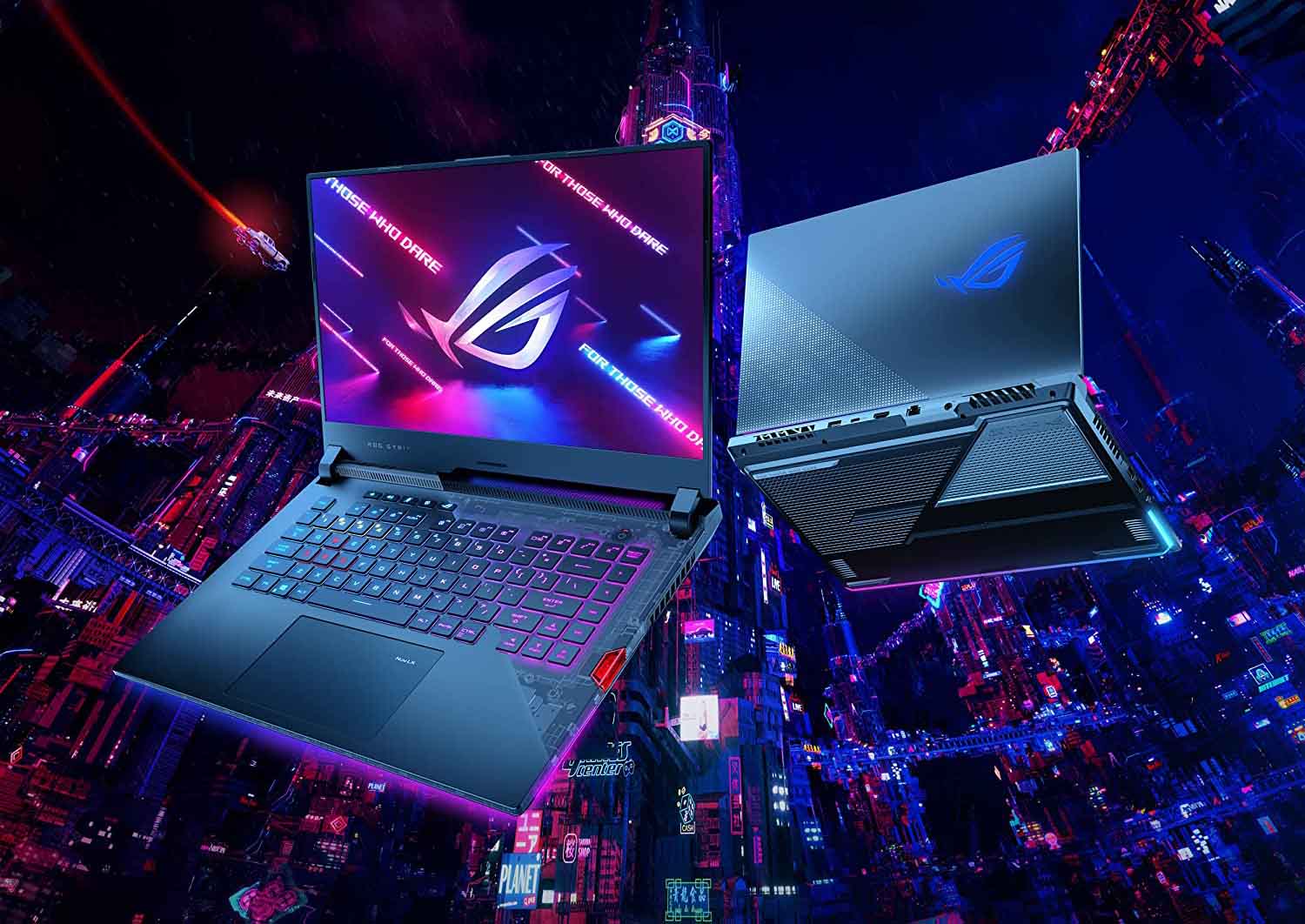
Good news for ASUS ROG laptop owners dealing with stutters, freezes, or audio crackles: a fix is on the way. After multiple reports from users, an independent analysis by a researcher known as “Zephkek” concluded the issue isn’t hardware-related. Instead, it stems from the laptop firmware feeding inefficient instructions to Windows’ ACPI.sys, the component that manages power and hardware communication. The result was predictable but frustrating—latency spikes every 30 to 60 seconds, leading to hitching in games, intermittent freezes, and crackling audio. The investigation also pointed to poorly designed routines, including high-priority interrupts and repeated, unnecessary attempts to power the GPU on and off.
ASUS has acknowledged the problem and is moving quickly with a fix. The company is releasing a Beta BIOS next week for two affected models: the 2023 ROG Strix SCAR 15 and the 2023 ROG Zephyrus M16. This beta firmware is designed to mitigate the latency spikes and smooth out performance, and testing it will not void your warranty. If you own one of these models and have noticed regular frame drops, lag spikes, or audio issues, the Beta BIOS is worth trying.
More models are on the way. ASUS says additional affected laptops will receive BIOS updates in early October, expanding the fix beyond the initial two devices. If your ROG machine has been exhibiting similar symptoms, keep an eye out for your model’s update as rollouts continue.
What this means for you:
– The stuttering and crackling issues are software-related, not a sign of failing hardware.
– A Beta BIOS for the 2023 Strix SCAR 15 and 2023 Zephyrus M16 arrives next week, with broader support to follow.
– Installing and testing the beta firmware will not impact your warranty.
– If you prefer to wait for a final release, stable BIOS updates for other models are expected in early October.
For now, monitor official communications from the brand and check your laptop’s support page for the latest BIOS when it becomes available. This firmware update targets the underlying ACPI-related latency problem and should restore the smooth, consistent performance you expect from a high-end gaming laptop.