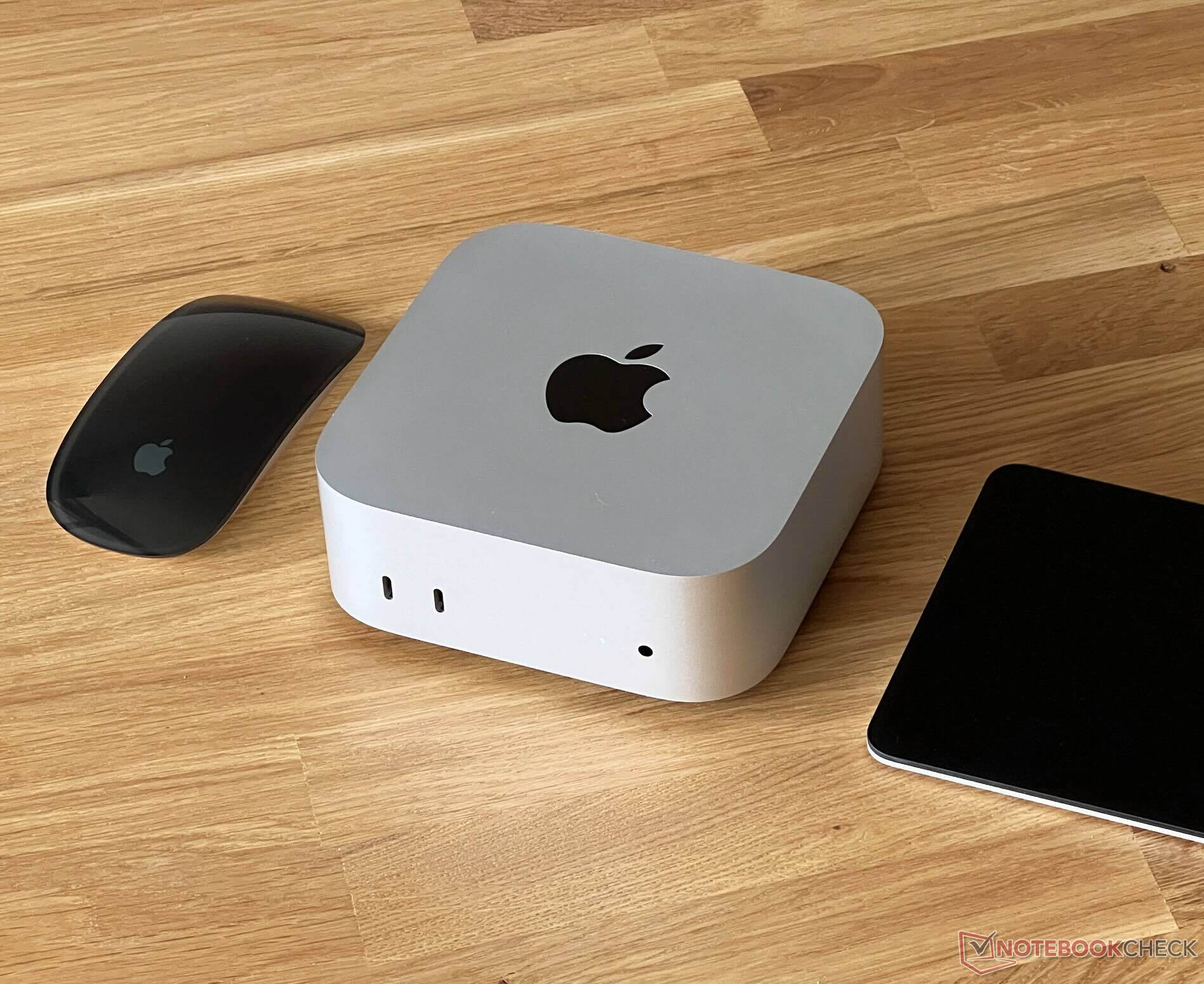
Apple’s Mac mini continues to be one of the most compelling compact desktop PCs you can buy, especially when discounts kick in. But before you jump on a deal, it’s worth knowing exactly what you’re getting—and what you’re giving up.
The biggest drawback for many buyers is the Mac mini’s soldered unified memory and Apple’s tightly controlled storage situation. The base configuration with 16 GB of unified memory is a solid starting point for everyday productivity, browsing, media work, and even lighter creative workloads. Still, if you plan to keep this mini desktop for the long haul, 16 GB may feel limiting in two or three years as apps, workflows, and operating systems demand more resources.
Storage is the other sticking point. The standard 256 GB capacity can fill up quickly with photos, videos, creative projects, and large apps. While it’s possible to upgrade storage using reverse-engineered third-party modules, that route isn’t for everyone. Many shoppers prefer a simple, supported upgrade path rather than taking a more technical approach.
Where the Mac mini shines is connectivity, giving you a flexible port selection for monitors, fast accessories, and external storage. The available I/O includes dual USB 3.2 Gen 2 Type-C ports, triple Thunderbolt 4 Type-C ports, HDMI 2.1, and Gigabit Ethernet. That mix makes it easy to build a clean desk setup, plug into high-resolution displays, and expand storage externally—an important consideration if you stick with the base internal SSD.
If you can live with the locked memory and restrictive storage upgrades, current pricing makes the Mac mini an especially tempting value. Deal hunters can take advantage of in-store savings, while people who prefer home delivery may find a slightly higher price online, with some listings around $479.
Bottom line: the Mac mini remains a powerful, space-saving desktop with excellent ports and strong everyday performance, but it’s best bought with a clear plan for memory needs and storage management. If you’re considering the base model, it’s smart to look closely at your typical workload and how you’ll handle storage—whether through external drives, cloud options, or other expansion solutions.