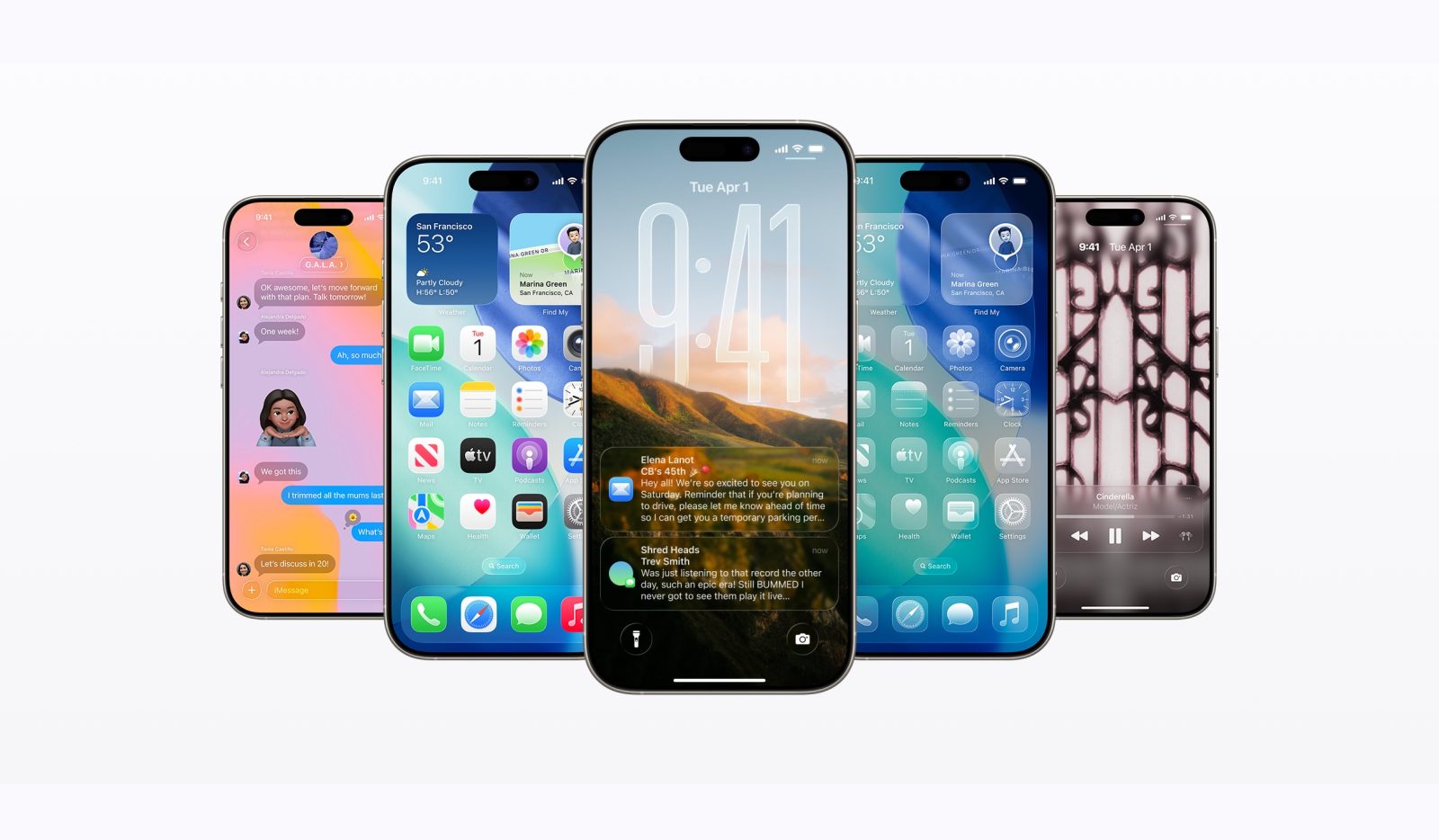
iOS 26 launched with a striking Liquid Glass redesign, but the rollout hasn’t been flawless. Many iPhone users are reporting battery drain, Wi‑Fi hiccups, and other early glitches. If you’re thinking about downgrading to regain stability, here’s the reality: moving from iOS 26 back to iOS 18.7 isn’t possible for devices already on the new software.
Why downgrading from iOS 26 is blocked
– Apple controls downgrade availability by “signing” older firmware for a limited time after a new release. Once signing stops, downgrades are blocked at the server level.
– After iOS 26 arrived, Apple kept iOS 18.6.2 signed for about a week. That brief window allowed some users to roll back if they were dealing with performance or thermal issues. That window is now closed.
– Although iOS 18.7 may still be technically signed on some devices, two things are required to downgrade: an iOS version that’s still signed and a matching IPSW firmware file you can install. Apple did not release an iOS 18.7 IPSW that serves as a direct downgrade target for devices already on iOS 26.
– Bottom line: if your iPhone is on iOS 26, there is no usable firmware path to iOS 18.7 (or to iOS 18.6.2 now that it’s no longer signed).
What to do if you’re having issues on iOS 26
– Keep an eye out for the next update. iOS 26.1 beta 1 is already with developers, and a public release is expected, potentially in October, with bug fixes and performance improvements.
– If you’re experiencing battery drain or Wi‑Fi instability, try short-term workarounds: restart your device, review battery usage in Settings, disable unnecessary background activity, and reset network settings if Wi‑Fi is flaky. These won’t replace a patch, but they can help until the next update lands.
The takeaway
If you upgraded to iOS 26, downgrading to an older firmware isn’t currently possible. The best move is to stay put and wait for iOS 26.1, which is aimed at ironing out early bugs and improving stability.
If you had the option today, would you switch from iOS 26 back to iOS 18.7?