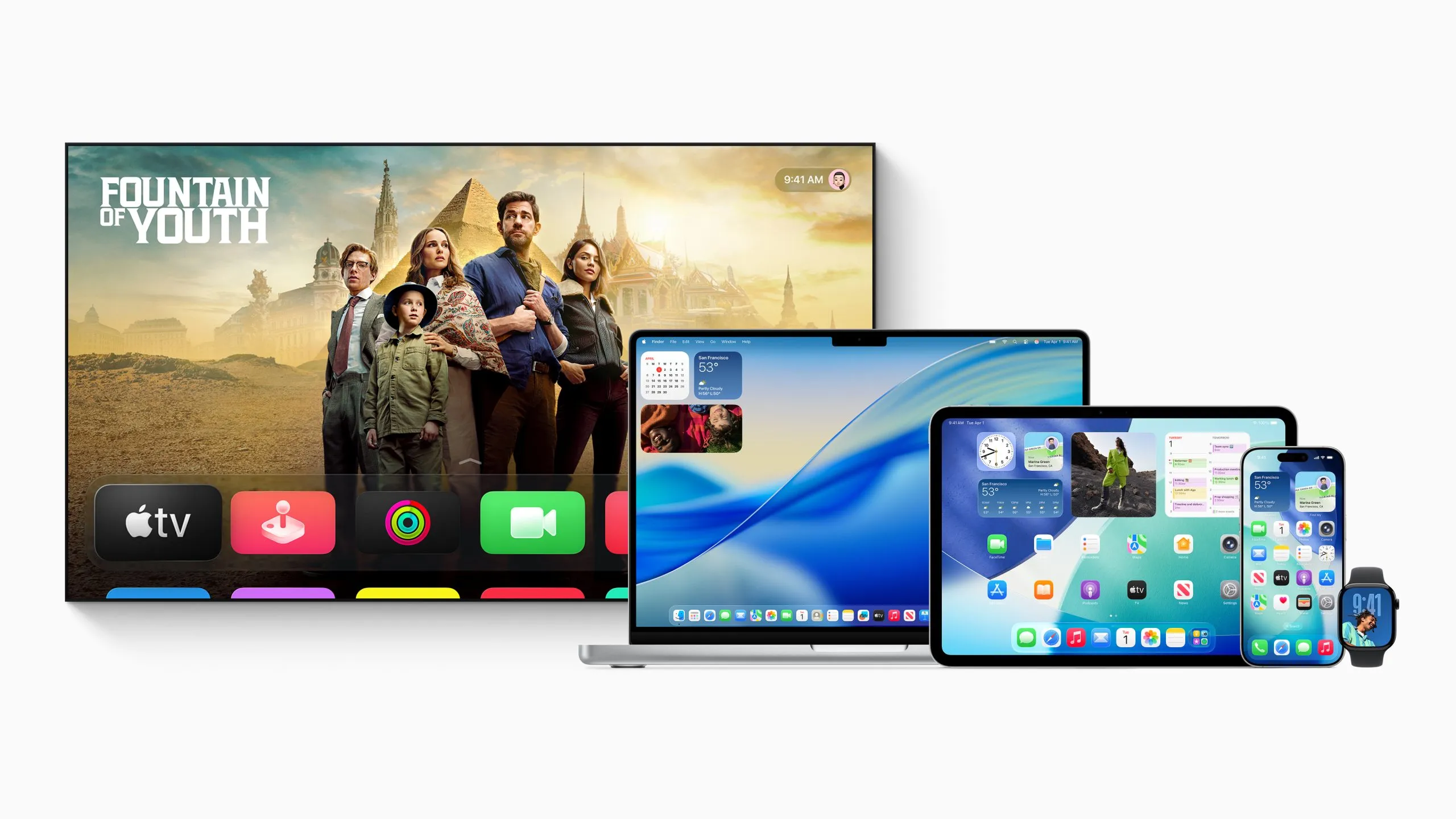
Apple has officially rolled out its latest wave of software updates, with iOS 26.3 leading the release alongside iPadOS 26.3, watchOS 26.3, tvOS 26.3, visionOS 26.3, HomePod Software 26.3, and macOS Tahoe 26.3. This is a wide-reaching update cycle that touches nearly every major Apple device category, and iOS 26.3 in particular introduces a few notable changes focused on privacy, cross-platform flexibility, and notification management.
One of the most interesting additions in iOS 26.3 is a new privacy option called “Limit Precise Location.” With this enabled, location shared with your carrier becomes less exact, reducing visibility from a street-level pinpoint to a broader neighborhood-level area. In other words, it’s designed to limit how granular your carrier can see your whereabouts while still providing functional location information. At launch, support is limited to specific carriers, including Telekom in Germany, EE and BT in the United Kingdom, Boost Mobile in the United States, and AIS and True in Thailand. There’s an important hardware requirement, too: this feature works only on iPhones equipped with Apple’s C1 or C1X modem.
iOS 26.3 also pushes Apple further toward smoother device migration across ecosystems by adding built-in support that makes switching from an iPhone to an Android phone easier. The transfer process can be initiated using a QR code or a session ID pairing code, aiming to reduce the friction that usually comes with leaving one platform for another. If you’re moving from iPhone to Android, the transfer is designed to bring over a wide range of personal content and settings, including photos and videos, music and audio files, contacts stored locally or synced in the cloud (including iCloud), and messages such as SMS, RCS, and iMessages, even when those conversations include attachments like photos and videos, plus emoji reactions.
The move process also covers practical items people often dread re-creating manually, like documents and downloads, calendar data stored on-device or synced in the cloud (including iCloud), voice memos, notes, and call history. It can even attempt to match your apps to equivalents available on Google Play at no charge, and it includes support for transferring WhatsApp chat history. On top of that, iOS 26.3’s migration flow can carry over certain device preferences such as alarms, saved Wi‑Fi network names (SSIDs), font size, and screen timeout settings, and it can replicate aspects of your home screen setup such as app layout and wallpapers.
That said, some categories still won’t make the jump. In-app purchases won’t transfer, and some device settings won’t carry over. Certain types of content remain restricted, including DRM-protected music. Some items may be unavailable due to platform differences, such as paid apps or apps that don’t exist on Google Play, and some app data may be left behind if it isn’t stored in the cloud. Safari bookmarks also aren’t included in the transfer list.
Another practical change in iOS 26.3 is a new notification forwarding option that allows iPhone notifications to be sent to a third-party wearable device. Users can choose which apps are permitted to forward notifications, offering more control over what appears on an external wearable. There is one major limitation: forwarding works with only one wearable at a time. If you enable notification forwarding to a non-Apple wearable, your Apple Watch will no longer receive those notifications while that forwarding is active.
Beyond iOS, Apple has also published the official builds for iPadOS 26.3, macOS Tahoe 26.3, watchOS 26.3, tvOS 26.3, HomePod Software 26.3, and visionOS 26.3, rounding out a coordinated update release across the company’s hardware lineup.