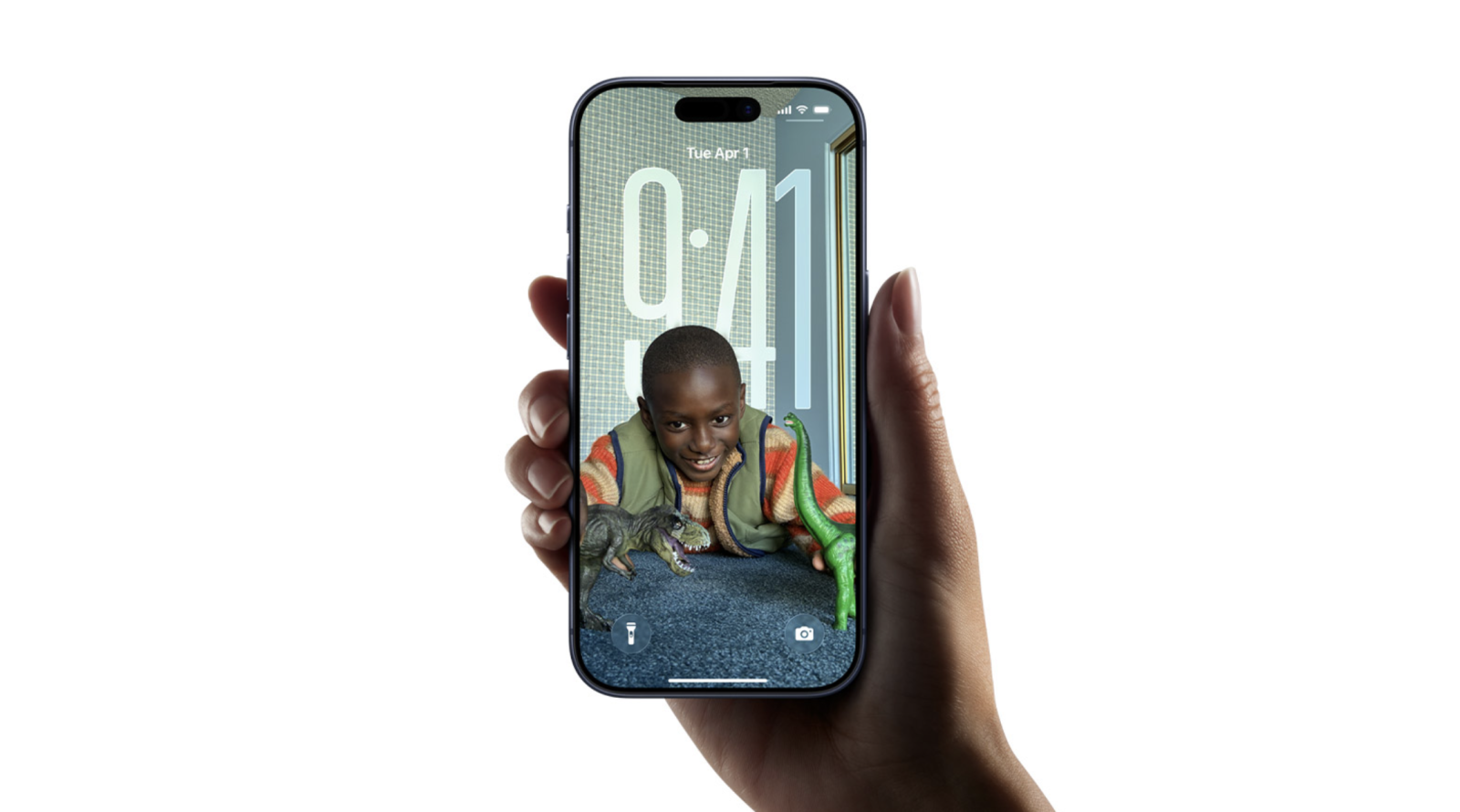
Apple has started rolling out iOS 26.0.1 for iPhone, a quick follow‑up to iOS 26 that focuses on essential bug fixes and stability improvements. If you’ve noticed flaky wireless connections, camera artifacts, or accessibility hiccups since updating, this release is designed to set things right. You can download it now on any compatible iPhone through the Settings app.
What’s fixed in iOS 26.0.1
– Wi‑Fi and Bluetooth reliability: Intermittent disconnects on iPhone 17, iPhone Air, and iPhone 17 Pro have been addressed.
– Cellular connectivity: A small number of users were unable to connect to a cellular network after updating to iOS 26; this update fixes that.
– Camera artifacts: Photos captured under certain lighting conditions on iPhone 17, iPhone Air, and iPhone 17 Pro could show unexpected lines or artifacts; this issue has been resolved.
– App icons: Icons could appear blank after applying a custom tint; this is now fixed.
– VoiceOver: Some users experienced VoiceOver being disabled after updating to iOS 26; this release restores expected behavior.
Why you should update
Released roughly two weeks after iOS 26, this first maintenance update targets widely reported issues that can impact everyday use—network reliability, photo quality, accessibility, and overall performance. Installing iOS 26.0.1 is recommended for all users to improve stability and avoid preventable glitches.
How to install iOS 26.0.1
– Open Settings.
– Tap General.
– Tap Software Update.
– Follow the on‑screen instructions to download and install.
This is a public release, not a beta, so there’s no need to enroll a developer account or sign in with a developer Apple ID.
Pro tips before you update
– Back up your iPhone via iCloud or your computer.
– Make sure you have at least 50% battery or connect to power.
– Free up storage if the download won’t start.
If you ran into issues after installing iOS 26—especially with Wi‑Fi, Bluetooth, cellular service, or the camera—iOS 26.0.1 should help. After updating, feel free to share whether it resolved the problems on your device.