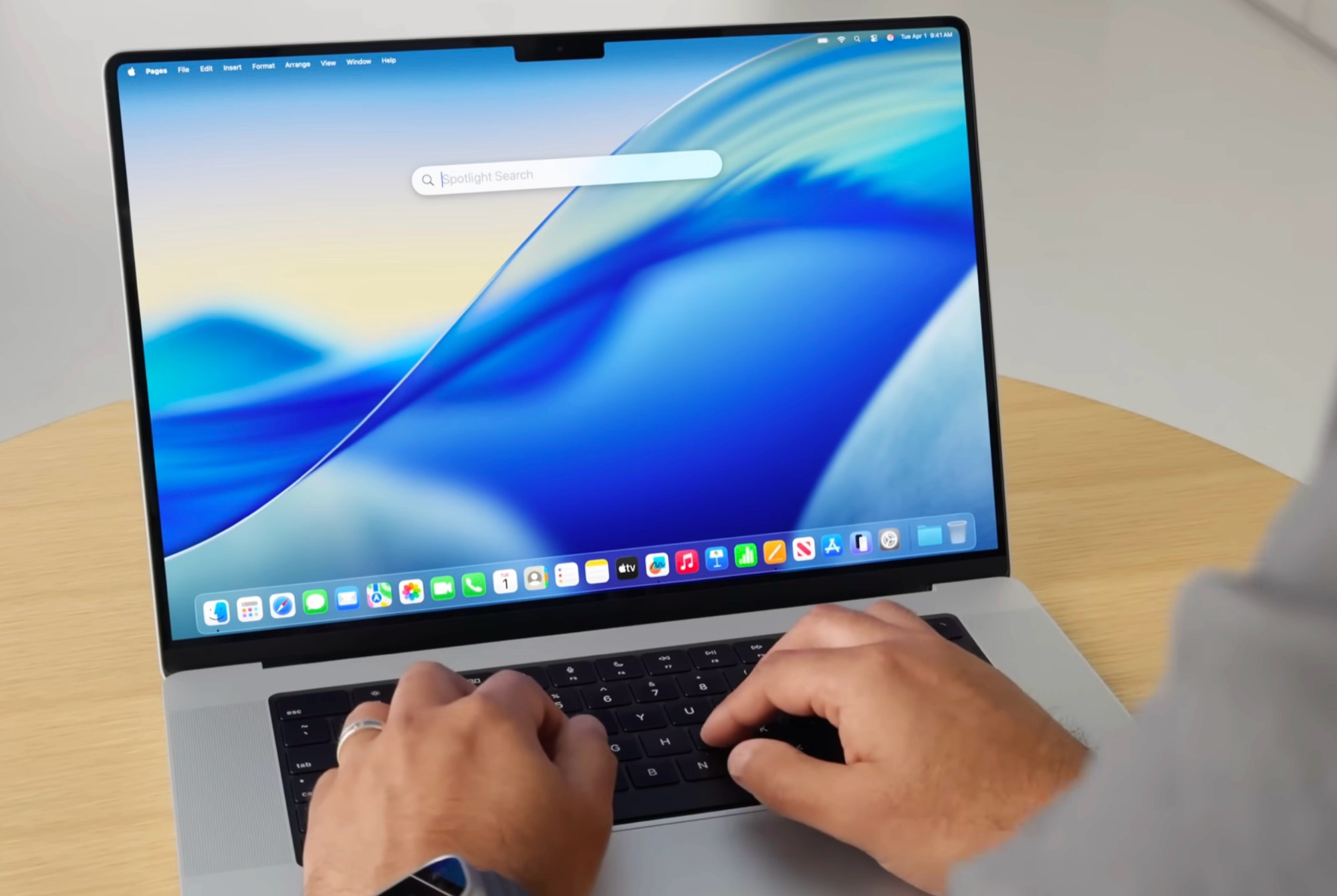
macOS 26 Tahoe arrives with a clear focus: make your Mac smarter at work and a lot more fun for play. From deeper Spotlight integration to a new way to launch and manage games, this update brings meaningful upgrades that users will feel every day.
Spotlight now digs into third-party cloud drives, so files stored in OneDrive and Google Drive appear alongside local documents when you search. No more hopping between apps or websites just to find what you need—type once, see everything, and open it instantly.
For gamers, the new Apple Games app acts as a unified launcher. Think of it as your central library where you can fire up titles you own from different stores, plus anything in your Apple Arcade subscription. It’s designed to reduce friction, so you spend less time managing and more time playing.
A built-in game overlay keeps you connected without breaking immersion. Send quick messages, tweak audio or controller settings, and check performance tools without quitting or alt-tabbing out of your session. It’s the kind of quality-of-life feature that makes long play sessions feel seamless.
Battery-conscious players will appreciate the new low-power mode for gaming. Toggle it on when you need extra longevity away from an outlet; it tempers performance to stretch battery life, giving you more time in-game on the go.
Under the hood, Metal 4 steps up Apple’s graphics ambitions. With MetalFX frame interpolation, the system can generate roughly half of the frames using AI, delivering smoother motion and higher perceived frame rates. It’s a similar concept to modern frame-generation tech on dedicated GPUs, and it can make demanding games feel a lot more fluid without a brute-force hit to hardware.
Customization also gets a welcome boost. Quick settings on macOS can now be tailored much like on the iPhone, so the controls you use most are right where you want them. Rearranging toggles and streamlining access to frequently used features helps your Mac feel personal and fast.
In short, macOS 26 Tahoe blends practical productivity with serious strides in gaming. Unified cloud search makes finding files effortless, the Apple Games app centralizes your library, the new overlay keeps you in the moment, low-power mode extends playtime, and Metal 4 with MetalFX brings advanced frame generation to the platform. Add in customizable quick settings, and you’ve got an update that meaningfully upgrades how you use your Mac—whether you’re working, creating, or leveling up.