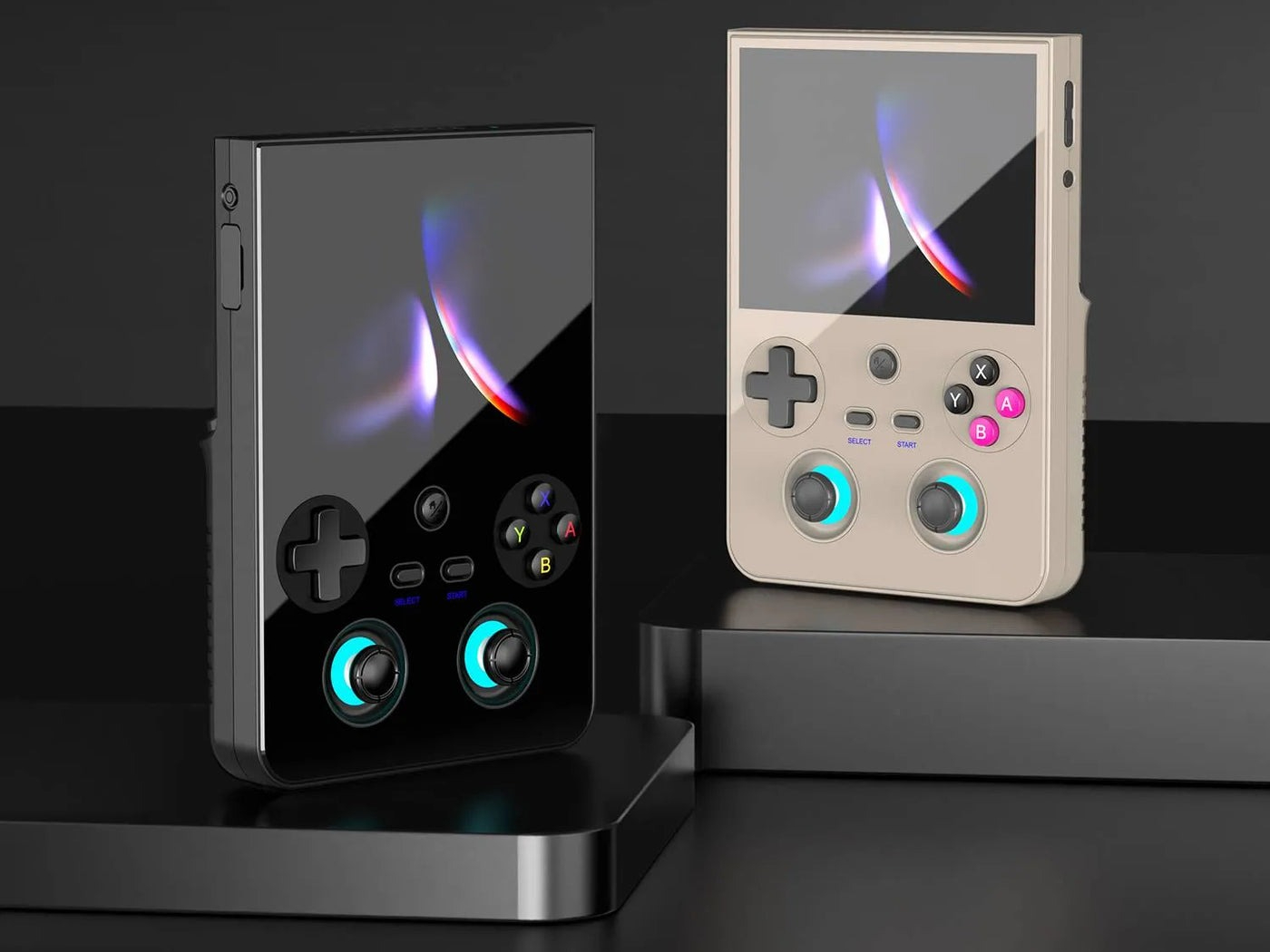
Anbernic is giving its RG477V Android handheld a serious software refresh, rolling out a major update designed to make day-to-day use smoother, faster, and far more gaming-focused. Nearly five months after the vertical handheld launched, the company says this new release is essentially a complete software overhaul aimed at improving the overall user experience.
The biggest change is a new frontend called RG Home. Instead of forcing you to choose between a standard Android feel and a dedicated retro gaming interface, RG Home blends both into one cleaner system. You can navigate with touch controls or physical buttons, which is ideal for a handheld where you’re constantly switching between quick taps and traditional controller input.
RG Home also adds practical quality-of-life features that many players want on an emulation handheld: you can create folders to better organize apps and games, hide apps you don’t use, and even lock apps. For people who like customizing how everything looks, there’s an easy way to switch between tile and grid layouts for app icons in the layout settings—just press the L2 button.
Switching between the Android desktop and the gaming side is now much quicker too. Pressing the R1 button takes you directly into the game interface, where browsing your library is designed around controller-first navigation. You can scroll through platforms using the left thumbstick, or explore categories using the right thumbstick, making it faster to jump between systems and collections without feeling like you’re digging through menus.
Another notable addition is optional syncing. By signing into an Anbernic account, players can sync data such as play records and favorites across devices. The update also mentions the ability to choose a preferred RetroArch core before launching a game, which is a helpful touch for anyone who likes fine-tuning performance or compatibility per system or title.
Alongside RG Home, the update introduces the RG Control Center, a new hub for key settings and tools. It can be launched from the Quick Settings menu, and once enabled, you can swipe in from the right side of the screen to open it. From there, you get quick access to features like a performance monitor, quick settings, controller options, key mapping, and handheld settings. In practical terms, this means you can adjust performance profiles, fan behavior, connectivity settings, refresh rate, control options, and RGB lighting without bouncing through multiple menus.
Control customization also gets a major boost thanks to a new button mapping system. The RG477V can now remap controls for different games, including mobile Android titles, and users can save multiple control profiles. Even better, you can switch between those profiles mid-game through the RG Control Center, which is especially useful for games that benefit from different layouts depending on the mode you’re playing.
Anbernic also notes a smart design decision behind this release: RG Home and the RG Control Center are built so they can be updated separately from the main operating system. That should make future improvements easier to deliver without requiring larger system-wide updates.
This update is available now for the Anbernic RG477V as version 1.38, and it’s a relatively small download at under 100MB—yet it adds a long list of interface and usability improvements that many RG477V owners will likely notice immediately.