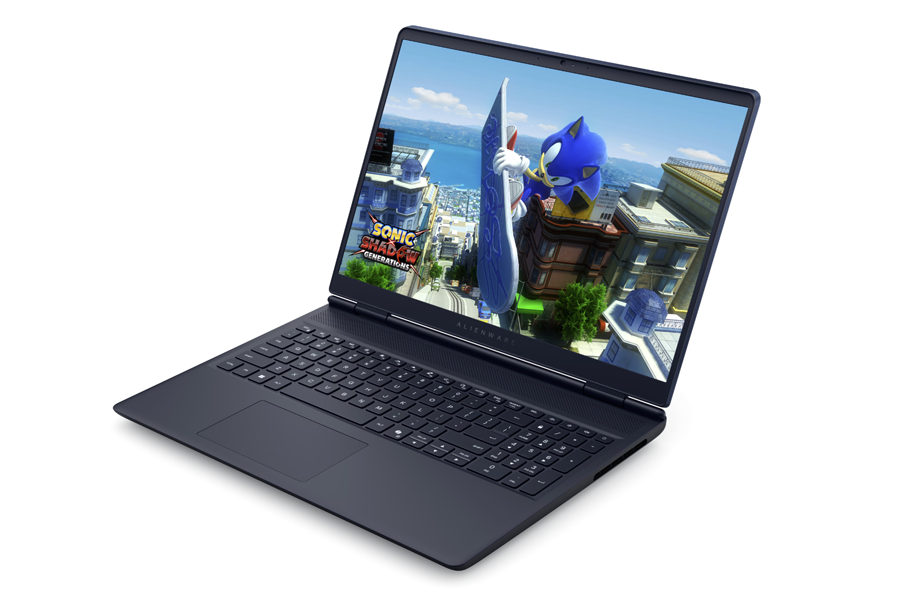
Alienware’s new 16 Aurora brings the brand’s styling and a friendlier price tag, but it quietly trims more than just GPU and CPU horsepower. The display is where the budget cuts sting most, and a hidden drawback shows up the moment you fire up fast-paced games: much heavier ghosting than its midrange sibling, the 16X Aurora.
What’s different on the screen
– Lower native refresh rate than the 16X Aurora (the 16 Aurora runs at 120 Hz)
– Dimmer backlight and a narrower color gamut
– No G-Sync variable refresh support
– Significantly slower pixel response times that lead to visible smearing
Measured response times highlight the gap. The 16X Aurora’s panel posts around 4.6 ms black-to-white and 1.8 ms gray-to-gray (rising). The 16 Aurora, by contrast, lands at roughly 14 ms black-to-white and 23 ms gray-to-gray. For context, many gaming-focused displays target 5 ms or faster. That delta is exactly what you perceive as motion blur and ghosting, especially in twitch shooters or any title with rapid camera pans.
How it actually feels in games
Keep the settings sensible and the 120 Hz refresh still delivers a smooth overall feel. For slower-paced adventures or strategy games, the Aurora’s screen is perfectly serviceable. But in titles with constant snap turns and quick strafes—think fast arena shooters—the extra smearing is noticeable. It’s not severe enough to ruin the experience for casual play, yet it does chip away at clarity during hectic moments.
Who should buy the 16 Aurora
– Good fit: budget-minded buyers who want an Alienware machine for a mix of everyday use and casual gaming and can accept some motion blur.
– Think twice: competitive players who value crisp motion and minimum latency. For you, faster panels with stronger response times and variable refresh support are worth the extra spend.
Bottom line
The 16 Aurora keeps costs down, but the display trade-offs go beyond brightness and color. Slower pixel response is the hidden catch, and it’s the main reason motion looks less clean than on the 16X Aurora. If esports-grade clarity is a priority, budget for a faster panel. If you mostly play at a relaxed pace, the 120 Hz screen can still feel smooth—just know what you’re giving up to hit that lower price.