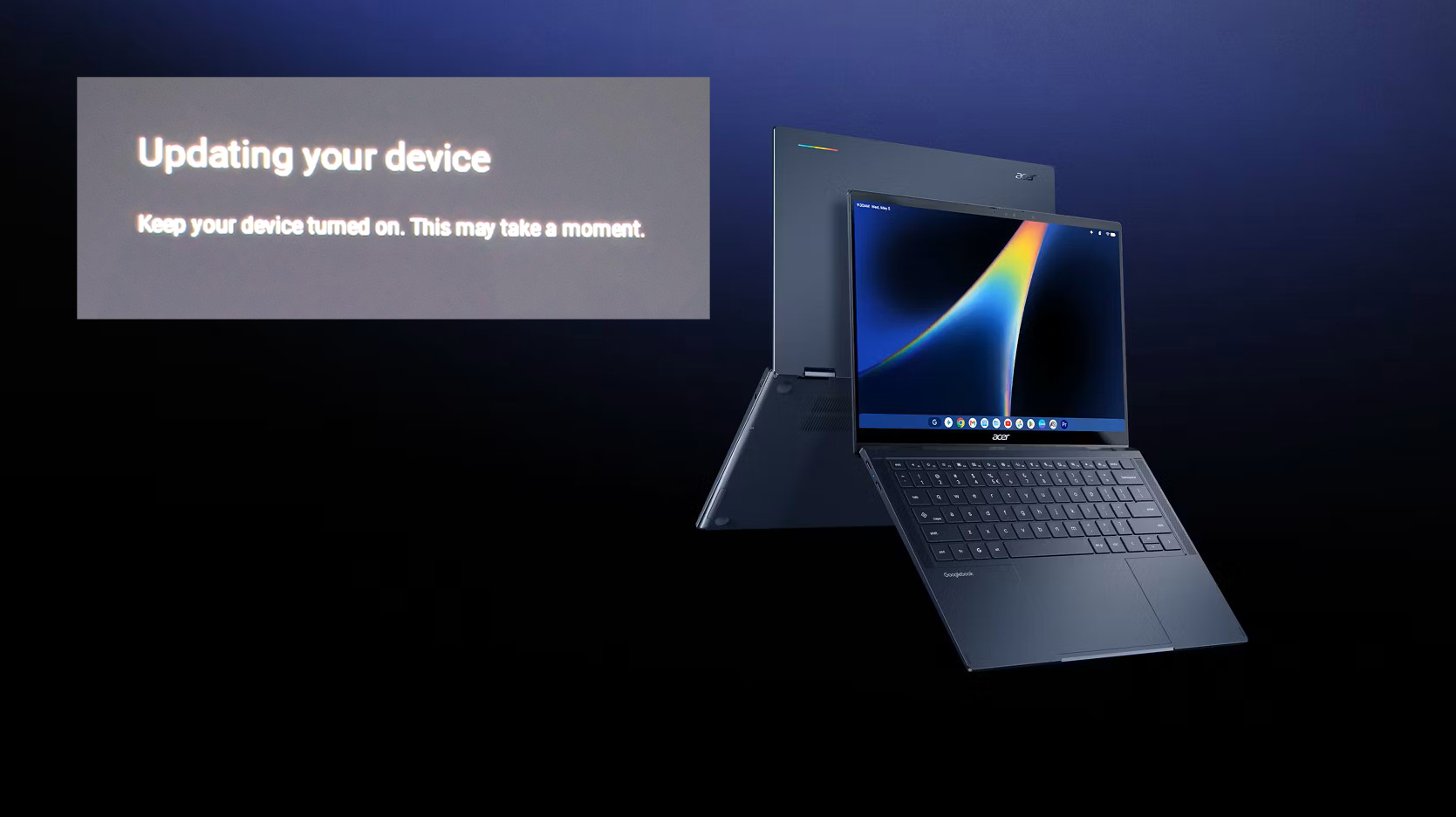
Acer Googlebook 14 Owners Report Endless Reboot Loop After System Update
Acer’s newly released Googlebook 14 is already drawing complaints from early buyers, with several users reporting that the device becomes trapped in an endless reboot cycle after attempting to install a system update.
The Googlebook lineup was introduced on September 21 and became available on October 4. However, only days after launch, reports began appearing online from buyers who say their Acer Googlebook 14 is failing to complete updates and cannot boot normally afterward.
The issue appears to be affecting the Acer Googlebook 14 in particular. This model is the most affordable device in the new Googlebook lineup and is also the only convertible option among the five models released. While the full scale of the problem is not yet known, multiple owners have described nearly identical symptoms.
Several users said the problem began during or shortly after the initial setup process. In one case, an owner reported that the device prompted them to install a system update after they connected an Android phone to the laptop. Once the update started, the Googlebook 14 began switching repeatedly between the Acer logo and an “updating” screen.
According to that user, the loop continued for around an hour without the update ever completing. Another buyer said their Acer Googlebook remained stuck in a rebooting and updating cycle, leaving them unable to access the system normally.
The problem appears to be especially frustrating because standard recovery options may not work for everyone. One user claimed that even the recovery screen failed to complete internet recovery. Since USB recovery files were reportedly unavailable, the device had no clear path out of the infinite update loop.
As more complaints appeared on Reddit, some affected owners said they had already decided to return the Acer model and replace it with a Googlebook from another manufacturer. For a brand-new device, especially one aimed at users who expect a smooth and simple setup experience, an issue like this could quickly damage confidence.
A Google employee reportedly tried to assist one affected user by suggesting a manual recovery method. The user was asked to disconnect all USB devices, then hold ESC and F1 while pressing and quickly releasing the power button. From there, they were instructed to enter Advanced Options, choose “Unlock bootloader,” allow the device to boot, then lock the bootloader again and select “Boot from internal disk.”
Unfortunately, that workaround did not solve the issue for the user. The Acer Googlebook 14 reportedly returned to the same endless reboot cycle.
At this stage, it remains unclear whether the problem is caused by a faulty update, a firmware issue, a device-specific bug, or a broader software compatibility problem. It is also unknown how many units are affected.
Acer has not yet issued a public explanation or fix for the reported Googlebook 14 boot loop problem. Until an official update is provided, buyers experiencing the issue may have limited options beyond attempting recovery steps, contacting support, or returning the device.