ASUS just introduced a new 5K IPS gaming monitor that looks like a dream on a spec sheet. But there’s a harsh reality behind all that crisp detail: even today’s fastest gaming GPUs can struggle to deliver smooth frame rates at 5K, especially in demanding modern games.
At first glance, the leap from 4K to 5K doesn’t sound huge. In practice, it’s a massive workload increase. 5K (5120×2880) pushes nearly 77% more pixels than 4K (3840×2160). That extra pixel count doesn’t just sharpen the image—it also puts serious pressure on your graphics card, even if you’re running high-end hardware.
This matters because ASUS’ new display isn’t just “a 5K monitor.” It’s being positioned as the world’s first 5K IPS gaming monitor, and it comes with an attention-grabbing dual-mode setup: 5K at up to 180Hz for ultra-sharp visuals, or 2K at up to 330Hz for high-speed competitive play. It’s a powerful concept—one mode for immersion, one mode for esports-style responsiveness—but the 5K side of the equation may be ahead of what most GPUs can realistically sustain.
In a recent demo, ASUS’ Tony showcased just how difficult it can be for a top-tier graphics card like the GeForce RTX 5090 D to keep frame rates comfortably above 60 FPS at 5K. He also pointed out a practical issue: at 100% scaling on a 27-inch panel, 5K makes UI elements look extremely small, which can make everyday use feel less comfortable unless you adjust scaling. It’s a clear reminder that 5K at 27 inches isn’t only about performance—it’s also about usability and pixel density.
For testing, the system used bleeding-edge parts built for maximum gaming performance: AMD’s Ryzen 9 9950X3D paired with the RTX 5090 D. While the RTX 5090 D is described as a slightly toned-down version of the RTX 5090, it remains effectively on par for gaming thanks to having identical specs in most key areas that matter for frame rates.
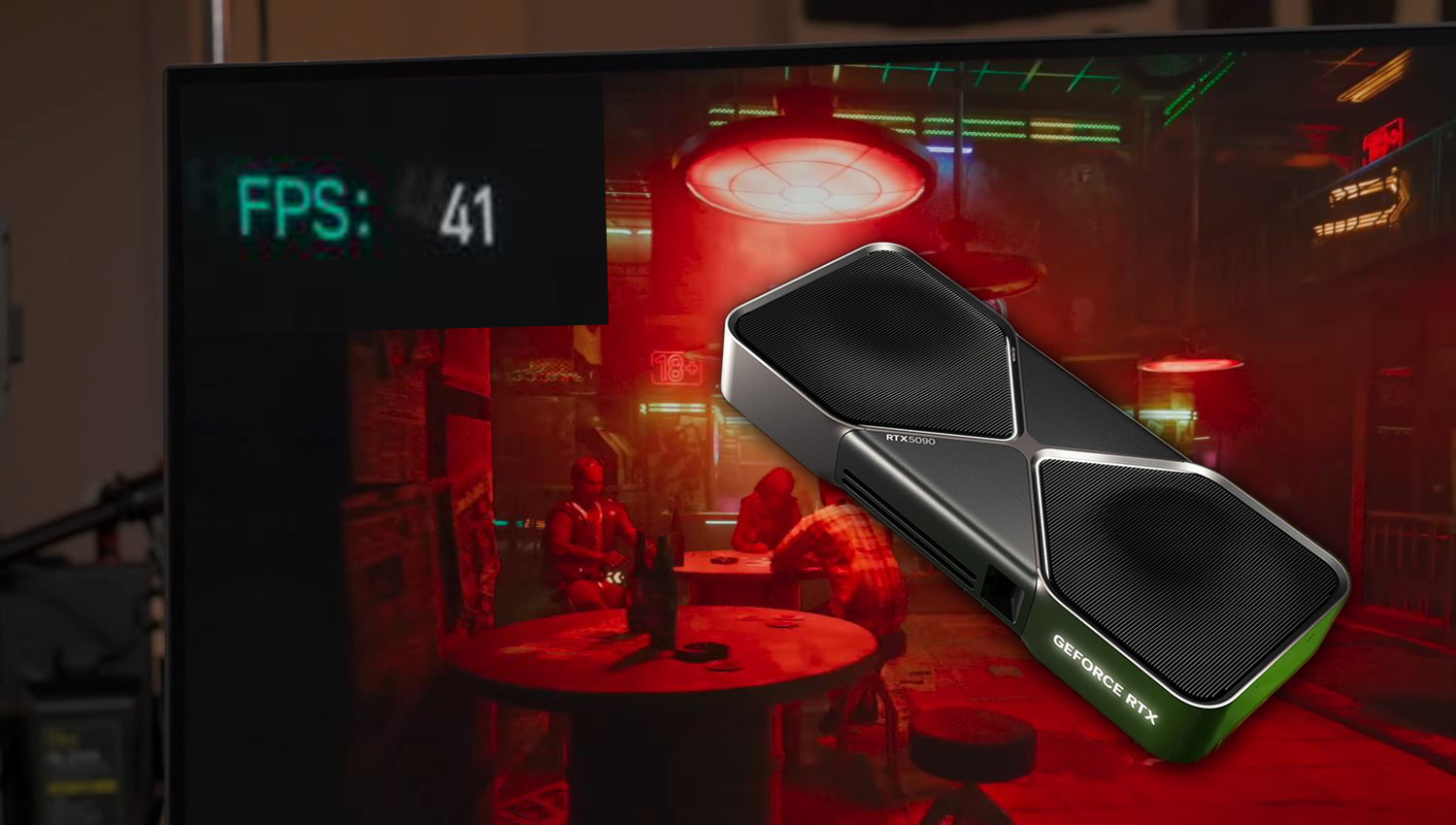
The real performance wake-up call comes in Cyberpunk 2077, one of the most demanding PC games around. With ray tracing set to Ultra and DLSS enabled on the Balanced preset, 5K performance struggled to break past 60 FPS, often hovering in the 40–50 FPS range. The reported average frame rate landed at 51 FPS, which is far from ideal if you’re aiming for consistently smooth gameplay—especially on a 180Hz monitor.
Dropping the resolution down to 4K changes the picture dramatically. With the same general setup, frame rates jumped into the 70–80 FPS range, ending with an average of 77 FPS. That’s roughly a 50% uplift, showing just how punishing 5K can be, even when you’re using DLSS to help carry the load.
Not every game is a worst-case scenario, though. In Counter-Strike 2, the RTX 5090 D managed close to 300 FPS at 5K, although there were still dips below 200 FPS at times. Even so, there’s a practical catch: if the monitor is running at 180Hz in 5K mode, pushing 200–300 FPS doesn’t translate into seeing all those extra frames the way it would on a higher-refresh setting. For competitive gaming, it also makes more sense to use the monitor’s 2K 330Hz mode, where the combination of lower resolution and higher refresh rate better matches what competitive players actually want.
The takeaway is simple: 5K gaming looks incredible and sounds exciting, but it comes with steep GPU demands that can overwhelm even flagship-level hardware in cutting-edge titles—especially with ray tracing turned on. ASUS’ dual-mode approach is smart because it gives you flexibility, but if your goal is consistently high frame rates in the newest AAA games, 5K may still be more of a “showcase” setting than a practical everyday option right now.