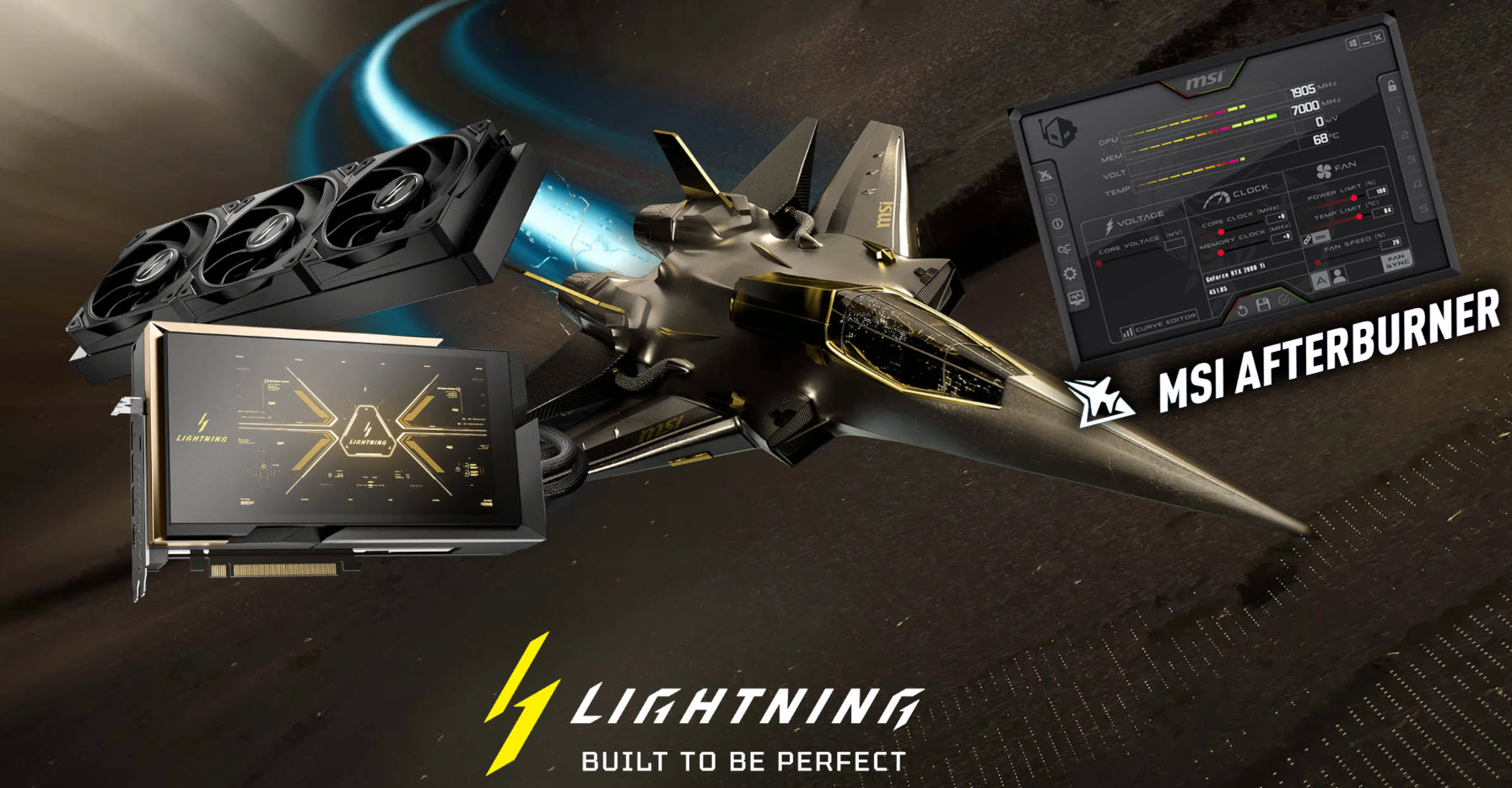
MSI Afterburner 4.6.7 BETA is now available, and it’s a notably bigger update than the typical “minor revision.” This release arrives just in time for MSI’s upcoming hardware wave, including the MSI RTX 5090 Lightning graphics card and the brand-new MPG AI power supply lineup. If you use Afterburner for GPU overclocking, undervolting, fan tuning, or hardware monitoring, this version brings meaningful upgrades—especially around 16-pin power safety and the voltage/frequency curve editor.
One of the headline additions is official support for MSI’s RTX 5090 Lightning cards. That matters because Afterburner is still one of the go-to utilities for GPU tuning and real-time monitoring, and new GPU launches often benefit from software updates that ensure proper control, reporting, and stability.
The biggest practical improvements, though, target two areas PC enthusiasts care about most: better curve editing tools and better protection for modern 16-pin GPU power connectors.
Afterburner 4.6.7 significantly refines the voltage/frequency (V/F) curve editor, making it easier to fine-tune undervolts and stable overclocks. MSI has added adjustable default node sizes through a configuration file (helpful if the points feel too small), along with zooming and panning support so you can work more precisely. You can now zoom the curve editor work area from 100% up to 500% using the mouse wheel, with node sizes scaling to match. Panning is also supported via right-click dragging, and there’s a keyboard shortcut to restore the default view and reset your zoom/pan position.
Beyond navigation and visibility upgrades, MSI also improved how curve editing behaves. Linear interpolation with a fixed anchor point has been enhanced and can now be applied to a selection, using the farthest node in the selected range as the anchor. There’s also a new arbitrary linear interpolation mode: you select a source node, activate the mode via a hotkey, and then click a destination node to automatically generate linearly interpolated frequency offsets between those two points. On top of that, curve movement with preserved per-point offsets has been improved and can also be applied to a selection—useful for making controlled adjustments without flattening your fine-tuned offsets.
Where this update gets especially interesting for everyday reliability is its focus on the 12VHPWR / 12V-2×6 “16-pin” GPU power connector. The new version can automatically detect a potential connector cable fault (likely by watching voltage behavior). If a fault is detected, MSI Afterburner can automatically reduce the GPU power limit to 75% and alert the user to re-check the cable connection. If the issue continues, the software advises replacing the cable with a newer one. For anyone running high-power GPUs, an automatic “reduce power and warn me” safeguard can be far more valuable than discovering a problem after instability—or worse.
MSI is also expanding Afterburner’s reach into power supply monitoring with a new PSU.dll plugin designed specifically for compatible MSI units. The plugin adds native monitoring support for MSI MEG Ai1x00 power supplies and the newer MSI MPG Ai1x00TS series. With supported hardware, users can monitor standard PSU metrics like 12V/5V/3.3V voltages, current, output power, efficiency, temperature, and fan speed. On the new MPG Ai1x00TS lineup, monitoring goes a step further with per-pin current tracking for 12VHPWR/12V-2×6 connectors—exactly the kind of visibility enthusiasts have been asking for as GPU power delivery becomes more demanding.
To simplify safety monitoring, the plugin includes alarm sensors that report a simple safe/alarm status. Instead of forcing users to watch every individual pin reading, the sensor can flag when any pin’s current hits a critical threshold or when current imbalance between pins exceeds a set delta. MSI notes both firmware-based and software-based alarm implementations are supported, and advanced users can tune thresholds by editing the plugin configuration file.
These alarm sensors can integrate with Afterburner’s hardware monitoring module and programmable critical thresholds. That means you can set up actions such as on-screen alerts, sound alarms, applying an emergency low-power profile, launching a command-line action, or even triggering an emergency system shutdown—options that can be tailored to how cautious you want your system to be.
MSI also added new command-line switches that expand automation. One switch allows loading a predefined emergency profile with reduced GPU power consumption (75% power limit on NVIDIA GPUs, and -25% on AMD GPUs), making it easier to tie protective actions to alarms. Another switch allows displaying a custom text message when applying a profile, which can be useful for clear on-screen warnings during a fault event.
A notable usability touch is a simplified protective option for beginners. For the 12VHPWR/12V-2×6 alarm sensors, Afterburner can present an “Enable GPU Safeguard+” checkbox instead of a more complex “alarm out of range” configuration. Enabling it automatically turns on a sound alarm and configures Afterburner to take protective action by launching itself, applying the emergency reduced-power profile, and showing a notification that a potential connector fault may be present. Power users can still customize everything—disable sounds, apply an even lower power limit profile, add downclocking, or create a different emergency response workflow.
Overall, MSI Afterburner 4.6.7 BETA isn’t just about compatibility with new GPUs—it’s also a clear push toward smarter monitoring, safer high-power operation, and more precise curve-based tuning. For anyone running a modern high-end graphics card, especially with a 16-pin power connector, the combination of fault detection, automatic power limiting, and optional alarm automation makes this a particularly worthwhile update.