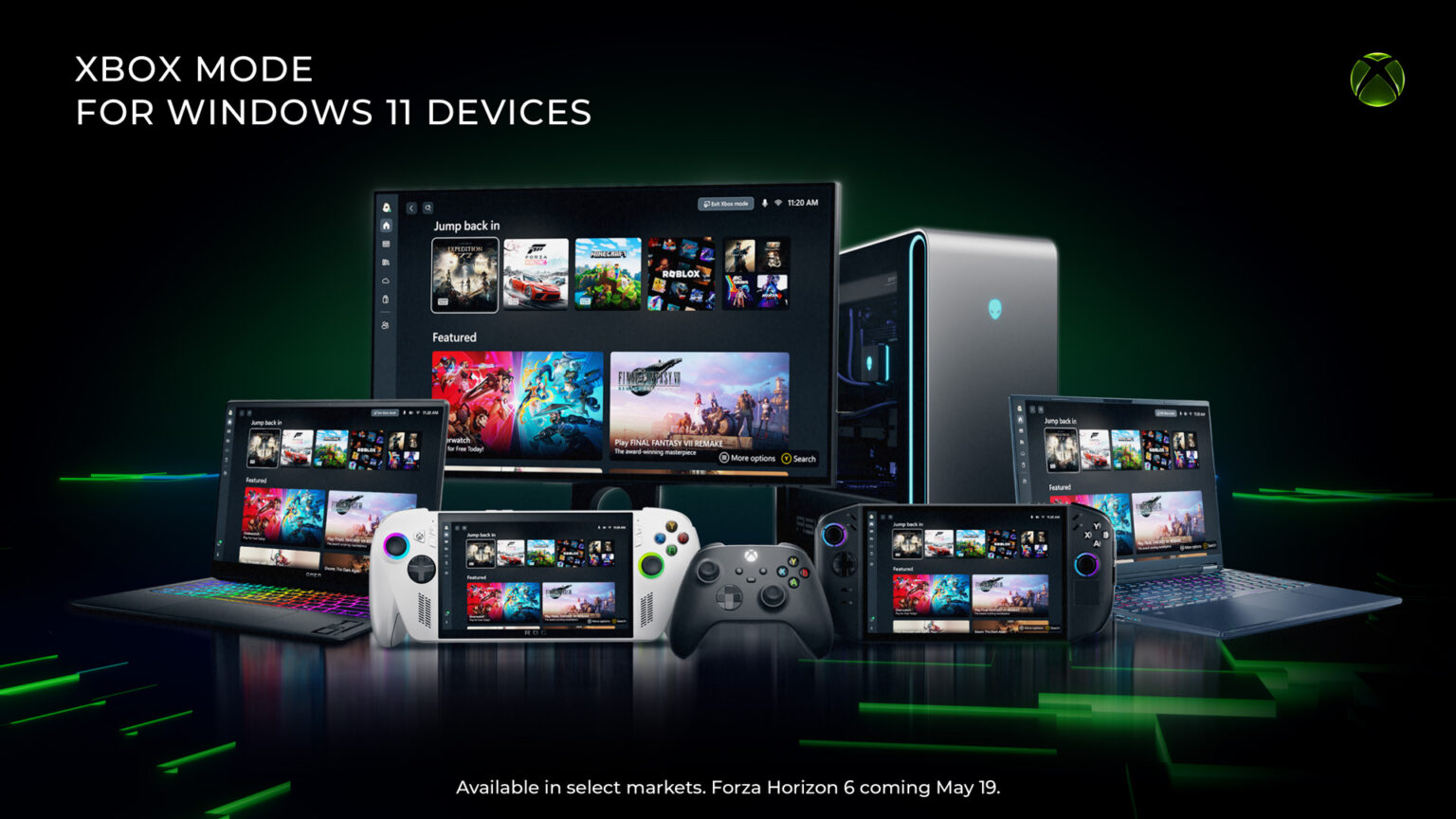
Microsoft is now rolling out a new gaming-focused “Xbox Mode” for Windows 11, bringing a faster, more console-like interface to PCs and devices. The update is designed to make gaming feel more streamlined on Windows 11 whether you’re playing on a laptop, desktop, tablet, or handheld—putting your games front and center while cutting down on distractions that can get in the way.
Xbox Mode is built for those moments when you want your PC to behave more like a dedicated gaming system. Inspired by the Xbox console experience, it offers a snappier, controller-friendly layout that makes it easier to get into your library, see what you’ve played recently, and jump back into a title without digging through the usual desktop clutter.
Microsoft says the rollout is starting in select markets first and will expand to additional regions over time. In places where it’s available, Xbox Mode will be delivered through Windows Update.
What to expect from Xbox Mode on Windows 11
Xbox Mode focuses on a simplified, gaming-first experience while still keeping the flexibility that PC players expect. Key features include:
1) A controller-optimized interface for browsing and launching games
You can navigate your library and start games using a layout designed to feel natural with a controller, similar to a console dashboard.
2) Easy switching between Xbox Mode and the Windows 11 desktop
You’re not locked into the new interface. You can move back and forth between Xbox Mode and the standard Windows desktop whenever you want.
3) A combined game library across services
Xbox Mode includes an aggregated library that pulls in the full Xbox Game Pass catalog along with your installed games from major PC game storefronts, helping you see more of your collection in one place.
How to get Xbox Mode on Windows 11
If Xbox Mode is available for your region and device, you can get it through Windows Update. Here’s how to make sure you’re set to receive it as soon as it’s offered:
1) Open Settings on your Windows 11 PC
2) Select Windows Update
3) Turn on “Get the latest updates as soon as they are available”
More gaming updates are also arriving for handhelds
Alongside the Windows 11 Xbox Mode rollout, Microsoft has also pushed updates for the ROG Xbox Ally X handheld, including Auto Super Resolution support and additional improvements. Overall, Xbox Mode—and earlier efforts like a dedicated full-screen gaming experience—signal a continued push to make Windows 11 feel more optimized for gaming, especially as interest grows in streamlined, handheld-friendly PC gaming experiences.


