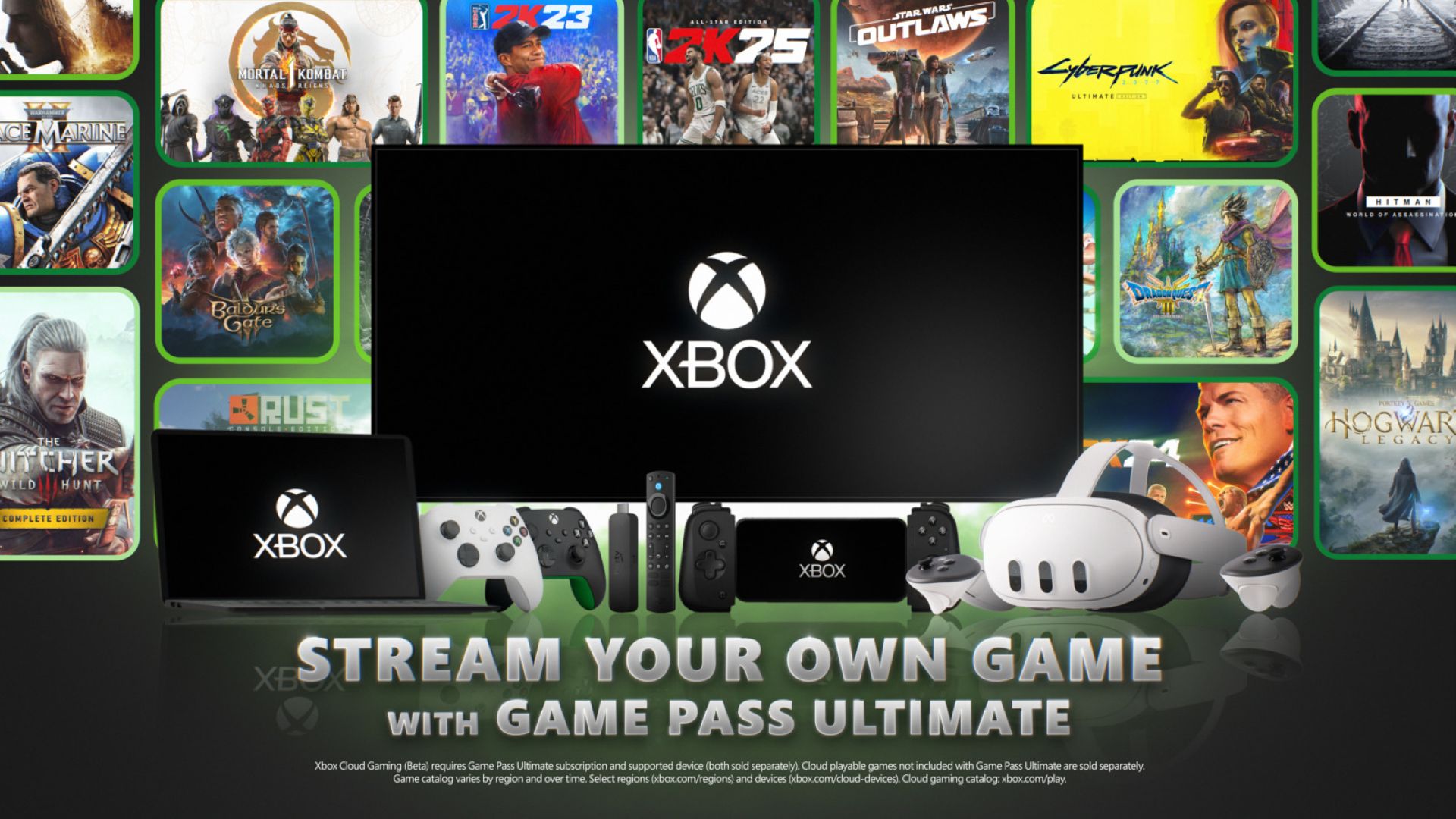
Exciting news for gaming enthusiasts! Microsoft has just rolled out an update for Xbox Cloud Gaming, allowing Xbox players to stream select games they own directly from the cloud. If you are subscribed to the Xbox Game Pass Ultimate tier, you now have the advantage of accessing Xbox Cloud Gaming on a variety of non-Xbox devices, such as smartphones, computers, and tablets, across all 28 countries where the service is live. What’s more, in 2025, Xbox Cloud Streaming will also become available on Xbox consoles and the Xbox app for Windows.
Here’s what you need to know about this fantastic update:
Get ready to dive into an impressive collection of over 50 games that are currently available for streaming. The library of cloud-playable titles is set to expand even further as Microsoft collaborates with partners worldwide to offer a diverse and extensive range of games across multiple devices. You can stream any purchased version of these games, including popular titles like Cyberpunk 2077: Ultimate Edition and The Witcher 3: Wild Hunt – Complete Edition.
Here’s a glimpse of some available games you can stream today:
– Animal Well
– Assassin’s Creed Mirage
– Avatar: Frontiers of Pandora
– Baldur’s Gate 3
– Call of Duty: Modern Warfare II (2022)
– Cyberpunk 2077
– Dying Light 2 Stay Human
– Final Fantasy series
– Hogwarts Legacy
– Mortal Kombat 1
– Star Wars Outlaws
– The Witcher 3: Wild Hunt
– Warhammer 40,000: Space Marine 2
– WWE 2K24
And many more! Whether you’re an RPG lover or an action game aficionado, there’s something for everyone.
Ready to start streaming your games? Here’s how:
For Xbox Game Pass Ultimate members, you have the option to stream select cloud-playable games you own directly on a wide range of devices, even if these games are not part of Game Pass Ultimate. This includes Samsung Smart TVs, Amazon Fire TV devices, Meta Quest headsets, and other browser-supported devices like PCs, smartphones, and tablets.
To play on your PC, phone, or tablet:
1. Use a supported browser such as Microsoft Edge, Google Chrome, or Apple Safari.
2. Visit the Xbox website to stream your games.
3. Sign in with your Xbox Game Pass Ultimate membership.
4. Look for the “Stream your own game” option to see the games you can play immediately or stream after purchase.
5. Connect a supported controller. Compatible options include the Xbox Wireless Controller, Xbox Adaptive Controller, PlayStation DualSense, or DualShock 4 controllers. On PC, some games also support mouse and keyboard input.
6. Start playing your favorite games!
For TVs and VR headsets:
1. Download and launch the Xbox app on supported Samsung TVs or Amazon Fire devices, or the Xbox Cloud Gaming app on Meta Quest 2, 3 or Pro.
2. Sign in with your Xbox Game Pass Ultimate membership.
3. Explore the “Stream your own game” option to discover games you can dive into.
4. Connect a compatible Bluetooth-enabled wireless controller.
5. Enjoy your gaming experience!
With this powerful update, Microsoft is truly redefining the cloud gaming landscape, offering unparalleled flexibility and game variety to millions of gamers around the globe. So grab your controller and start exploring the exciting world of Xbox Cloud Gaming today!