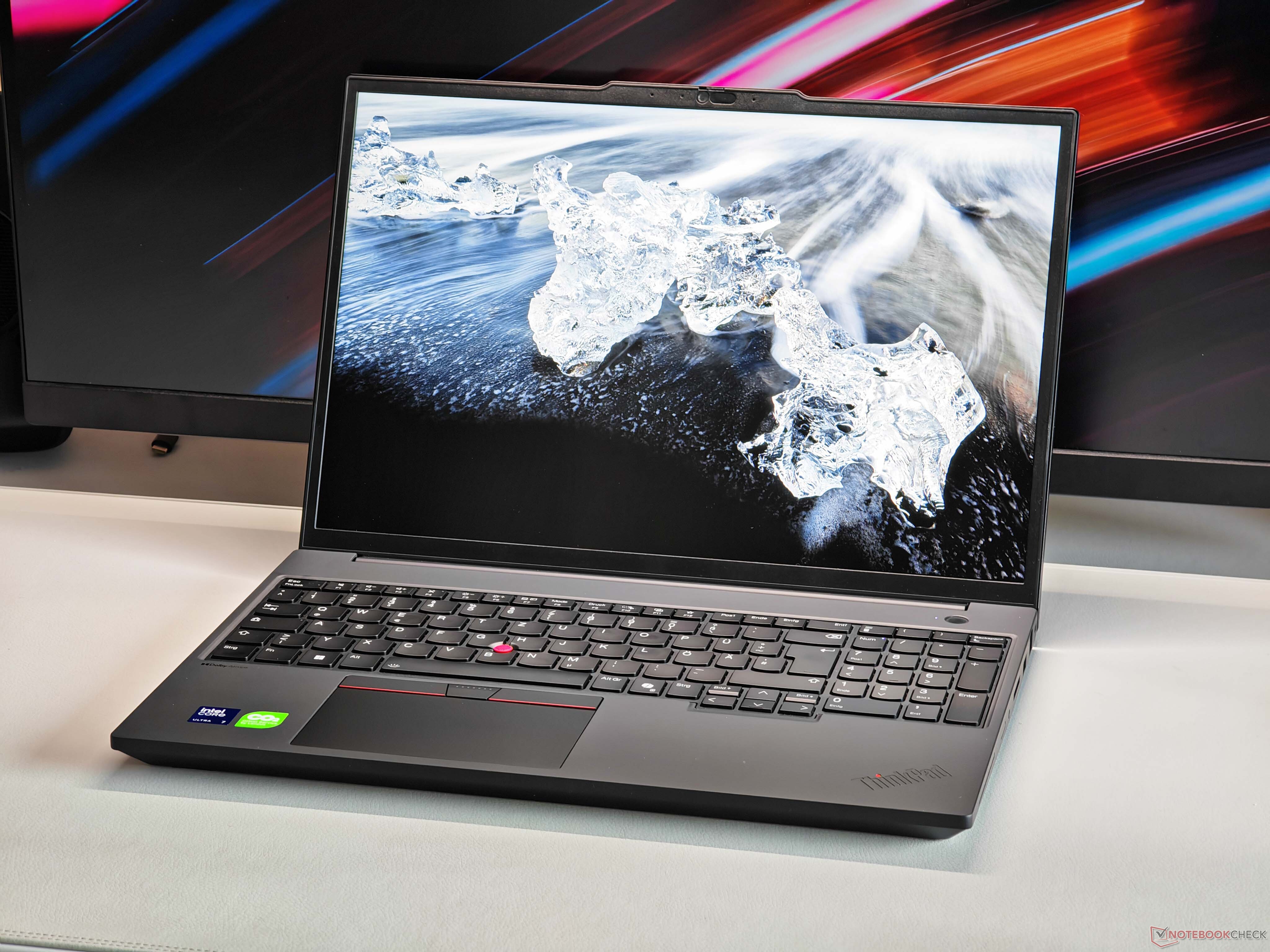
Mobile workstations have a reputation for being the “no compromises” laptops of the professional world, packing fast CPUs, powerful graphics, and the kind of stability engineers, creators, and designers rely on every day. But in practice, not every workstation is configured to deliver the maximum performance its components can theoretically reach. The Lenovo ThinkPad P16v Gen 3 is a clear example of how real-world performance can come down to power limits and cooling, not just the names on the spec sheet.
Positioned below the ThinkPad P16 and ThinkPad P1 in Lenovo’s lineup, the ThinkPad P16v Gen 3 is designed as a more accessible entry into the company’s professional workstation family. Even so, it still targets serious work. The reviewed configuration pairs an Intel Core Ultra 7 255H processor with an Nvidia RTX PRO 2000 GPU from the Blackwell generation. On paper, that’s a strong combination for workloads like 3D modeling, CAD, content creation, and other professional applications.
One of the biggest selling points here is the RTX PRO branding. Unlike consumer graphics options, a professional RTX PRO GPU typically comes with certified drivers and a focus on stability and reliability in pro software stacks. That matters for users working in programs from major creative and engineering ecosystems, where consistent behavior and validated drivers can be just as important as raw speed.
The catch is value versus performance. At around €2,800 for the reviewed unit, this configuration sits firmly in premium territory, and a large part of that price is tied to the professional GPU. However, the ThinkPad P16v Gen 3 uses a 60W implementation of the RTX PRO 2000—even though the GPU platform can be configured with a much higher power limit (up to 115W). Power limits directly affect how high the GPU can boost and how long it can sustain performance, so this isn’t a small detail.
To put that into perspective, performance comparisons showed that a similar-spec consumer GPU variant running at 115W can deliver roughly 30% higher raw GPU performance. In other words, you may end up paying for a professional-grade graphics chip but not seeing the full performance that chip is capable of when configured with more power.
Why does Lenovo hold it back? The limiting factor appears to be cooling. Under combined CPU and GPU loads, the system can only sustain around 80W total power draw. That’s a surprisingly modest ceiling for a 16-inch chassis, especially in a category where many buyers assume larger bodies exist specifically to handle higher sustained performance.
A comparison with Lenovo’s gaming-oriented Legion 7 16 makes the difference even more noticeable. That machine can run a faster CPU alongside a 115W version of the GeForce RTX 5060 and sustain up to 145W under load—nearly double the combined power budget. The trade-off is noise, as gaming laptops often run louder when pushed hard, but the performance gap remains significant, particularly for GPU-heavy professional tasks.
The takeaway is simple: if you’re shopping for a mobile workstation, don’t stop at the CPU and GPU names. Look closely at GPU wattage (TGP), sustained power limits, and cooling capacity—because those factors can determine whether you’re getting workstation-level performance or workstation-level pricing without workstation-level output.
If you want the ThinkPad P16v Gen 3 for its ThinkPad build, business focus, and certified pro graphics ecosystem, it can still make sense. Just go in knowing that this particular configuration prioritizes controlled thermals and power constraints over pushing the hardware to its upper limits.