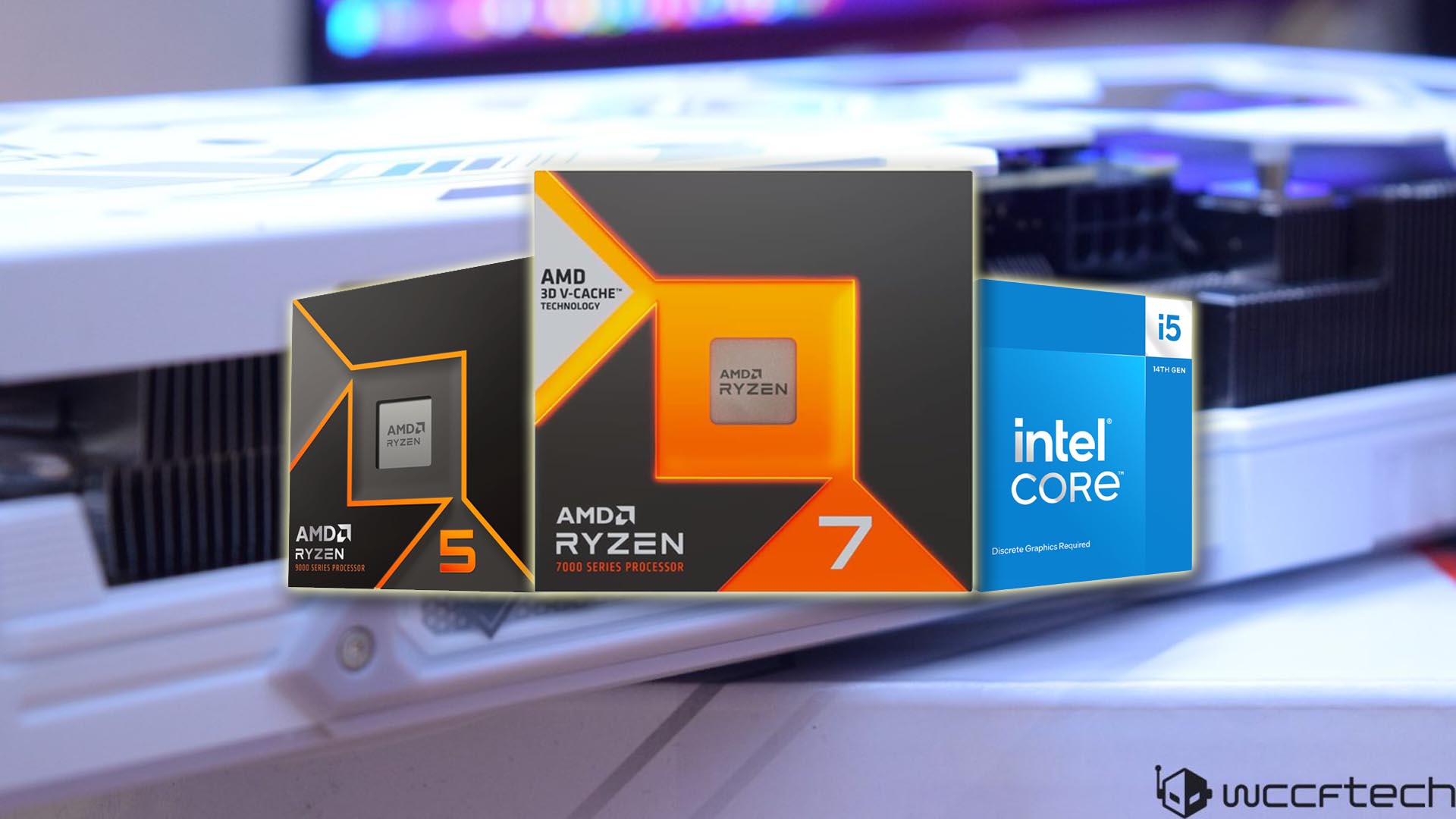
If you’re building a gaming PC around the Radeon RX 9060 XT, the right processor can make or break your frame rates—especially at 1080p. The 16 GB version of this GPU is a standout value: it’s the most affordable modern 16 GB graphics card right now, and it trades blows with pricier rivals. Paired well, it can deliver smooth 60+ FPS at ultra settings in today’s games without running into VRAM limits. The key is choosing a CPU that won’t bottleneck performance, while also keeping total platform costs in check.
You don’t need a $500 processor to get great results with the RX 9060 XT. Whether you’re targeting high refresh at 1080p or a balanced 1440p setup, there are excellent CPU options that hit the sweet spot for cores, efficiency, thermals, and price. Here are the top picks that complement this GPU without overspending.
Best overall: AMD Ryzen 5 9600X
– Family/architecture: Ryzen 9000, Zen 5
– Cores/threads: 6/12
– L3 cache: 32 MB
– Base/boost: 3.9 / 5.4 GHz
– TDP: 65W
– Platform: AM5
Why it’s great
– Delivers modern gaming performance at an appealing ~$200 price.
– Noticeable IPC uplift versus previous-gen parts, with excellent single-core speed.
– Runs cooler and more efficiently than its predecessor, making it easy to cool with a budget air cooler.
– AM5 platform offers an upgrade path into future Ryzen generations, with affordable B650 or 800-series motherboards available.
Trade-offs to consider
– Gains over the Ryzen 5 7600X in gaming are often small (around 1–3% depending on the title).
– No stock cooler included.
– To maintain higher boost clocks under sustained load, a stronger cooler helps, though it won’t transform gaming performance.
Build tips
– A sub-$200 B650 or comparable 800-series board is ideal if you want memory tuning or light overclocking.
– If you don’t plan to tweak, even sub-$150 AM5 boards will deliver full gaming performance with this CPU.
Best overall alternate: Intel Core i5-14600K
– Family: 14th-gen Raptor Lake Refresh
– Cores/threads: 14 (6P+8E) / 20
– L3 cache: 24 MB
– P-core base/boost: 3.5 / 5.3 GHz
– E-core base/boost: 2.6 / 4.0 GHz
– TDP: 125W
– Platform: LGA 1700
Why it’s great
– Frequently priced near $200, offering a big core/thread count for mixed gaming and productivity.
– Strong out-of-the-box gaming performance; any edge it has over the Ryzen 5 9600X will be minimal with an RX 9060 XT.
– Platform flexibility with both DDR4 and DDR5 support helps with budget builds or incremental upgrades.
Trade-offs to consider
– Runs hot and can draw a lot of power, so plan for a solid aftermarket cooler.
– Overclocking requires a Z790 motherboard.
– LGA 1700 is at the end of its line, so future CPU upgrades will likely mean a new platform.
Build tips
– For best gaming results, pair with DDR5. DDR4 can save money, but DDR5 typically improves performance and frametime consistency.
Best mid-range gaming pick: AMD Ryzen 5 7600X3D
– Family/architecture: Ryzen 7000, Zen 4 with 3D V-Cache
– Cores/threads: 6/12
– L3 cache: 96 MB (including 3D V-Cache)
– Base/boost: 4.1 / 4.7 GHz
– TDP: 65W
– Platform: AM5
Why it’s great
– Outstanding gaming performance thanks to 3D V-Cache, often outpacing similarly priced chips.
– Extremely efficient with excellent FPS-per-watt.
– A perfect match for the RX 9060 XT if your priority is maximum gaming FPS over raw multicore productivity.
Trade-offs to consider
– Costs close to $300 for a 6-core CPU, and its productivity performance trails higher-core alternatives.
– No stock cooler included.
– Availability can vary; if it’s listed well over $300, look to other options for better value.
Buying tip
– This chip is all about gaming. Choose it if high FPS and smooth frametimes are your top priorities today, and you’re not focused on heavy multicore workloads.
Best high-end pick: AMD Ryzen 7 7800X3D
– Family/architecture: Ryzen 7000, Zen 4 with 3D V-Cache
– Cores/threads: 8/16
– L3 cache: 96 MB
– Base/boost: 4.2 / 4.5 GHz
– TDP: 120W
– Platform: AM5
Why it’s great
– Still one of the fastest gaming CPUs available, with stellar efficiency and thermals.
– Adds two extra cores over the 6-core X3D part for smoother multitasking, streaming, and content creation.
– Delivers performance close to newer, pricier models but is often $100–$120 cheaper, making it the smarter buy for high-end gaming builds.
Trade-offs to consider
– No stock cooler included.
– For the RX 9060 XT, it’s technically overkill in many titles, but it’s an excellent choice if you also handle demanding workloads or plan a future GPU upgrade.
How to choose the right CPU for the Radeon RX 9060 XT
– Resolution and refresh rate: At 1080p high refresh, CPU choice matters a lot; at 1440p, the GPU becomes the bigger limiter, so differences between CPUs shrink.
– Platform and upgrade path: AM5 offers a clearer path to future Ryzen chips. LGA 1700 can be cheaper today but has limited upgrade runway.
– Cooling and power: Some chips, especially high-clocked Intel parts, need stronger cooling and robust power delivery to sustain performance.
– Memory choice: DDR5 is recommended for optimal gaming performance and smoother frametimes, particularly on Intel 12th/13th/14th gen platforms and all AM5 builds.
Bottom line
– Best value for most: Ryzen 5 9600X. Cool, efficient, affordable, and a perfect match for the RX 9060 XT at 1080p and 1440p.
– Intel alternative at a deal price: Core i5-14600K. Great all-rounder if you find it near $200 and don’t mind higher power and cooling needs.
– Pure gaming focus under $300: Ryzen 5 7600X3D. Delivers top-tier FPS with the RX 9060 XT, especially for competitive 1080p play.
– High-end and ready for future GPUs: Ryzen 7 7800X3D. Overkill for this card in some games, but fantastic if you multitask, stream, or plan to upgrade the GPU later.
Pair any of these CPUs with the 16 GB Radeon RX 9060 XT and you’ll have a machine that breezes through today’s titles at 1080p and puts up an excellent showing at 1440p—without overspending on parts that won’t move the needle.Pairing a powerful graphics card with the right processor is the easiest way to unlock smooth frame rates and avoid bottlenecks. If you’re building around a Radeon RX 9060 XT, here’s a smart, budget-friendly CPU pick and the key factors to consider so you get the most out of your system.
Best entry-level pick: Intel Core i5-14400F
The Core i5-14400F is the sweet spot for affordable gaming builds. It’s a trimmed-down sibling of the Core i5-14600K, yet it keeps enough muscle to stand toe-to-toe with pricier chips in real-world gaming. Thanks to a healthy mix of performance and efficiency cores, it delivers excellent 1080p and strong 1440p results without running hot or guzzling power.
Key specs
– CPU family: 14th gen Raptor Lake Refresh
– Cores/Threads: 10 (6P+4E) / 16
– L3 Cache: 20 MB
– TDP: 65W
– Platform: LGA 1700
– Clock speeds: 2.5/4.7 GHz (P-cores), 1.8/3.5 GHz (E-cores)
Why it’s a great value
– Pricing has fallen from around $200 to roughly $135–$150, making it one of the best bang-for-buck CPUs for a high-value gaming rig.
– It can trade punches with more expensive options like the Ryzen 5 7600X in many games, especially when paired with a capable GPU.
– Power-efficient and cool-running, with a stock cooler included to keep build costs down.
What to know before you buy
– Not overclockable. That’s not a dealbreaker for budget builds, and it lets you save more by choosing a locked, affordable motherboard instead of a premium Z-series board.
– No integrated graphics (the F-suffix means iGPU is disabled), so you’ll need a discrete GPU—which you already have with the Radeon RX 9060 XT.
– LGA 1700 is nearing the end of its upgrade path, so long-term platform longevity is limited compared to newer sockets.
Pros
– Excellent price-to-performance
– Plenty of cores and threads for gaming and everyday productivity
– Low power draw and heat
– Stock cooler included
Cons
– Locked multiplier (no traditional overclocking)
– No integrated graphics
– Limited future upgrades on the LGA 1700 platform
Things to consider before choosing a CPU for Radeon RX 9060 XT
Target resolution
– The RX 9060 XT can handle ultra settings at 1440p, but many players still use 1080p, where games tend to be more CPU-bound.
– If you’re targeting high frame rates at 1080p, CPUs with large cache (for example, models with 3D-stacked cache) can push a few extra FPS, but the uplift isn’t always dramatic. The i5-14400F still offers excellent results for the money.
Cores and threads
– Aim for at least 6 cores and 12 threads for modern gaming. That’s easy to find in 2025.
– More cores won’t always increase frame rates, but they do help with streaming, video editing, and heavy multitasking.
Avoiding bottlenecks
– Stick to current or recent CPU generations and avoid older 4-core chips. Anything modern from the latest Intel or AMD lineups will let the RX 9060 XT stretch its legs and hit near-maximum utilization when needed.
Platform and upgrades
– Already own a system with a Ryzen 5000 processor or Intel 12th/13th gen? You likely don’t need a CPU upgrade—your GPU will still shine.
– Building new and want longer-term upgrades? AM5 offers a broader runway for future CPUs.
– Want the best value gaming rig today? LGA 1700 with a chip like the Core i5-14600K is still a stellar choice, but expect to change platforms in a few years.
Bottom line
For a cost-effective, high-performance pairing with the Radeon RX 9060 XT, the Intel Core i5-14400F is hard to beat. It delivers strong gaming performance, runs cool and efficient, and keeps total build costs low—exactly what you want in a budget-friendly powerhouse.


