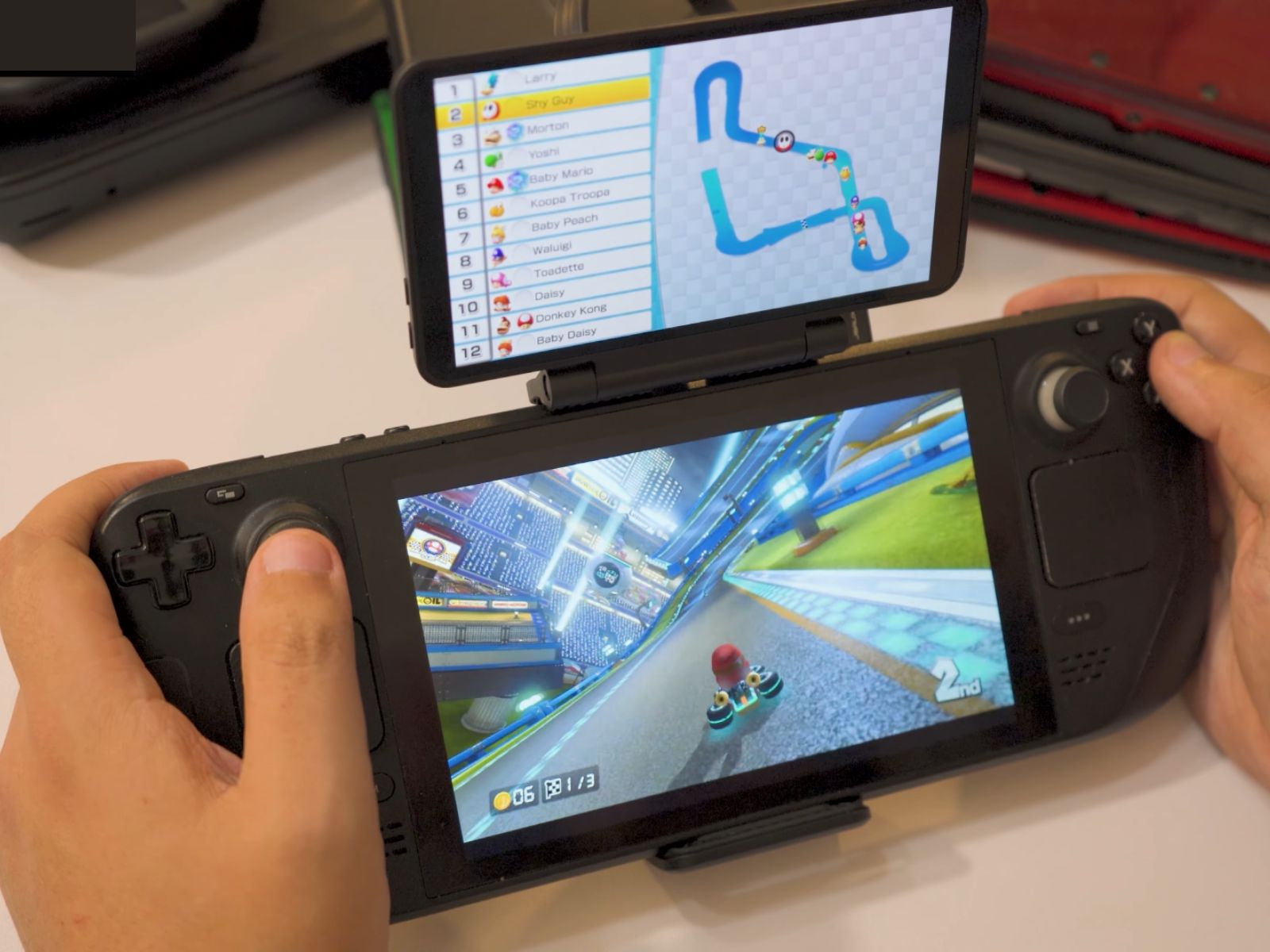
Turn your Steam Deck into a dual-screen handheld? That’s exactly what a new clip-on display aims to do, and early testing shows it works surprisingly well across a range of games and devices.
After extensive hands-on time, creator GameXData reported that the add-on delivers stable performance and pairs naturally with the Steam Deck’s comfortable form factor and flexible controls. The result is one of the most seamless portable dual-screen setups they’ve tried, especially for emulation and classic titles that benefit from a second screen.
There are caveats. Touch-heavy games, like Pokémon Ranger, remain awkward without true touch input, and titles that lean on gyroscope controls can feel clumsy. Still, for many games, the experience is smooth and impressively plug-and-play on the Steam Deck.
Windows support is a standout. GameXData confirmed the display works well on handheld PCs, suggesting that pairing it with devices such as the Asus ROG Ally can deliver an affordable dual-screen emulation rig—far cheaper than specialized dual-screen handhelds that can climb beyond four figures. In a twist, the one device the manufacturer labels as unsupported might actually be the best non-Retroid handheld fit, according to the testing.
Smartphones are the weak spot. Android and iOS support is limited, and while tools like SF Rotate on Android can help, the lack of broad, plug-and-play compatibility holds the accessory back on mobile. If your goal is a quick dual-screen setup for your phone, it’s not there yet.
If you’re curious about setup, performance nuances, and which games shine on a second display, GameXData’s full video walkthrough dives into the details. For Steam Deck owners and Windows handheld users, this accessory is an intriguing, low-cost way to unlock portable dual-screen gaming without investing in pricey, purpose-built hardware.


