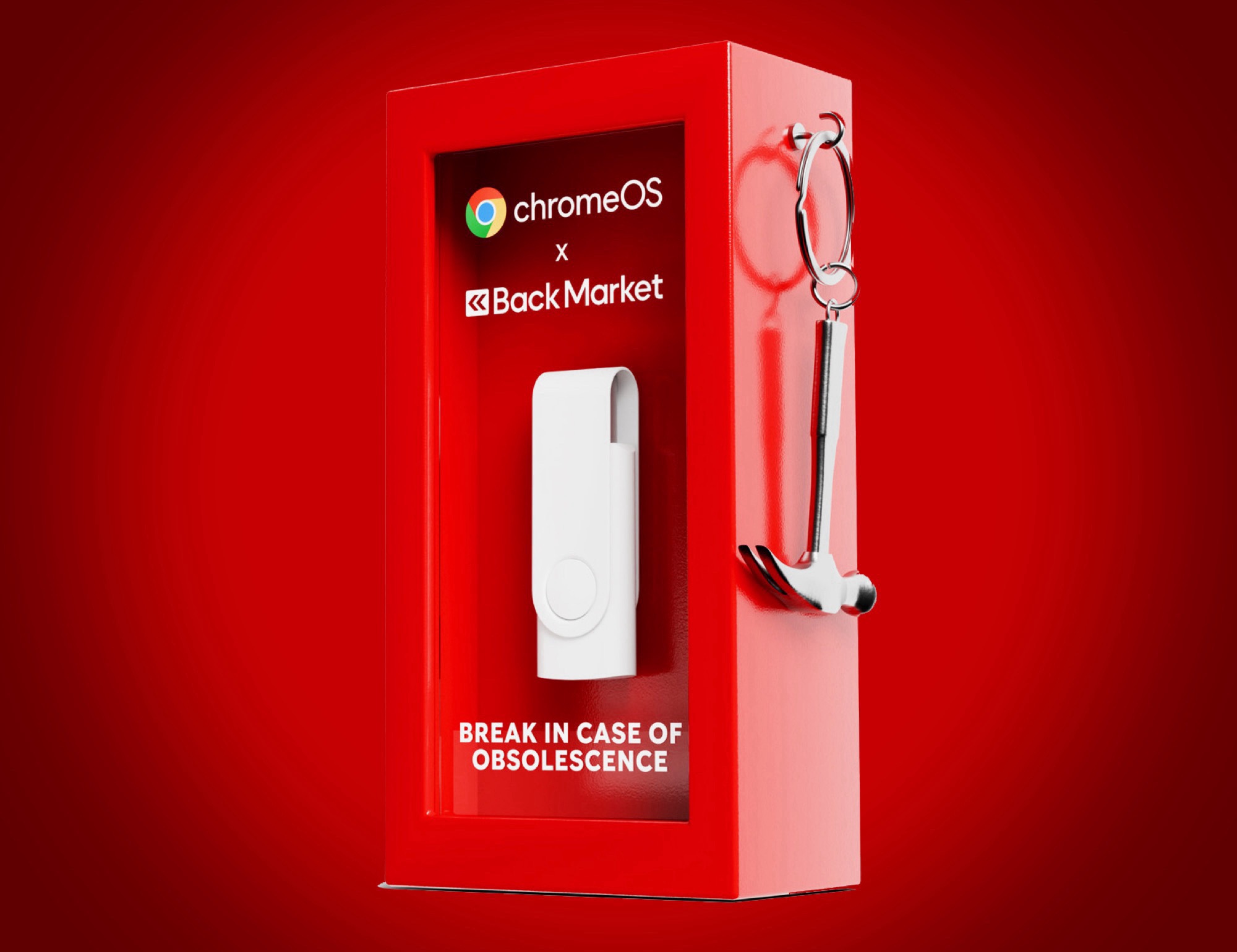
Breathing new life into an aging laptop doesn’t always require expensive upgrades or a brand-new computer. One of the simplest ways to make an old device feel fast again is switching to a lighter operating system, and ChromeOS Flex is designed to do exactly that.
Because ChromeOS Flex needs far fewer system resources than Windows or macOS, it can make older laptops run smoother and feel more responsive in everyday use. Google even claims boot times can be impressively quick, with ChromeOS Flex starting up in under six seconds on supported hardware. That means less waiting and more time getting things done, whether you’re checking email, browsing the web, or working on documents.
Another big advantage is how updates work. Instead of interrupting you with long installs and restarts, ChromeOS Flex installs updates automatically in the background. The goal is to keep your laptop secure and up to date without you having to think about maintenance or deal with disruptive update prompts.
There is a trade-off, though: ChromeOS Flex is heavily built around cloud-based services. If you don’t have an internet connection, the experience becomes more limited. You’ll still be able to access a few essentials, such as Google Docs, a file browser, and the Gmail app, but many features depend on being online to work as intended. For anyone who regularly works without Wi‑Fi, this is an important consideration.
Before installing, it’s also smart to check device compatibility. Google provides a support list of laptops that are officially supported for ChromeOS Flex, including various older models such as MacBook Air, Asus Vivobook, Dell Inspiron, and LG Gram. Using a supported model can help ensure better performance and fewer surprises after installation.
For students, remote workers, or anyone who mainly uses a laptop for web-based tasks, ChromeOS Flex can be a practical way to speed up an older machine and extend its usable life—often making it feel like a much newer device.