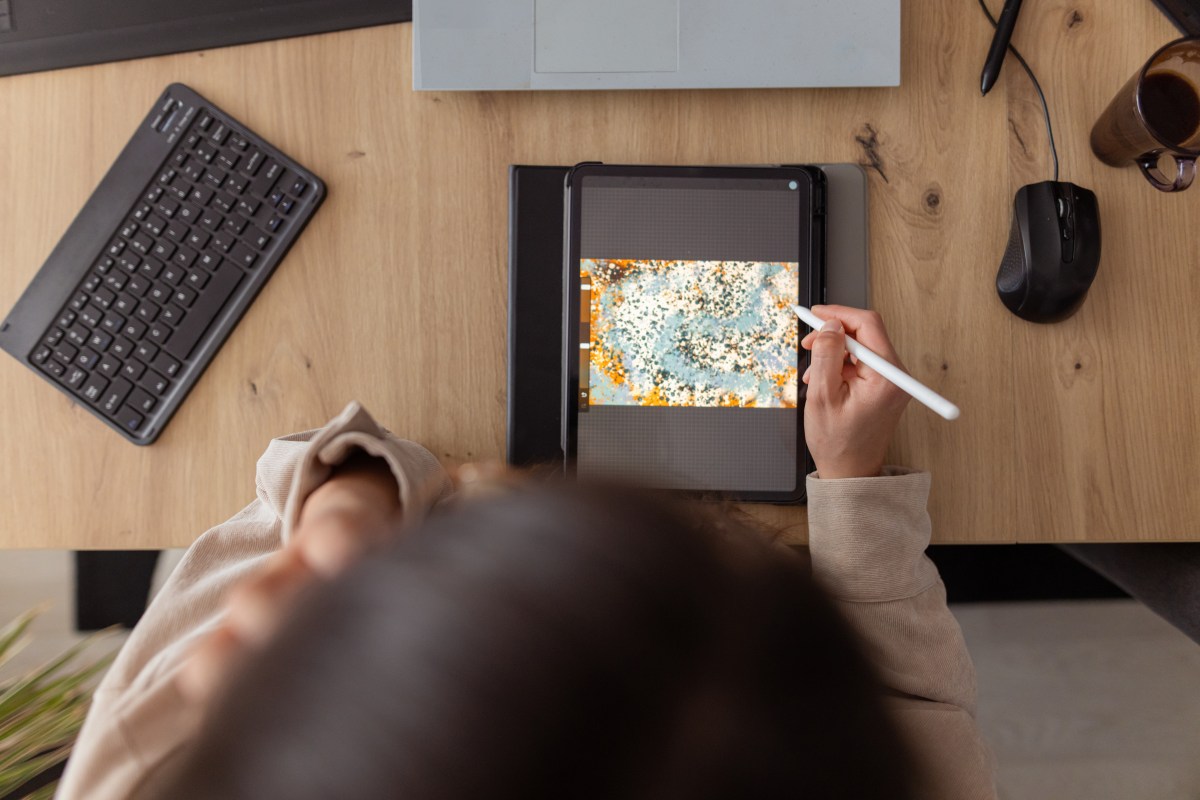
The iPad has evolved far beyond its initial role as a simple browsing and streaming device. Today, it’s a powerful creative tool, capable of facilitating the creation of stunning digital art and polished video content. If you’re eager to tap into your creative potential, there are several noteworthy apps available for download that can help you do just that. Here’s a curated list of some fantastic iPad apps that can elevate your creative projects.
First on our list is Procreate, a highly acclaimed drawing app perfect for artists looking to create digital paintings, sketches, and illustrations. Offering an impressive array of brushes and tools, Procreate is known for its intuitive interface that embraces gesture controls perfect for seamless creative expression. With high-resolution canvases and the ability to craft animations, this app caters to both budding artists and seasoned professionals. Noteworthy features like QuickShape and Time-lapse Replay make it a favorite among digital artists. You can unlock Procreate’s full potential with a one-time purchase, ensuring you have a powerful tool in your creative arsenal.
For those interested in video editing, LumaFusion stands out as an excellent choice. Designed for those ready to step up from basic video editing apps, it offers a rich feature set including multi-layer edits, a variety of transitions, and sophisticated audio tools. Users can explore different aspect ratios and sophisticated editing options, making it ideal for anyone from indie filmmakers to aspiring videographers. The app’s versatility is available for a one-time fee, with optional add-ons for expanded functionality, such as multicam editing capabilities.
Canva is another standout application, bringing graphic design within reach of everyone. Its user-friendly platform simplifies the process of creating everything from social media posts to full presentations. With a vast collection of templates and AI-driven tools like Magic Switch and Magic Media, Canva empowers users to generate professional-grade content effortlessly. While Canva offers a free version, a subscription unlocks unlimited access to premium features and templates, further enhancing your creative toolkit.
For more advanced graphic design needs, Affinity Designer 2 combines vector and pixel-based design in one robust platform. Ideal for professional illustrators and web designers, the app incorporates precision tools that align perfectly with the capabilities of the Apple Pencil. Users can tackle projects like logo creation, typography, and concept art with total precision, aided by customizable shortcuts and gesture controls. A one-time purchase provides access to this comprehensive design suite.
Lastly, Concepts offers a unique environment for ideation and design experimentation. Perfect for those who sketch plans, design storyboards, or map out ideas, its tools allow seamless modification of creations without redrawing. Its realistic art tools and customizable interfaces align with creative workflows, making it an essential app for creatives. While its basic features are free, a subscription unlocks powerful tools, including custom brush creation.
Each of these iPad apps brings something unique to the table, empowering users to explore and express their creative vision in ways that were once the domain of high-end desktops. Whether you’re painting, designing, or editing videos, these apps can help elevate your projects and spark your creativity, all from the convenience of your iPad.