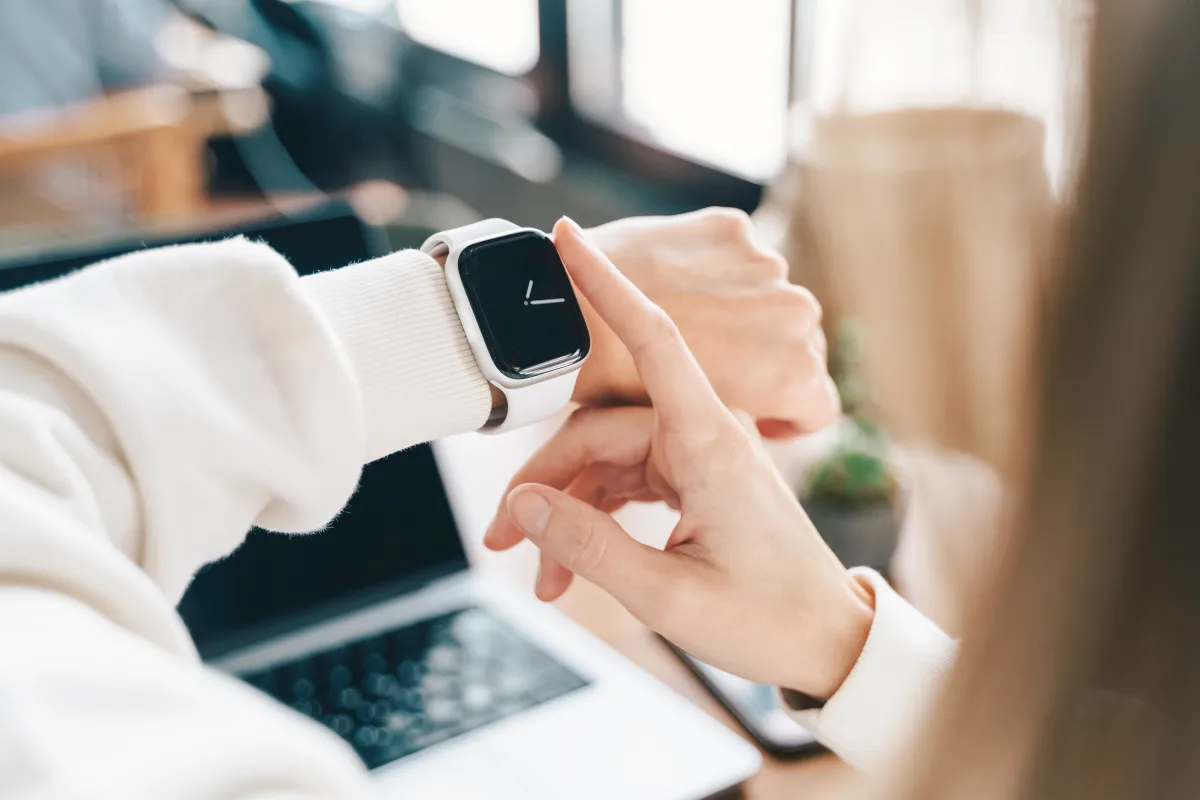
The Apple Watch is best known for health and fitness tracking, but it can also be a surprisingly effective productivity tool. If you’re someone who gets pulled into notifications and endless scrolling every time you pick up your phone, using your watch for quick check-ins can help you stay on task and keep your focus where it belongs.
While watchOS includes handy basics like Reminders and Calendar, third-party Apple Watch apps can take everyday productivity much further—whether you’re managing tasks, capturing ideas, tracking habits, or planning your day. Here are several standout options that make it easier to get things done directly from your wrist.
Todoist
Todoist is a strong choice if you want a reliable Apple Watch to-do list app that doesn’t require pulling out your iPhone. You can create tasks, sort them into projects, mark items complete, and set reminders right on the watch. Adding a new task is quick, whether you prefer voice input or typing.
It’s especially useful for real-life moments when grabbing your phone is inconvenient or distracting—like checking a grocery list in the store, recording a quick reminder, or confirming what you need to do next. You can even keep your progress visible on your watch face, such as showing your next task or the percentage of tasks you’ve completed for the day.
Todoist is free, with an optional $4 per month subscription for extras like custom reminders, an AI assistant, a calendar layout, and more.
Drafts
Since there isn’t a built-in Apple Watch Notes app, Drafts fills that gap nicely. It works like a fast digital notepad where you can capture thoughts the moment they show up, without needing your phone. Notes can be created using voice dictation, Scribble, or the keyboard, making it flexible for different situations.
Your inbox syncs with your iPhone and shows how many drafts you have, including how many are flagged, so important notes are easy to find quickly. The app opens to a blank note by default, which is ideal when you want to record an idea instantly without breaking your flow. You can also organize notes into folders, or keep everything free-form and sort later.
Drafts is free, with a $1.99 per month subscription for added options such as themes and the ability to send emails into the app.
Focus
If you work best in short bursts and prefer doing one task at a time, Focus is built around that style. It uses a productivity timer approach by breaking work into “Focus Sessions,” encouraging you to work in concentrated blocks before moving on.
Using a timer on Apple Watch is a smart way to reduce distractions, because you’re less likely to unlock your phone and drift into other apps. You can glance down to see how much time is left in your current session, then get right back to what you were doing. The app also encourages breaks between sessions to help you avoid burnout and keep your energy steady.
Focus costs $7.99 per month.
AutoSleep
Productivity isn’t just about checking boxes—it starts with rest. AutoSleep is one of the most popular Apple Watch sleep tracking apps because it gives you a clear, detailed view of how you’re actually sleeping. It can track sleep quality, heart rate, consistency, how long it takes you to fall asleep, and overall sleep efficiency.
One of its most useful features is the clock-style view with sleep rings, giving you a fast snapshot similar to the Activity Rings interface. It also provides a readiness score that estimates how mentally and physically prepared you are for the day based on your sleep, and it can suggest an ideal bedtime if you need to catch up.
AutoSleep is a one-time purchase of $5.99.
Streaks
Streaks is a great Apple Watch habit tracker if you’re motivated by consistency. The idea is simple: complete a habit, extend your streak; miss it, and the count resets. You can track up to 24 habits, whether you’re building healthy routines like flossing and eating better, or personal growth goals like learning a language.
It also supports habits that don’t happen every day, which is useful if your routine changes across the week. For example, you can set goals like walking to work Monday through Friday, going to the gym three days a week, or avoiding junk food on weekends.
With the Apple Watch app, it’s easy to glance at what’s left to do today and tap to mark habits complete.
Streaks is a one-time purchase of $5.99.
Fantastical
Fantastical is a powerful calendar app designed for people who want to stay organized at a glance. From your Apple Watch, you can create events, set reminders, and quickly see what’s ahead without digging through menus.
The watch app includes three different views. “Up Next” shows your next appointment plus the current weather. “List” displays upcoming events and tasks for the next few days along with the forecast. “Tasks” collects your task list in one place so you can check items off with a tap.
It also supports alerts for events and tasks, and its Smart Stack widget can surface schedule details right on your watch when you need them.
Fantastical costs $4.99 per month.
Things 3
Things 3 is a well-known productivity manager that combines to-do lists, project planning, and progress tracking in a clean, structured system. A standout feature is “Areas,” which let you separate different parts of your life—work, personal, finances, and more—so your tasks stay organized.
It includes reminders, calendar integration, widgets, and tags for sorting tasks. You can set repeating to-dos on your own schedule, and there’s even a dedicated “This Evening” section for tasks you plan to handle later in the day.
On Apple Watch, it’s easy to check off tasks as you go and add new ones without stopping what you’re doing.
Things 3 is a one-time purchase of $9.99.
Structured
Structured is designed for people who want a clear plan for the day without juggling multiple apps. It brings your calendar, to-do list, habit tracking, reminders, and routines into a single timeline view, so you can see your day in order and stay on top of what’s next.
On Apple Watch, you can scroll through your timeline, check upcoming tasks, and keep your routine moving without reaching for your phone. There’s also an Inbox for quickly capturing thoughts to organize later, plus the ability to break larger projects into sub-tasks. Visual customization with icons and colors makes it easier to scan and understand your day at a glance. Structured syncs across Mac, iPhone, and iPad as well.
Structured offers free core features, with a $6.49 per month subscription for additional tools such as AI-assisted task drafting and planning.
If you’re looking to be more productive with Apple Watch, the best approach is to pick one or two apps that match your workflow—task management, quick note capture, habit building, timeboxing, better sleep, or daily scheduling—and use your watch for fast actions instead of phone-based deep dives. Over time, that small shift can make staying focused feel much easier.


