Xiaomi phones, especially popular Redmi models, are known for offering great hardware at competitive prices. What many users don’t expect, though, is how often ads and promotional pop-ups can appear inside Xiaomi’s own interface. The good news is that most of these ads can be reduced significantly with a few quick settings changes—although not every app makes it possible to eliminate them completely.
If you’re tired of random “recommendations” showing up in system apps, start by opening your phone’s Settings menu. Xiaomi includes options that let you switch off many of the built-in promotions, and taking a few minutes to adjust these settings can noticeably clean up your day-to-day experience.
Another helpful step is to look for privacy and ad-related controls. Inside the Fingerprints settings area, Xiaomi provides an option to disable personalized ads. Turning this off reduces ad targeting and can also cut down on the feeling that the phone is constantly pushing content based on your behavior.
You’ll also want to check the settings inside individual Xiaomi system apps. In apps like the Music player and Video player, there’s usually a toggle for “recommendations” or “personalized ads.” Disabling these options helps remove the extra suggestions and promotional cards that can clutter the interface and interrupt use.
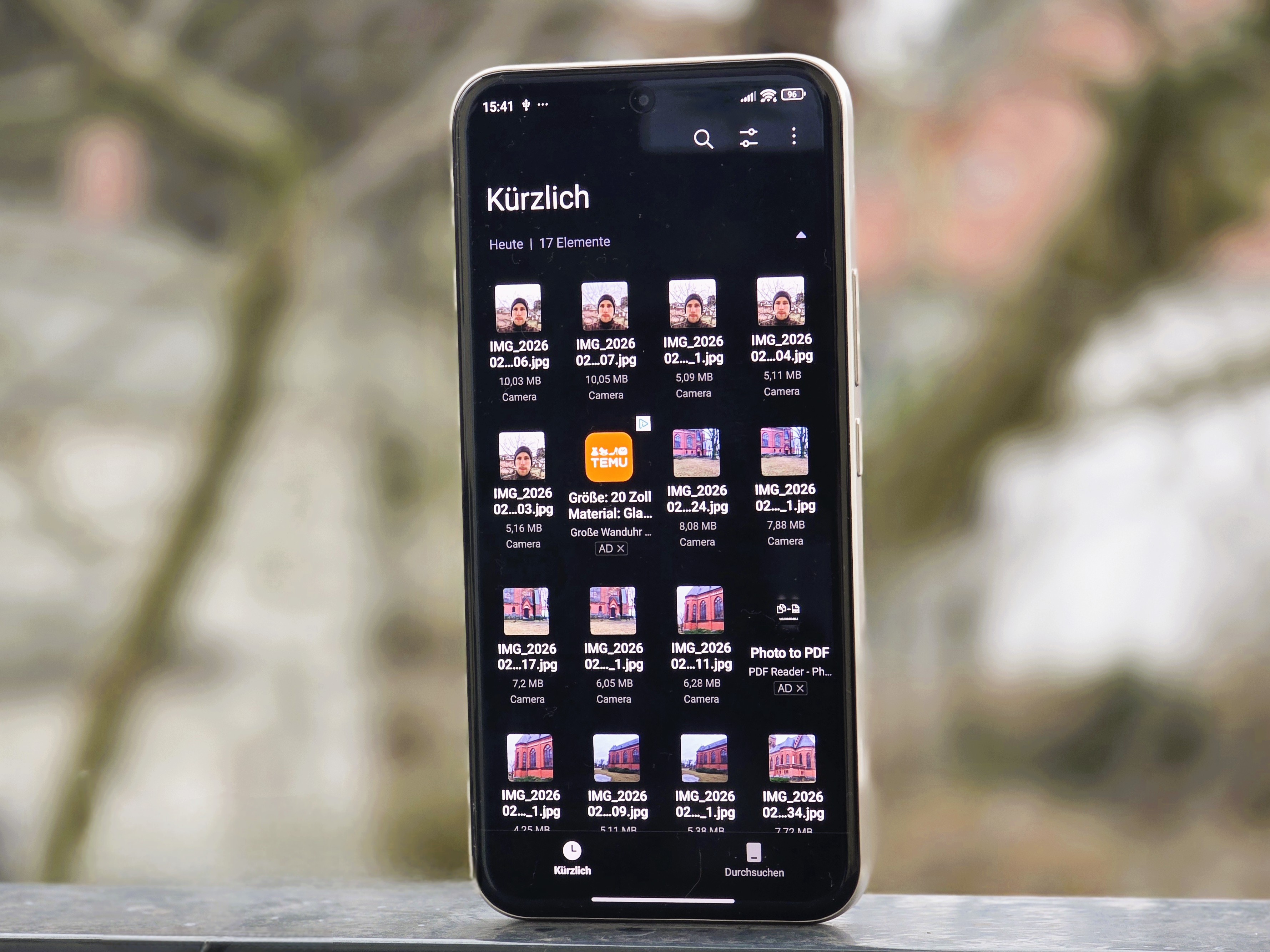
One important caveat: based on what’s currently known, Xiaomi’s file manager seems to be the toughest area to fully clean. While you can reduce ads in many places across the system, there doesn’t appear to be a reliable way to permanently remove file manager ads entirely, which can be frustrating if you use that app often.
Overall, Xiaomi owners aren’t stuck with constant pop-ups—but it does take a bit of manual tweaking. By turning off personalized ads in system settings and disabling recommendations inside key built-in apps, you can make your Xiaomi or Redmi phone feel far more polished, less distracting, and easier to use every day.