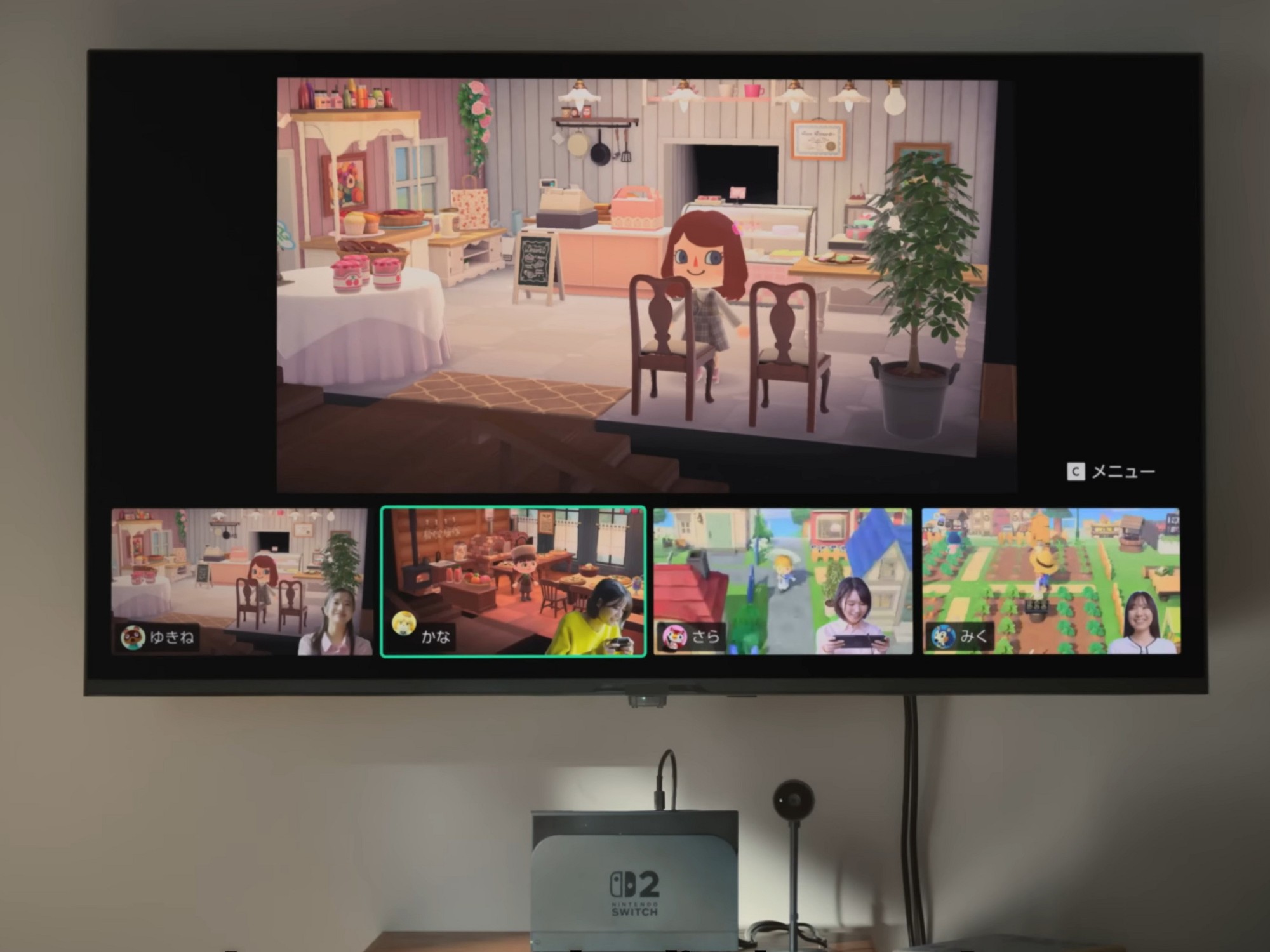
A lot of players assumed Nintendo Switch 2 GameChat would always hurt performance. After all, live voice and video chat has to pull system resources from somewhere, and early demos of the feature showed noticeably choppy camera feeds. Nintendo’s apparent solution was to prioritize gameplay and let the chat video take the hit.
But testing has revealed an unexpected twist: in certain Capcom RE Engine games on Switch 2, turning on GameChat can actually reduce stuttering and improve frame rates—especially when you choose the smallest on-screen chat window.
Performance drops in some games, but not these RE Engine titles
In general, running GameChat with multiple windows can lower frame rates in some Switch 2 games. One example mentioned in performance discussions is Layers of Fear, where frame rates dipped by roughly 7.5% with chat enabled.
However, the behavior changes dramatically in several games built on Capcom’s RE Engine. The engine is known for powering more than just the Resident Evil series, and it has been used across a range of Capcom releases. On Switch 2, though, the RE Engine shows a strange “trade-off” behavior when GameChat is active.
Pragmata gets smoother with the smallest GameChat window
In Pragmata on Switch 2, frame rate performance can be inconsistent in more demanding areas. It may hover around the 50 fps range and dip into the 30s in detailed environments, making stutter more noticeable than players would like.
Here’s the surprising part: enabling GameChat and selecting the smallest layout can push performance up to a smoother result. In one test scenario, frame rates jumped from about 54 fps to a near-locked 60 fps—an especially big deal in a game that doesn’t consistently hit that target otherwise.
Nintendo offers three GameChat layout sizes, and the smallest option appears to be the key. When the chat window is increased to medium or large, the benefit becomes less consistent. In a different test scene, performance at the largest size barely changed, moving from 47 fps to 46 fps. But switching to medium or small brought a noticeable rebound, rising to 58 fps and then up to 60 fps.
It’s not just Pragmata: Kunitsu-Gami sees the same boost
This isn’t a one-game fluke. Kunitsu-Gami: Path of the Goddess reportedly shows a similar improvement, with frame rates rising from around 50 fps to 60 fps when GameChat is enabled under the right layout conditions.
So what’s the catch?
The GameChat fps boost comes with a resolution hit
The smoother frame rate doesn’t come free. In these RE Engine games, the performance gain appears to be tied to a reduction in rendering resolution.
For Pragmata in docked mode, the game typically runs at about 540p. With the smallest GameChat window enabled, resolution can drop to 360p. Choosing the medium layout raises it somewhat to around 432p, suggesting the layout size may be influencing how aggressively the system scales resolution to maintain performance.
In other words, GameChat can function like an unconventional performance mode for certain RE Engine games on Switch 2: it may reduce stuttering and raise frame rates, but it can also soften image clarity.
Why this happens is still a mystery
The bigger question is why this behavior appears in some RE Engine titles but not across other Switch 2 games. For now, it’s still being investigated, but the outcome is clear: if you’re playing Capcom RE Engine games on Switch 2 and you’re sensitive to stutter, experimenting with GameChat—especially the smallest window option—might deliver smoother gameplay in exchange for lower resolution.