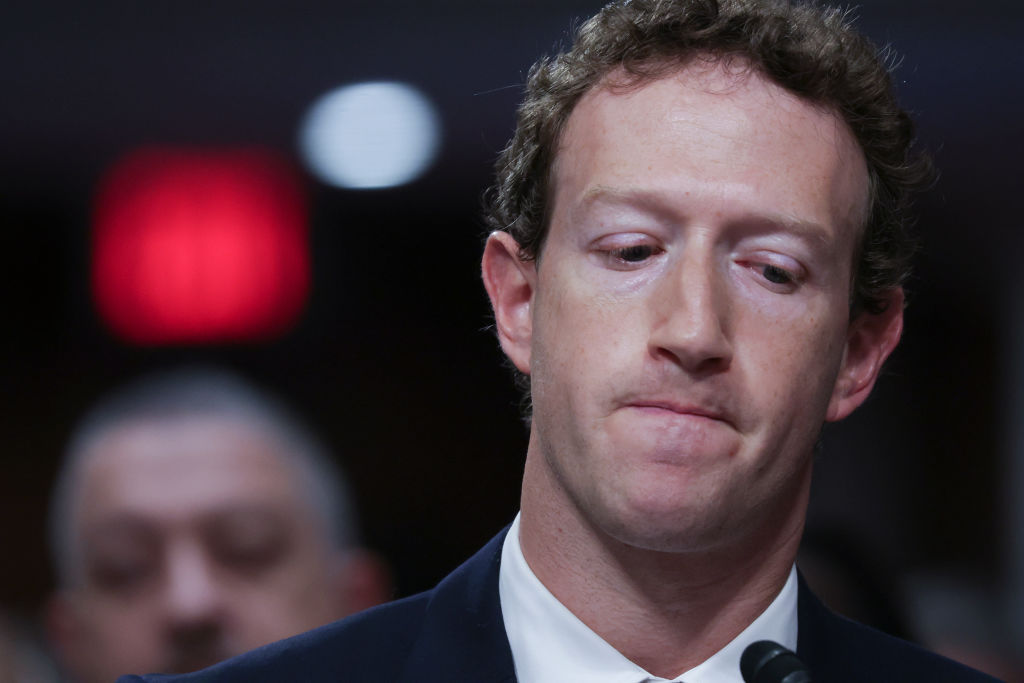
In recent developments, Meta’s decision to dismantle its third-party fact-checking system and ease its content moderation rules has sparked a wave of online searches on how to delete Facebook, Instagram, and Threads accounts. Many are expressing anger, claiming that Meta’s CEO Mark Zuckerberg may be aligning the company too closely with upcoming political shifts, possibly at the expense of allowing more misinformation and divisive discourse on its platforms. Zuckerberg’s comments that the fact-checkers were “too politically biased” for his vision of “free expression” only seem to add fuel to the fire.
If you’ve found yourself exhausted by the endless debates and controversies or uneasy about Meta collecting your data for AI training and advertising, here’s how you can take steps to regain control over your online presence.
To preserve your personal data before cutting ties with Facebook, it’s crucial to first download your information. This can include photos, chat history, active sessions, even ads you’ve clicked on, and it’s only accessible from a computer. Start by clicking the down arrow near your profile picture, navigate through Settings & Privacy to Settings, and look for Download your information under Your information. Follow the prompts to choose your data, the format, and if you want to store it locally or transfer it to another service.
Once your data is safely stored, you can proceed to delete your Facebook account. Keep in mind that this is irreversible; a step involving several days’ wait, during which logging back in even accidentally can cancel the request. Messages you’ve sent might still appear in friends’ accounts, so be ready for some residual digital footprints.
On Instagram, you can similarly begin by downloading your data via the Accounts Center or directly through Instagram Settings. Choose the data range, format, and media quality, then wait for Instagram to notify you when it’s ready for download. Deleting your Instagram account afterward is a straightforward task by visiting Account ownership and control under the Accounts Center and following the deletion prompts.
Threads, which is linked to your Instagram account, requires separate steps for deletion. Navigate to the Threads.net site on a computer, enter Settings, and go through the process of deactivating or deleting your profile. Do note that it takes 30 days for the process to finalize, and reusing the associated Instagram account will require a 90-day waiting period.
Taking these steps will help you reclaim your online privacy and control over your social media presence as Meta reshapes its policies.