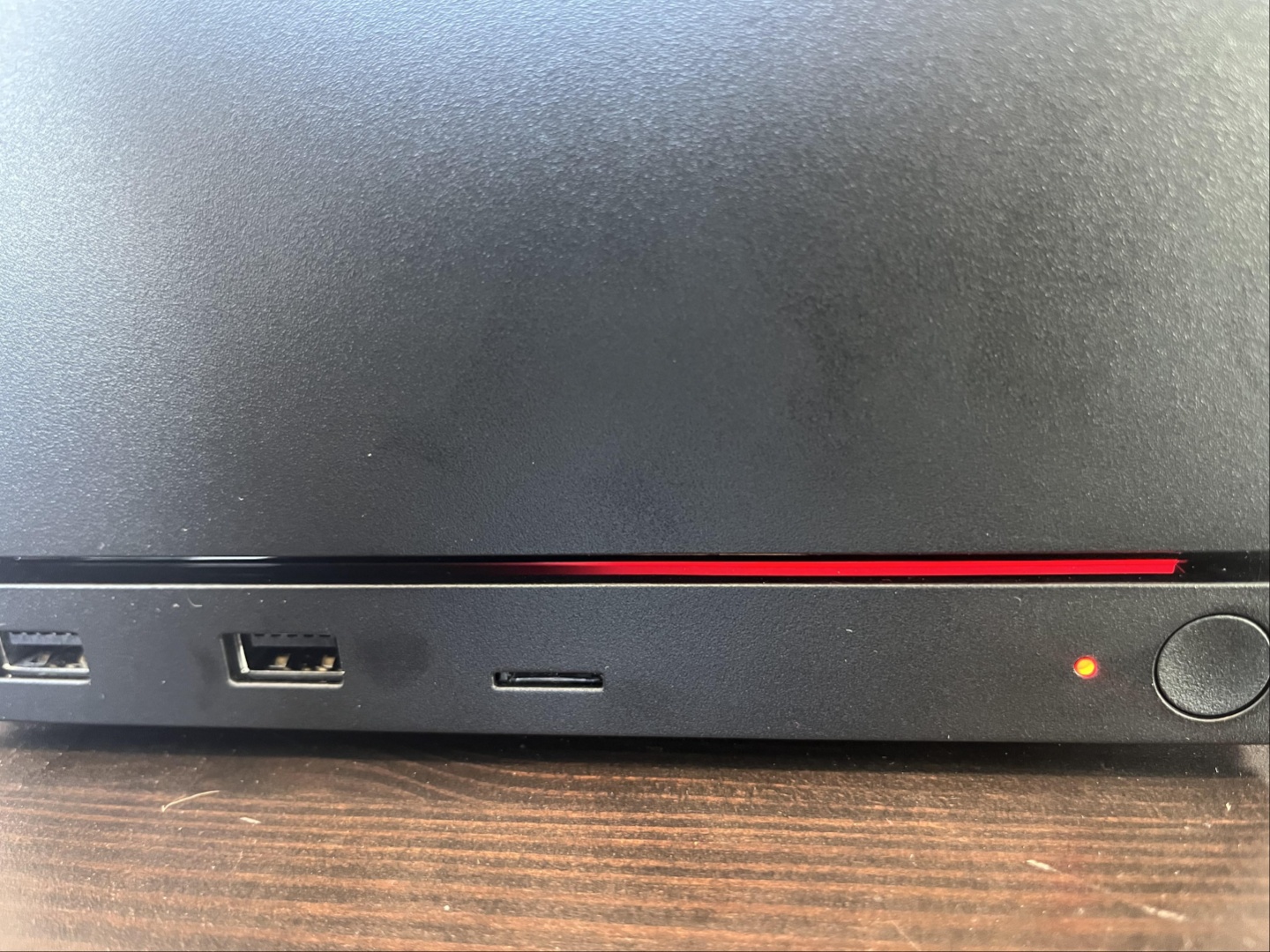
Steam Machine “Red Light of Death” scare turns out to be a memory training issue, not a dead GPU
A recent Reddit post about a supposedly “dead” Steam Machine caused a stir among Valve fans, especially because the console had only recently arrived on the market. The post showed the device displaying what appeared to be a serious red light error, quickly earning comparisons to the dreaded “red light of death” phrase often associated with major hardware failure.
At first, the situation looked worrying. The Steam Machine owner believed the front panel error code pointed to a possible GPU failure, which naturally raised concerns about early hardware reliability. Since this appeared to be one of the first widely discussed fault reports for the new Valve console, the story gained attention fast.
However, the issue turned out to be far less dramatic than it first seemed.
The original poster later shared an update, calling the situation “anticlimactic and somewhat embarrassing.” After seeing the error code and assuming the worst, the user tried basic troubleshooting, including unplugging and reconnecting the Steam Machine after a few hours. That did not immediately solve the problem.
The real fix came after the device was left unplugged overnight. When the owner restarted it the next morning, the Steam Machine booted normally and appeared to work without further issues.
According to a response from Steam hardware feedback support, the problem was not related to a failed GPU. Instead, it was identified as a memory training issue. Memory training is a process where the system configures and stabilizes memory settings during startup. If something goes wrong during that process, the system may fail to boot properly or display an error code, even though the hardware itself may still be fine.
Adding to the confusion, the support account explained that the front panel code was flipped horizontally because of a miscommunication. That meant the code the owner interpreted as a GPU-related failure was actually pointing to something else entirely.
For anyone who runs into a similar Steam Machine red light error, the recommended fix involves performing a CMOS reset. A CMOS reset can clear certain low-level system settings and may help the console recover from boot problems related to memory configuration.
While the exact steps may vary depending on the device setup, the general troubleshooting process includes fully powering down the Steam Machine, unplugging it from power, waiting for a period of time, and following the official CMOS reset instructions provided by Steam support. If the system still refuses to boot after that, users are advised to open a support ticket and contact the hardware feedback team for further help.
The good news is that this first widely shared “red light of death” case does not appear to be a sign of a widespread hardware defect. Instead, it seems to have been a recoverable startup issue that looked much worse than it actually was.
Still, the incident highlights how easily confusing error codes can lead to panic, especially with a new gaming device. Clearer diagnostics and better documentation could help Steam Machine owners quickly understand whether they are dealing with a serious hardware problem or a fixable boot issue.
For now, Steam Machine owners can breathe a little easier. The console in question was not dead, the GPU was not confirmed to have failed, and the scary red light error was ultimately resolved with time, power cycling, and guidance from Steam support.