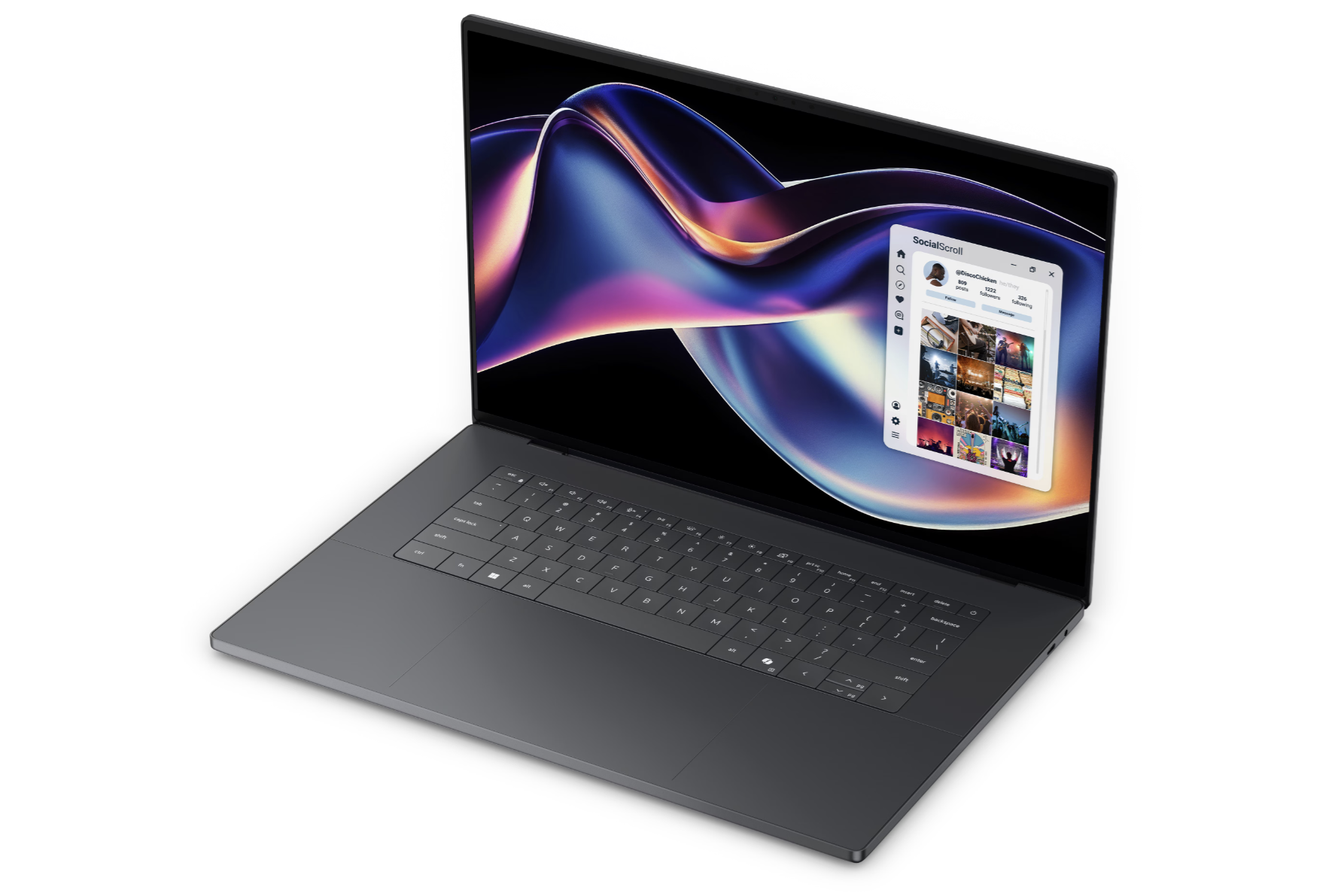
Dell’s 2026 XPS 16 lineup looks straightforward at first glance, but the performance story behind its new Intel Panther Lake processor options is anything but linear. If you’re shopping for an XPS 16 and trying to pick the best CPU configuration for your money, one choice stands out as a poor value: the Core Ultra 7 option.
Right now, the 2026 Dell XPS 16 can be configured with three Panther Lake processors: Intel Core Ultra 5 325, Intel Core Ultra 7 355, and Intel Core Ultra X7 358H. You might assume each step up delivers a clear, proportional boost in speed. In practice, the jump from Core Ultra 5 to Core Ultra 7 delivers almost no meaningful performance gain, even though the Core Ultra 7 configuration costs about $100 more.
Because the Core Ultra 7 level performs so close to the Core Ultra 5, it’s a tough recommendation for most buyers. If you’re set on the XPS 16, that extra money is often better spent on upgrades you’ll actually feel every day—like more SSD storage or the optional OLED display—rather than paying for a CPU tier that doesn’t significantly move the needle.
The real performance leap happens when you skip past the standard chips and go straight to the Core Ultra X7 358H. Don’t overlook the “X” in the name—this is where the XPS 16 starts to justify itself as a higher-performance premium laptop. Compared to the Core Ultra 5 or Core Ultra 7 configurations, the XPS 16 with Core Ultra X7 can deliver up to 70% higher CPU performance and up to 150% higher GPU performance, while using only about 35% more power. That’s a dramatically better trade-off for users who want stronger integrated graphics, faster creation workloads, and better overall speed without stepping into a separate discrete GPU class.
In other words, value shoppers should consider sticking with the Core Ultra 5, while performance-focused buyers will get the most satisfying upgrade by jumping straight to the Core Ultra X7. The Core Ultra 7 sits awkwardly in the middle—costing more than the entry option while offering nearly the same real-world performance—making it the one configuration many XPS 16 buyers may want to avoid.


