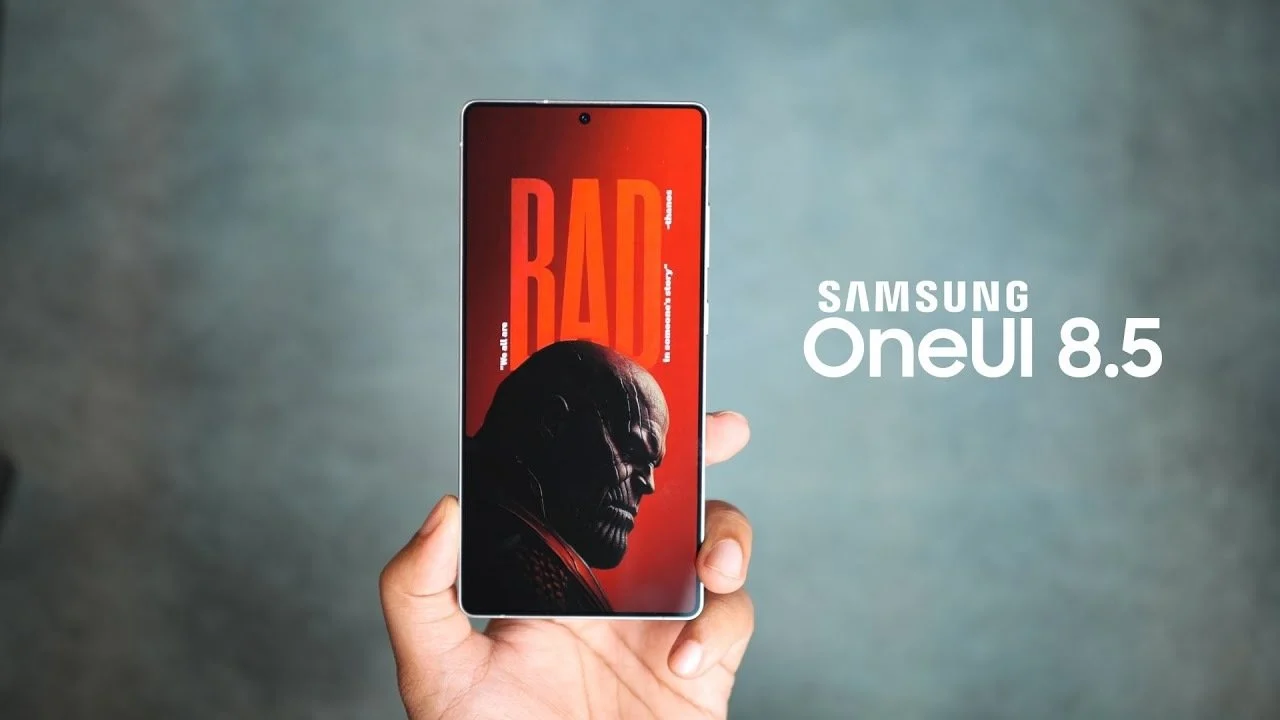
Samsung’s One UI 8.5 beta update looks set to arrive on schedule, and a newly surfaced changelog offers the clearest look yet at what’s coming. The update focuses on smarter AI tools, a more capable Bixby experience, better device-to-device connectivity, improved battery controls, and a long list of quality-of-life upgrades across key apps like Samsung Health, Clock, Weather, and DeX.
Here’s what the One UI 8.5 changelog reveals so far.
Galaxy AI gets a smoother creative workflow
One of the most practical upgrades lands in Photo Assist. You’ll be able to generate multiple AI image variations without having to save every single attempt. Instead, you can review your creation history and choose the version you like best, making the whole process faster and less cluttered.
Bixby becomes more helpful and more natural
Bixby is getting a meaningful boost in contextual understanding. That means you won’t need to say the exact setting name to find what you’re looking for—your intent should be enough for Bixby to locate the right feature or toggle. It’s also expanding in how it responds: you can ask quick questions or request deeper explanations, and Bixby will support both. Plus, previous Bixby conversations will be accessible in a history section, making it easier to revisit past queries.
Connectivity upgrades aim to tie the ecosystem together
One UI 8.5 adds Shared storage access through the My Files app, allowing you to browse files stored on other Samsung phones, tablets, and PCs. It also works the other way around, letting other Samsung devices—including smart TVs—access files from your phone.
Smart View is also getting more convenient, with an option to add a home screen shortcut so you can start screen mirroring instantly without digging through menus.
And for supported audio setups, Auracast is being added so you can broadcast your voice or other sounds to people nearby, which could be useful for group listening scenarios and accessibility-focused use cases.
Battery and power controls get a clearer, more customizable layout
Battery settings are being redesigned to surface the information people actually check most often—remaining charge, charging state, and daily usage—in a cleaner, easier-to-read format. Power Saving mode is also becoming more flexible, with customizable limits instead of a one-size-fits-all approach.
Accessibility gets more device and input support
One UI 8.5 expands accessibility shortcuts to better support Bluetooth hearing aids. There are also improvements for people using keyboards and mice, including the ability to control magnification with a mouse or keyboard. Dwell action is being refined too, allowing custom actions when the pointer stays still for a set amount of time.
Everyday improvements across the system
Several smaller changes could make One UI 8.5 feel noticeably more refined day to day:
Quick Panel becomes more customizable, giving you more control over how your most-used toggles and controls are arranged.
You can get alerts before reminders are due, adding an extra layer of nudging ahead of time-sensitive tasks.
There’s support for recording only part of the screen, useful for tutorials, app demos, and sharing specific content without capturing everything.
Calculator can suggest numbers and formulas copied to your clipboard, which should speed up quick calculations when you’re working across apps.
Samsung DeX will remember your preferred app window sizes and positions, making desktop-style workflows more consistent when you reconnect.
Clock changes make alarms more informative
The alarm screen will display current weather as the background when your alarm goes off, adding context at a glance before you start your day. There’s also a redesigned, slider-based time zone converter aimed at making time conversions faster and more intuitive.
Samsung Health adds richer tracking and sharing
Samsung Health is set to deliver more detailed weekly reports, giving users a better breakdown of trends and activity patterns. You’ll also be able to share exercise stats alongside workout photos—ideal for progress updates or social sharing. Galaxy Watch integration improves too, with the ability to start a meditation session directly from the watch.
In addition, Galaxy Watch 8 and Galaxy Watch Ultra gain antioxidant measurement even when not connected to a phone, expanding on-device health tracking.
Security and privacy add tougher protections
Security changes in One UI 8.5 concentrate on preventing unauthorized access and reducing risky moments when protections are disabled:
Failed authentication lock will trigger a screen lock after a certain number of unsuccessful access attempts.
Identity check expands to cover more settings, adding protection around a wider range of sensitive options.
Auto Blocker can automatically re-enable itself 30 minutes after being temporarily turned off, which helps close the window where users might forget to switch it back on.
Quick Share gets smarter and more private
File sharing controls are getting tighter. You’ll be able to limit Quick Share to only receive files from devices signed into your Samsung or Google account, reducing unwanted transfer requests. Quick Share also gains photo-based suggestions: it can recognize friends and family in images and recommend sharing those photos directly with the identified people.
Lock screen gets better at framing photos
When you set a lock screen photo featuring people or pets, One UI 8.5 will automatically adjust the clock and widgets so important parts of the image aren’t covered. There are also more customizable clock fonts for a more personalized lock screen look.
Weather adds more useful detail
The weather widget is being enhanced with a precipitation graph for better at-a-glance forecasting. The Weather app is also gaining pollen index support, a welcome addition for users who track seasonal allergies.
One more thing to keep in mind: beta updates can evolve quickly. Samsung may add, change, or refine features as the One UI 8.5 beta rollout begins and progresses, so the final stable release could include additional tweaks beyond what the current changelog shows.