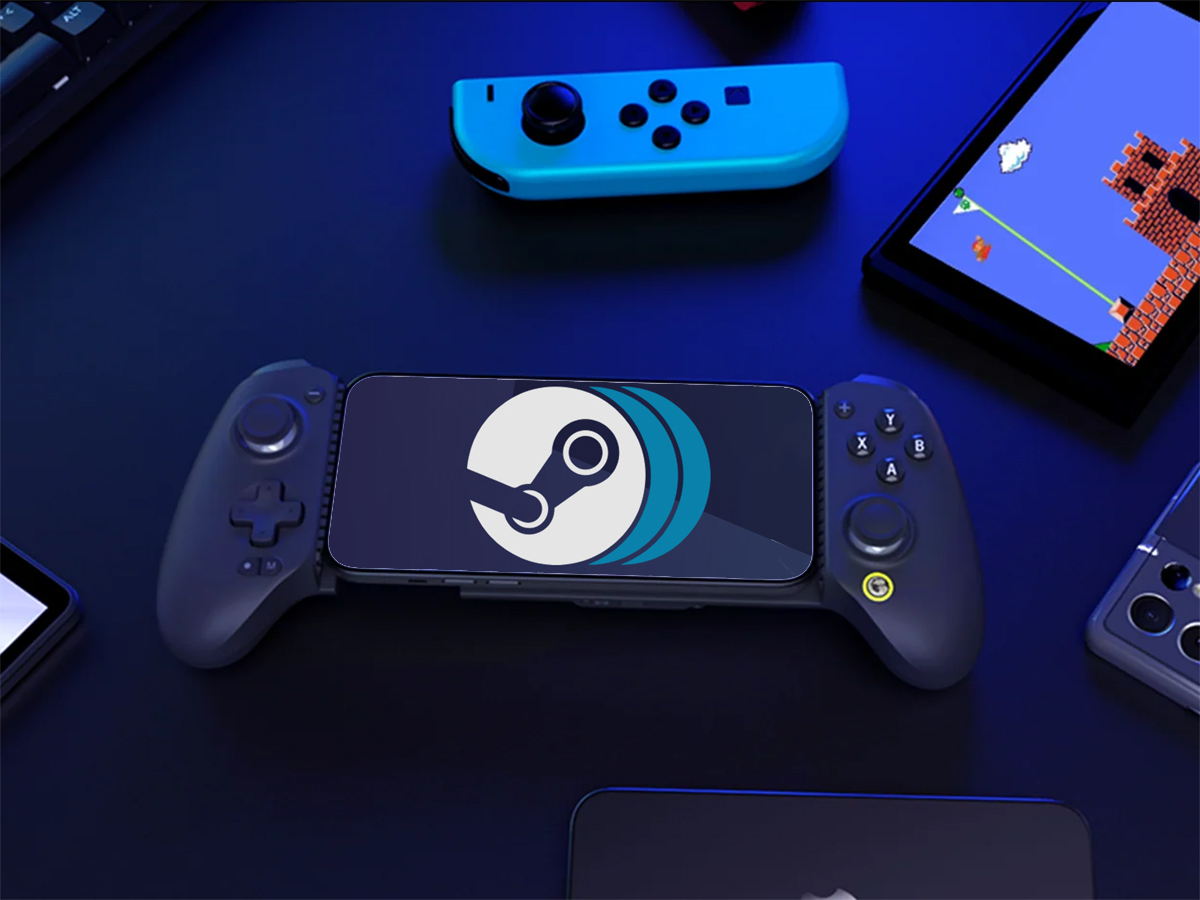
PC games on your Android phone just became much easier to access. GameHub, a Windows game emulator for Android with built-in Steam support, is now available on the Google Play Store. That means no more sideloading for most users and the added peace of mind that comes with Google’s app screening and update system.
Developed by accessory maker GameSir, GameHub was initially introduced under the name GameFusion before being rebranded. Since launch, it’s seen steady updates focused on making PC gaming on mobile more approachable. One of its standout features is Steam integration, which lets you sign in, manage your library, and even handle Steam downloads directly within the app, streamlining the process of getting games onto your phone.
There are two flavors of GameHub, and the differences matter. The Play Store version is tailored to comply with store policies and focuses on playing PC games you own through Steam. The version available from GameHub’s official site expands support to non-Steam titles. If you’re deciding between the two, choose the Play Store build for simplicity and automatic updates, or the website version if you need broader game compatibility. In either case, you should use legitimately owned games.
As with any emulator, performance varies. Lightweight or well-optimized titles typically fare best, while demanding AAA games can struggle without high-end hardware. Expect to tweak settings per game—resolution, framerate caps, and controller mappings—to find the sweet spot for smooth performance and good visuals.
For controls, touch input works in a pinch, but a physical controller dramatically improves the experience. GameSir’s own mobile controllers, such as the G8 Plus or X5s, are popular options and pair seamlessly with many phones. A controller with responsive sticks and reliable triggers makes everything from shooters to racers feel far more natural.
Getting started is straightforward on the Play Store version: install the app, sign into Steam, download supported games, and configure your control layout. If you’re new to emulation, begin with less demanding titles to get a feel for performance on your device before attempting more intensive games.
Key points to remember:
– GameHub is now on Google Play, bringing easier installs and automatic updates.
– Steam integration includes library access and direct downloads on Android.
– The Play Store build focuses on Steam-only support; the website version extends compatibility to non-Steam titles.
– Performance depends on your phone’s hardware; flagship devices deliver the best results.
– A dedicated mobile controller is highly recommended for comfortable, precise gameplay.
If you’ve been waiting for a simpler way to play your PC library on the go, this is one of the most accessible options yet. With GameHub on the Play Store, Android users can jump in faster, fine-tune settings as needed, and enjoy a surprisingly robust slice of PC gaming right from their phone.