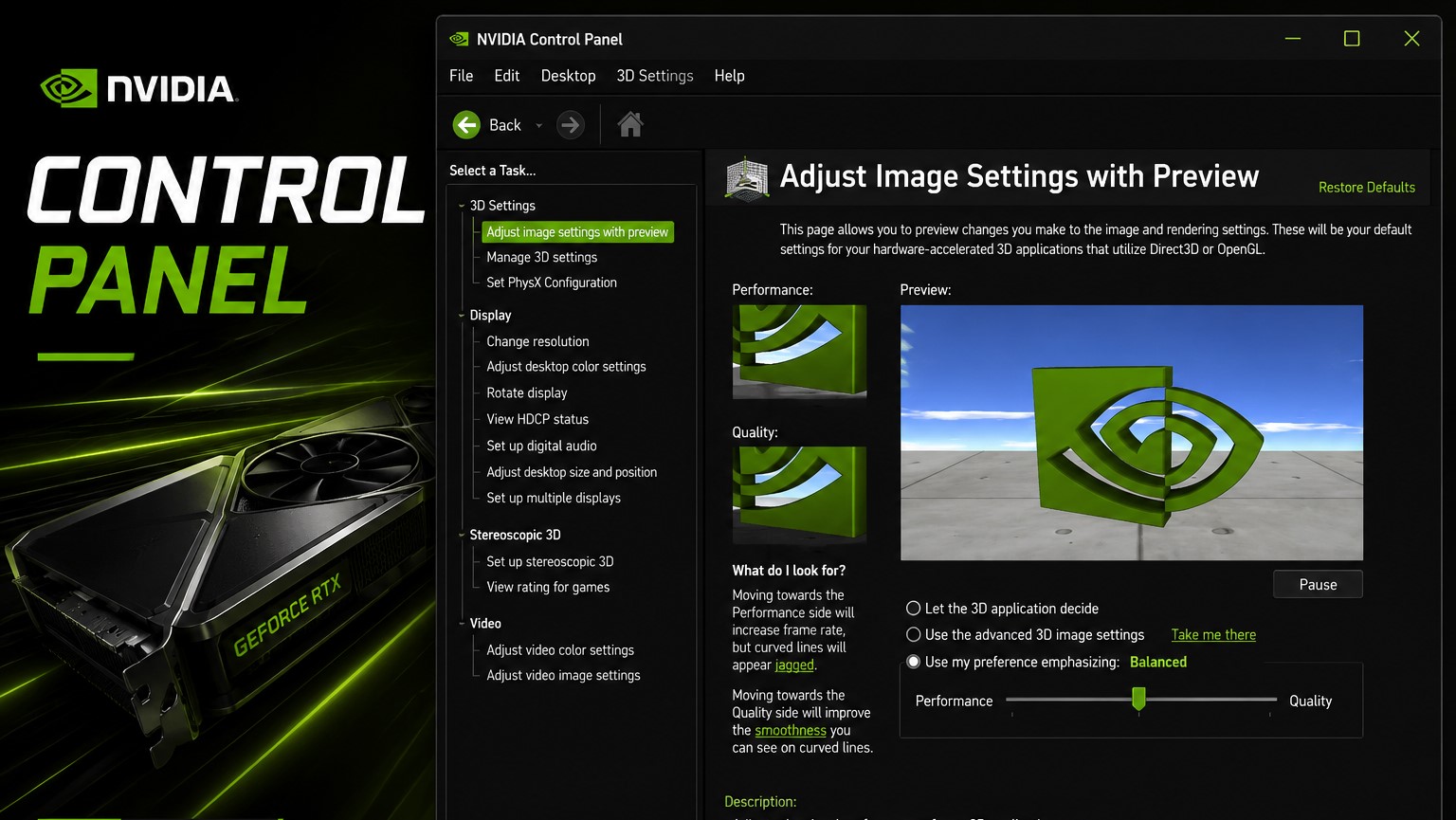
NVIDIA Control Panel Retires After 20 Years as NVIDIA App Becomes the New Default GPU Utility
After two decades of service, the classic NVIDIA Control Panel is officially being phased out for GeForce Game Ready and Studio Driver users. Long-time NVIDIA GPU owners will recognize it as one of the most familiar tools on Windows PCs, used for everything from changing display resolution and refresh rate to configuring multi-monitor setups and fine-tuning 3D graphics settings.
Originally introduced in the mid-2000s, NVIDIA Control Panel became a key part of the PC gaming and creator experience. Its straightforward layout made it easy for users to adjust essential GPU settings without digging through Windows menus or game-specific configuration files. Whether someone needed to enable G-Sync, manage color settings, customize resolution options, or change global 3D preferences, the Control Panel was often the first place to go.
Now, NVIDIA is moving users toward the newer NVIDIA App, a modern replacement designed to combine driver management, graphics settings, game optimization, recording tools, and system options into one interface.
NVIDIA confirmed that the classic Control Panel is retiring for Game Ready and Studio Drivers after 20 years of use. However, the transition will not happen in a way that suddenly removes the software from existing systems.
If the NVIDIA Control Panel is already installed on a user’s PC, it will remain there. It will not disappear automatically after a driver update. The main change is that users who perform a clean installation of NVIDIA drivers may find that the Control Panel is no longer included by default.
For users who still prefer the older interface, NVIDIA says the Control Panel will remain available through the Microsoft Store. However, it will no longer receive new features, updates, fixes, or improvements. In other words, the software will continue to function for those who need it, but active development has ended.
NVIDIA RTX PRO users are getting a longer transition period. NVIDIA says the Control Panel will continue to be supported for professional users until the remaining professional-focused features are migrated into the NVIDIA App.
The NVIDIA App is now the recommended destination for most GPU settings. It includes many of the same options found in the legacy Control Panel, but they are arranged differently. For example, the older “Manage 3D Settings” section from NVIDIA Control Panel is now handled through the Graphics and Program Settings area inside the NVIDIA App.
Display-related options and system settings are also being moved into the NVIDIA App’s System tab. This means users who are used to changing resolution, refresh rate, display configuration, or graphics preferences through the old interface will need to become familiar with the new layout.
The retirement of NVIDIA Control Panel marks the end of an era for PC gamers, creators, and hardware enthusiasts. For many, it was one of the most reliable and recognizable GPU utilities on Windows. While its design became dated over time, its simplicity and wide range of controls made it a trusted tool for millions of NVIDIA users.
Still, the shift to the NVIDIA App makes sense as the company moves toward a more unified software experience. Instead of separating driver updates, game optimization, display settings, and GPU features across multiple programs, NVIDIA is bringing them together under one modern application.
For most users, the transition should be straightforward. Existing installations of the Control Panel will remain usable, and the NVIDIA App already covers the core features that gamers and everyday users need. Those who prefer the classic interface can continue using it for now, but future improvements will be focused on the NVIDIA App.
After 20 years, NVIDIA Control Panel is no longer the centerpiece of NVIDIA’s GPU software experience. The NVIDIA App is taking over, bringing a cleaner interface and a more centralized way to manage graphics settings, drivers, and system features on modern NVIDIA-powered PCs.


