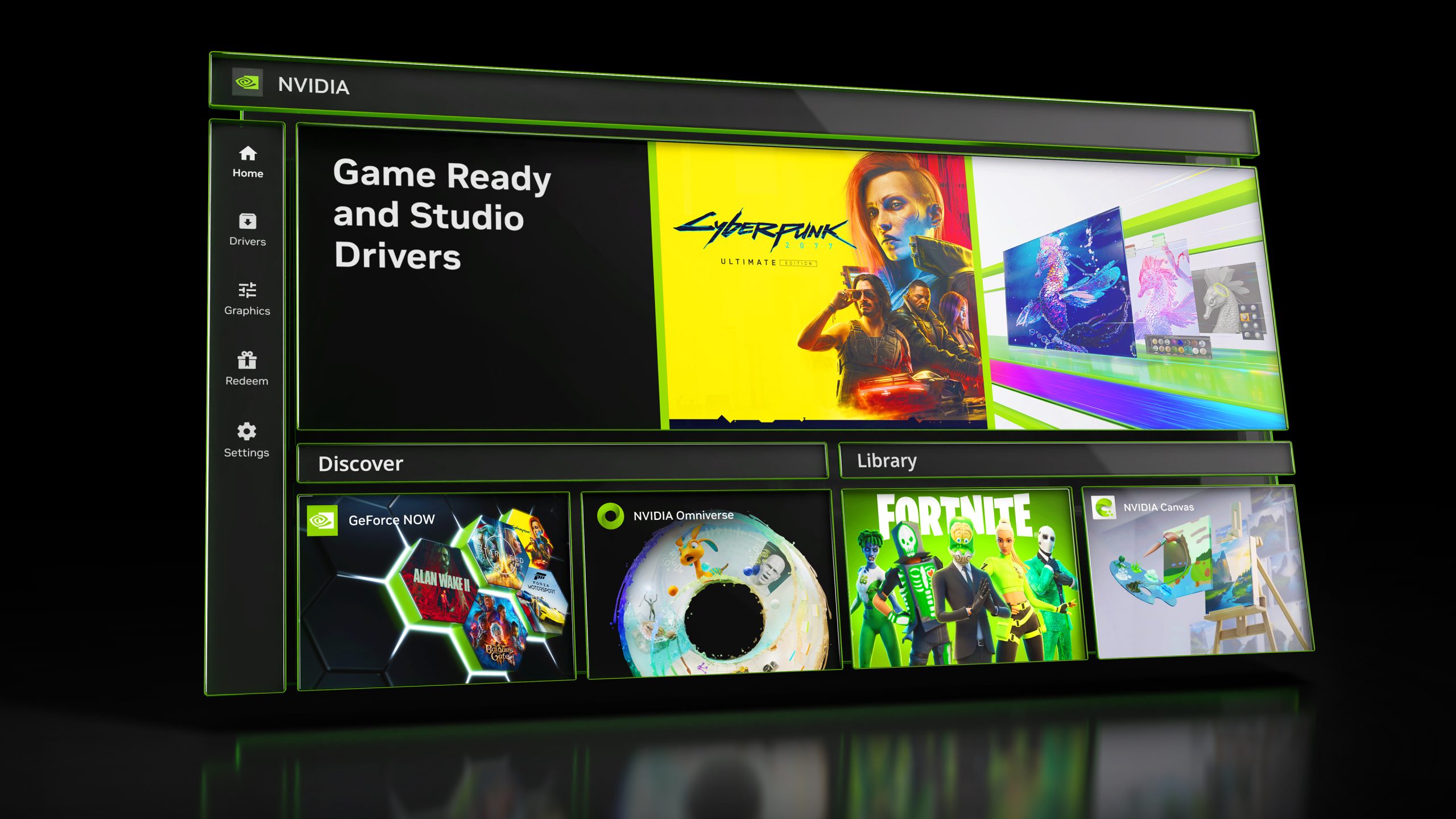
It appears that NVIDIA’s latest software, dubbed the “NVIDIA App,” is stirring up some issues for gamers, causing noticeable performance drops. But don’t fret – a solution is on the horizon!
NVIDIA recently transitioned from their well-known GeForce Experience software to the new NVIDIA App, which was designed to streamline the way users manage GPU settings. However, some users have reported significant slowdowns in gaming performance when this new app is running. In particular, players have experienced up to a 15% reduction in frame rate, which is a severe impact for any gaming enthusiast.
One user, Sebastian Castellanos, shared his experience on social media, stating that games like Black Myth Wukong and The Talos Principle 2 suffered markedly when the NVIDIA App was installed. Fortunately, uninstalling the app seemed to resolve these severe frame time issues, giving back a substantial boost in performance.
Interestingly, tests conducted by others reveal that the problem varies by system, affecting different setups in diverse ways. The heart of the issue seems to lie within the NVIDIA App’s overlay feature, specifically the “Game Filters and Photo Mode.” These features, while intended to enhance gaming visuals, appear to complicate performance.
NVIDIA has acknowledged the problem and recommended users disable these specific features for now. Instead of removing the entire app, simply turning off the Game Filters and Photo Mode should help restore lost performance until a permanent fix is rolled out. Users can do this by navigating the settings and adjusting the overlay features.
Although the NVIDIA App is a fresh endeavor and teething problems were anticipated, it’s clear that some bugs have slipped through their extensive beta testing. Rest assured, NVIDIA is actively seeking to resolve these glitches to ensure gamers can enjoy the full potential of their GPUs without compromise.