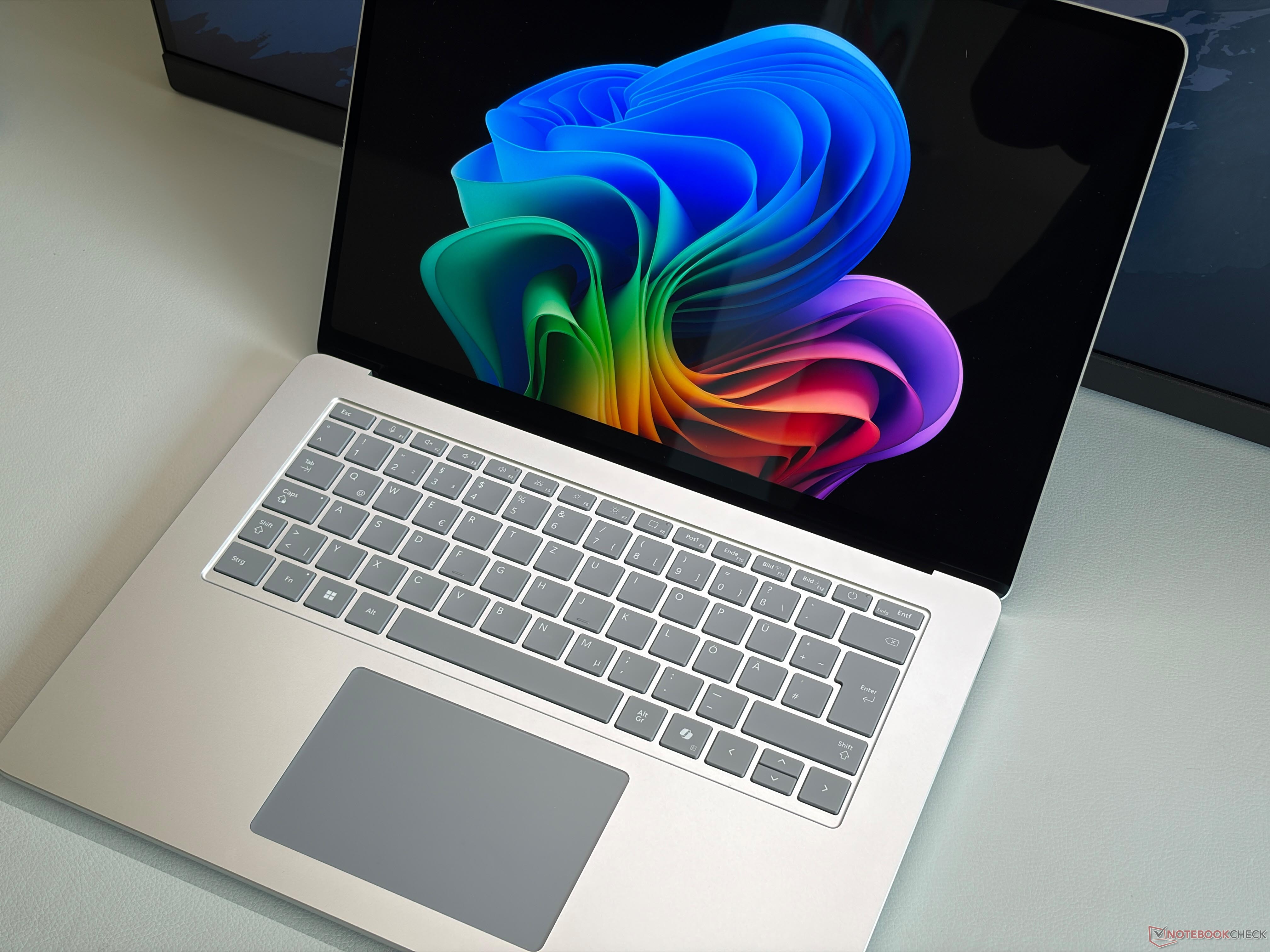
Microsoft Surface Laptop 15 Needs a Bigger Upgrade Than Just a New Processor
Microsoft’s latest 8th-generation Surface Laptop 15 may look like a stronger option with an Intel processor, but performance testing points to a familiar problem: the hardware inside has advanced, while the cooling system has not kept up.
The biggest concern is the laptop’s single-fan cooling design. Microsoft appears to have carried over the same thermal setup from the previous generation, and while that was acceptable for more power-efficient chips, it becomes a limitation with the newer Intel Panther Lake processors. These chips can demand significantly more cooling headroom, especially when pushed during demanding workloads.
Microsoft has increased the short-term power limit to 65 watts, which sounds promising on paper. In practice, however, the Surface Laptop 15 can only maintain that level for a short time before dropping to around 35 watts. That limits sustained multi-core CPU performance and also holds back graphics power.
This is especially important because Intel’s fast Arc B390 graphics solution needs slightly more than 40 watts to deliver its best performance. Since the Surface Laptop 15 cannot consistently provide that level of power under load, users may not get the full potential of the new hardware. In simple terms, Microsoft upgraded the processor but did not make the supporting thermal improvements needed to take full advantage of it.
A better cooling system would not only help the Intel version. It could also improve the Snapdragon-based Surface Laptop model. With more efficient thermal management, Microsoft could potentially use a faster chip such as the Snapdragon X2 Elite Extreme, giving buyers a more powerful ARM-based option.
This matters because competitors are already taking better advantage of similar hardware. Devices like the Dell XPS 16 and Lenovo ThinkPad X9-15p can deliver stronger sustained performance with comparable Intel processors, largely because they offer more capable cooling and power management.
Power delivery is another weak point. The included 65-watt power adapter is not enough when the Surface Laptop 15 is under heavy load. During peak performance situations, the laptop has to draw additional power from the battery to make up the difference. That means the battery can drain even while the device is plugged in.
Using a more powerful charger does not solve the issue either. Even when connected to a 140-watt adapter, the Surface Laptop 15 remains limited to roughly 62 watts of power draw. This suggests the limitation is built into the device’s internal power design rather than the charger itself.
There is also the issue of unused internal space. The Surface Laptop 15 appears to have enough room for several meaningful upgrades, including a larger cooling solution, a bigger battery, and a standard M.2 2280 SSD. Microsoft could also have used the available space to add more ports, which would make the laptop more practical for professionals, students, and creators.
These missed opportunities make the current Surface Laptop 15 feel less complete than it should. The design remains sleek and premium, but performance-focused users may find the internal limitations frustrating, especially when rival laptops offer a more balanced package.
For the next Surface Laptop 15 to stay competitive, Microsoft needs to do more than install a newer processor. It needs a stronger cooling system, better power delivery, improved internal layout, a larger battery option, and more flexible connectivity. Without those changes, the Surface Laptop 15 risks falling behind competitors that are better prepared to handle the demands of modern laptop processors.