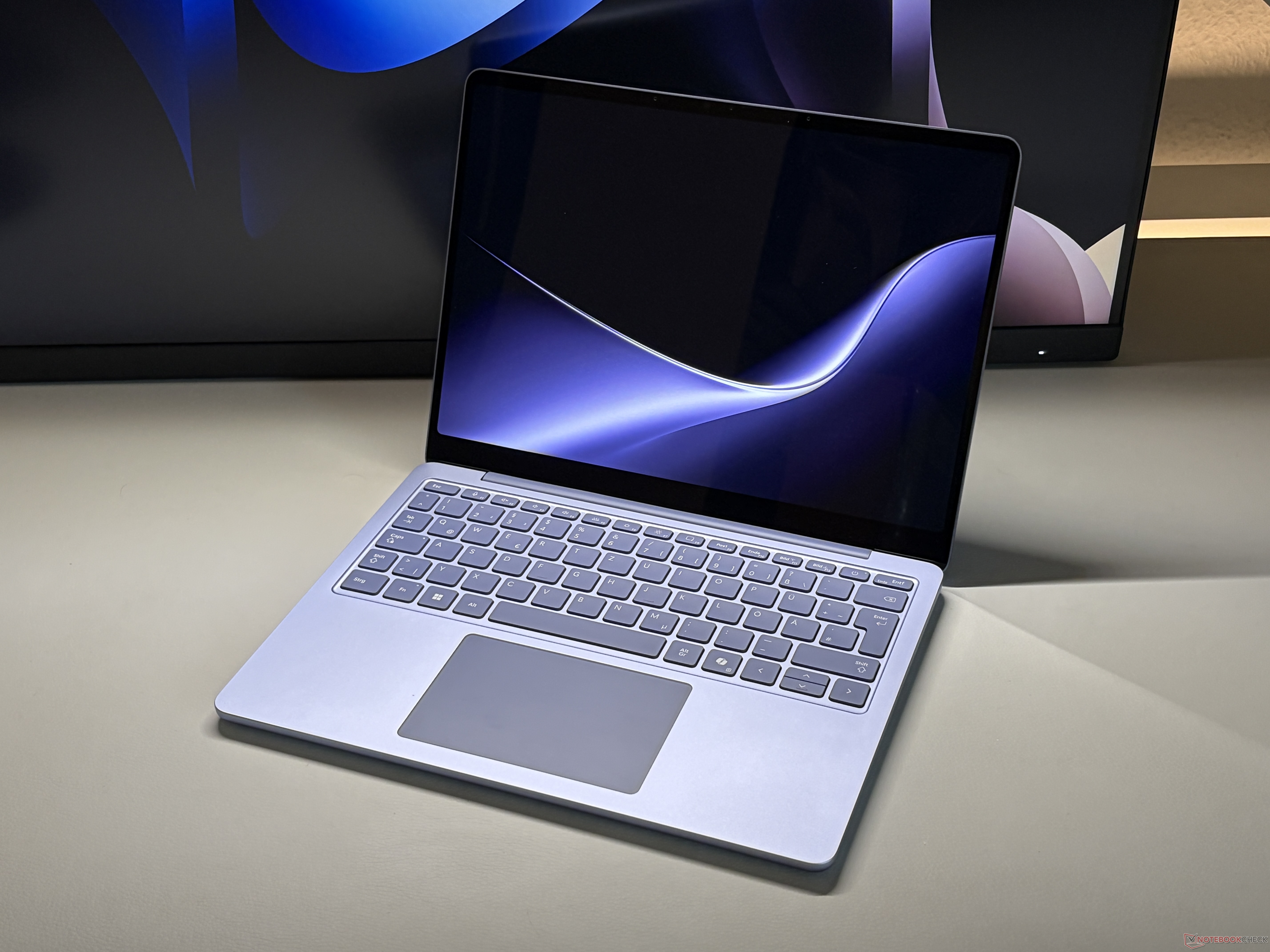
Microsoft Surface Laptop 13 Preview: Snapdragon X2 Plus, Quiet Cooling, and a Higher Starting Price
Microsoft’s new Surface Laptop 13 is shaping up to be an interesting Windows ultraportable, especially for users looking for a compact, efficient laptop with modern ARM-based performance. The device is powered by the second-generation Snapdragon X2 Plus, specifically the X2P-42-100 chip with 6 cores, aiming to deliver strong battery life and smooth everyday performance in a slim form factor.
Since the same processor is also used in the fanless Surface Pro 12, there was hope that Microsoft might take the same silent-cooling approach with the Surface Laptop 13. A completely fanless design would have made it a more direct competitor to Apple’s MacBook Air, which remains one of the most popular silent ultraportables on the market.
However, Microsoft has kept an active cooling system in the Surface Laptop 13. The good news is that the fan appears to be very restrained. In early testing, it rarely turns on during regular use, and even under heavier workloads, it stays impressively quiet. While it may not be completely silent, the cooling system does not seem likely to become a distraction for most users.
Repairability and internal access are less appealing. Getting to components such as the fan or the compact M.2-2242 SSD requires removing the upper section of the base, including the keyboard, and disconnecting internal cables. That makes maintenance more complicated than many users would like. Still, it is worth noting that the SSD is replaceable, which is a welcome feature in a market where many thin laptops use soldered storage.
The display follows Microsoft’s familiar Surface formula. The Surface Laptop 13 uses an IPS touchscreen with a productivity-friendly 3:2 aspect ratio, making it well suited for documents, web browsing, and multitasking. Microsoft now rates the panel at up to 500 nits of brightness, which should improve outdoor visibility and general usability in bright environments.
One limitation is the refresh rate. The Surface Laptop 13 remains at 60 Hz, which feels conservative for a premium laptop in 2026. The Surface Pro 12, by comparison, now offers a smoother 90 Hz display. For users who value fluid scrolling, smoother pen input, or a more responsive visual experience, that difference may be noticeable.
Pricing places the Surface Laptop 13 directly in competition with the MacBook Air. The base model starts at $1,199 and includes 16 GB of RAM with a 256 GB SSD. That is a higher starting price than the previous generation, but Microsoft has improved the entry-level memory configuration. Instead of starting with 8 GB of RAM, the new model now begins with 16 GB, which is a much better fit for modern Windows use and long-term performance.
A version with 512 GB of storage is priced at $1,299. For many buyers, that model may be the more practical option, since 256 GB can feel limiting once apps, system files, cloud sync folders, and media are added.
Overall, the Microsoft Surface Laptop 13 looks like a refined, efficient, and premium compact laptop, though not without compromises. Its quiet fan behavior, bright 3:2 touchscreen, Snapdragon X2 Plus processor, and improved base RAM make it appealing for students, professionals, and everyday productivity users. At the same time, the 60 Hz display, higher price, and complicated internal access may give some buyers pause.
A full review should reveal how well the Surface Laptop 13 performs in real-world battery life, app compatibility, thermal behavior, display quality, and sustained performance. For now, it appears to be a promising Windows alternative to the MacBook Air, even if Microsoft stopped short of delivering a completely fanless design.