Microsoft has taken a surprising turn regarding Windows 11’s installation on unsupported machines. The tech giant has recently pulled its official guide on bypassing TPM and CPU requirements, which had previously been a go-to workaround for many users looking to run Windows 11 on devices not officially supported by the new operating system.
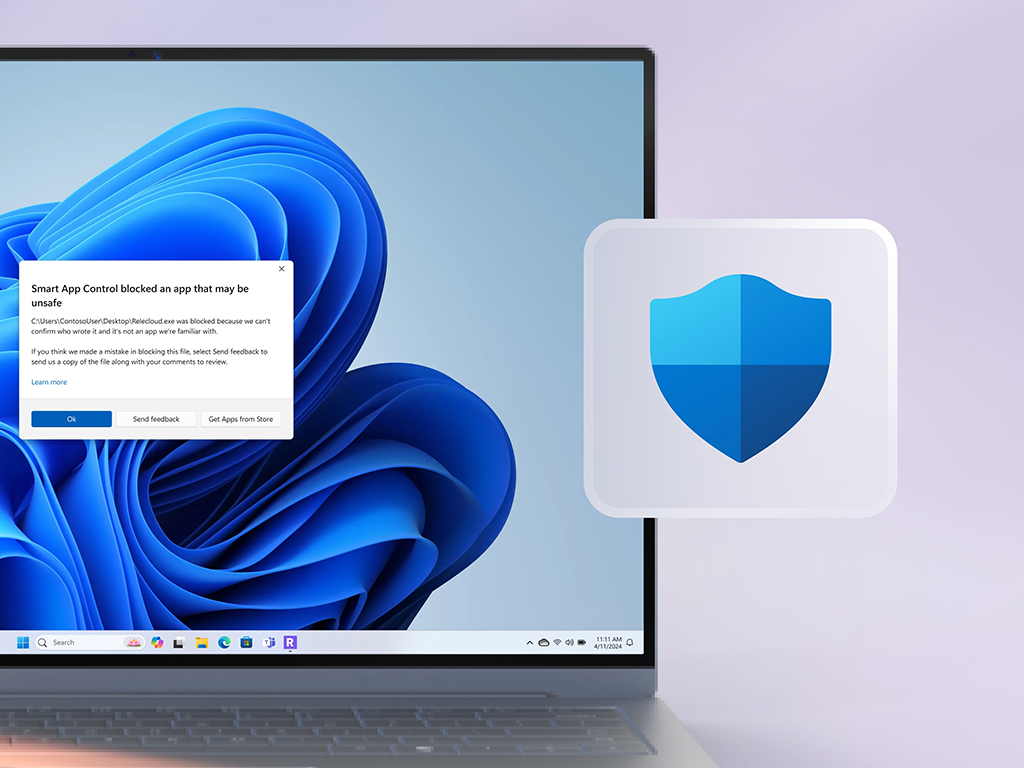
In an unexpected move, Microsoft has also started to flag an independent tool, Flyby11, designed to bypass these system requirements. Windows Defender now detects this tool as potential malware, labeling it with the identifier “PUA:Win32/Patcher.” The developers behind Flyby11 have responded by suggesting users ignore the alert for uninterrupted use and mentioned their intention to reach out to Microsoft to discuss the issue further.
According to Microsoft Security Intelligence, the “PUA:Win32/Patcher” designation indicates that the software might degrade the quality of the computing experience. While it previously passed Windows Defender’s checks without any issues, users are advised to exercise caution when using Flyby11. Testing on a virtual machine or a secondary device could be a good way to mitigate any potential risks.
Interestingly, Flyby11 isn’t the only tool available for bypassing Windows 11’s hardware checks. Alternatives like Rufus can skip the system requirements during installation, and Tiny11 caters specifically to low-end PCs, offering more flexibility for those with older hardware.
This development marks an intriguing chapter in the ongoing Windows 11 story, where users weigh the convenience of third-party tools against potential security risks. As Microsoft and tech enthusiasts continue to navigate these uncharted waters, staying informed and cautious remains a priority for anyone considering bypassing the standard installation process.