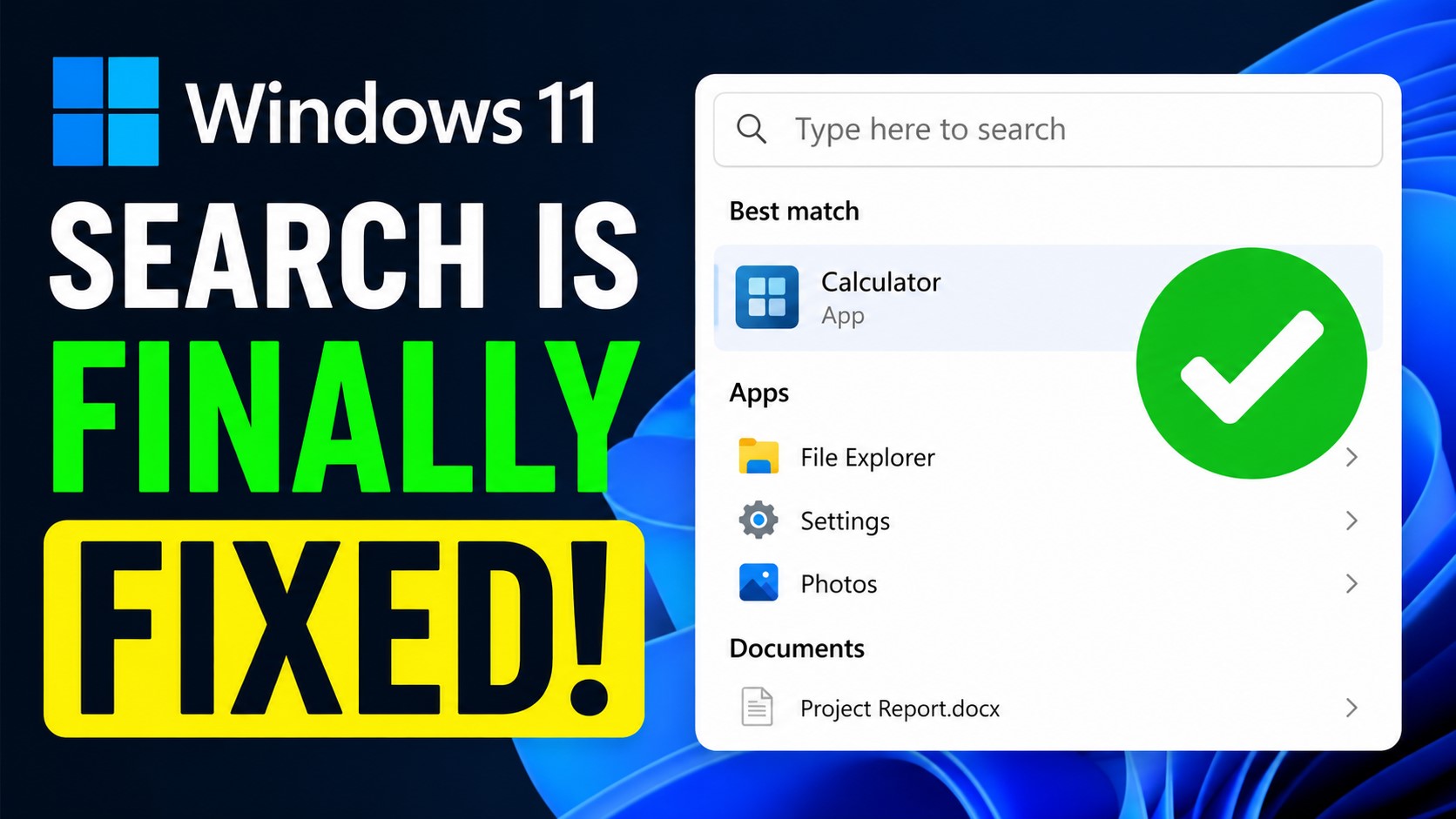
Microsoft is making Windows Search cleaner, smarter, and less distracting
Microsoft is rolling out a welcome improvement to Windows Search by removing promotional content from web results. The change is designed to make the Search panel feel more useful and less like an advertising space, helping users find apps, files, folders, settings, and relevant web answers faster.
For many Windows users, the Search experience has often felt cluttered. Instead of quickly showing the most useful results, it could display product suggestions, promotions, and other content that distracted from the original purpose of search. Microsoft is now addressing that complaint by shifting the focus back to what users are actually looking for.
With the updated Windows Search experience, local results will take priority. That means when users type into Search, Windows will place more emphasis on installed apps, stored files, folders, and system settings. This should make everyday tasks easier, whether someone is trying to open a program, locate a document, or adjust a Windows setting.
Microsoft says promotional content has been removed from web results so that Search can show the most relevant answer instead of first displaying related products or promotions. In practice, this should make Windows Search feel cleaner, faster, and more direct.
The update also gives users more control over what appears in Search. Through Settings, then Privacy & Security, then Search, users can decide whether web suggestions and Microsoft Store recommendations should appear alongside local results. New options make it possible to turn off Bing web search results and Microsoft Store suggestions, giving users a more personalized experience.
This added control is important because not everyone wants online results mixed into system search. Some users prefer Windows Search to function strictly as a local tool for finding files and apps, while others may still want web-based answers included. Microsoft’s new approach gives both groups more flexibility.
Beyond removing promotional content, Microsoft is also improving the way Windows Search understands user input. The system is being updated to better handle partial words, spelling mistakes, and incomplete search queries. This should help users find what they need even when they do not type an exact app name, file name, or setting.
These changes are part of Microsoft’s broader effort to improve the Windows user experience. By reducing distractions, prioritizing local content, and offering stronger privacy and search controls, Windows Search should become more practical for everyday use.
For users who have been frustrated by unnecessary promotions in the Search panel, this is a meaningful step in the right direction. Windows Search is finally becoming more focused on helping users find what they need, instead of pushing content they never asked for.


