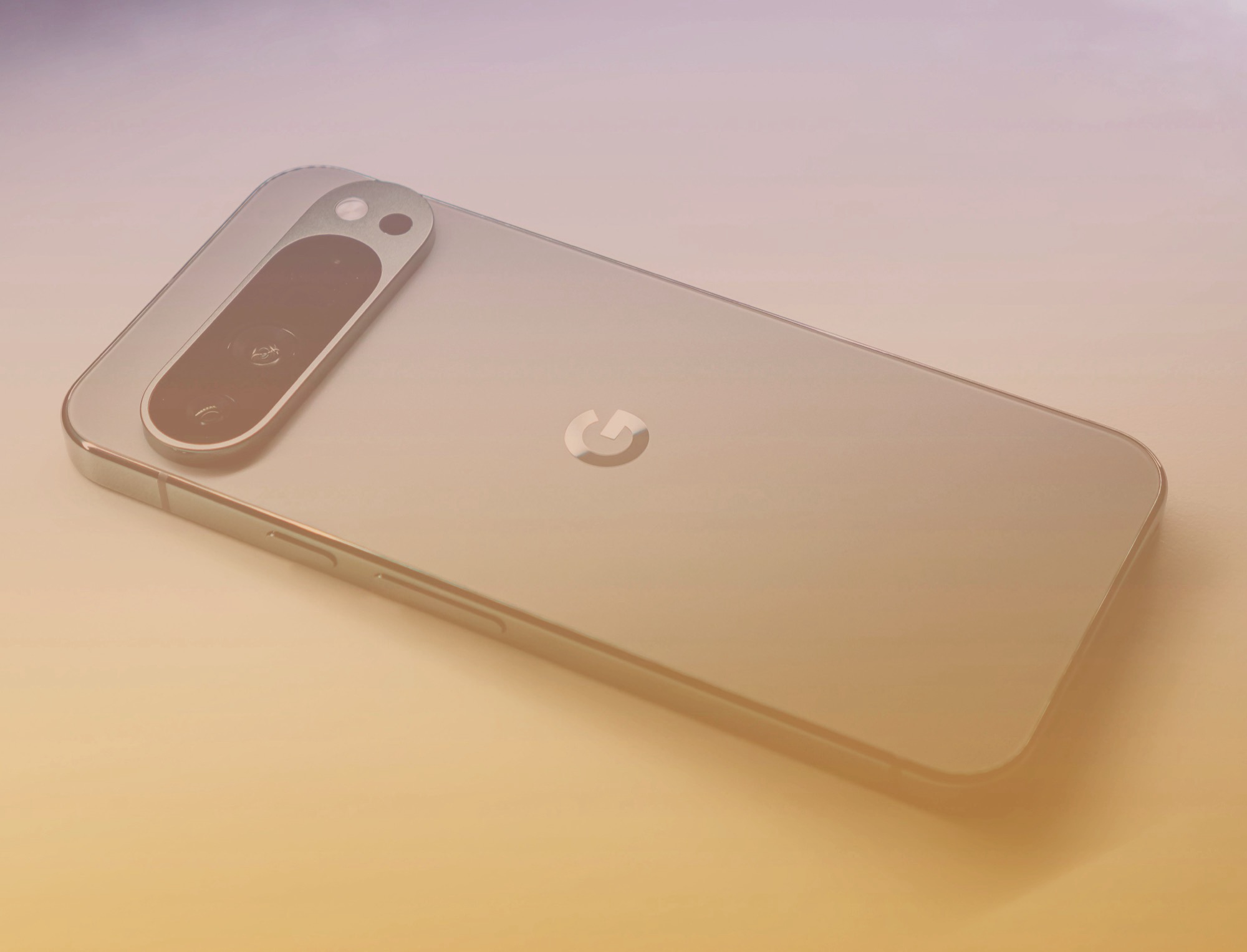
Google Pixel bootloop bug still affecting users months after March update
A serious Google Pixel bootloop issue continues to frustrate users months after it first appeared with the March software update. The bug has reportedly affected several Pixel models, causing some devices to restart endlessly, freeze on the Google logo, or crash shortly after the lock screen PIN is entered.
For many Pixel owners, the problem is more than a minor software glitch. A phone stuck in a bootloop can become nearly impossible to use, leaving users unable to access apps, photos, messages, or important files. Reports suggest the issue has impacted devices ranging from the Pixel 6 series through newer Pixel models.
Google attempted to address the problem with a later update in May, but the fix did not work for everyone. Some users say their phones remain trapped on the startup screen, while others cannot even enter recovery mode. That creates an even bigger problem because recovery mode is often required to install updates or perform troubleshooting steps.
The issue has gained significant attention in Google’s public bug reporting system, where hundreds of affected users have shared their experiences. Many have described the same pattern: the phone worked normally before the March update, then suddenly began restarting repeatedly or failing to load Android properly.
Google has now started reaching out to some affected customers by email. According to the company, the Pixel bootloop bug has been under investigation since March, and Google has prepared guidance that may help resolve the issue in certain cases.
However, there is still no single universal fix. Google says the right troubleshooting steps depend on how the bootloop appears on each device. Because of that, affected users are being directed to contact Google support instead of relying on one public set of instructions.
If your Google Pixel is stuck in a bootloop, repeatedly restarting, or freezing at the Google logo, the safest step is to contact Google support directly. Users should explain the exact behavior of the phone, including whether it reaches the lock screen, whether it crashes after entering the PIN, and whether recovery mode is accessible.
Pixel owners should also be cautious about installing beta software while dealing with this issue. Some users have reported additional problems after installing the Android 17 beta, so it may be better to avoid beta builds until Google provides a more reliable fix.
For now, the Pixel bootloop problem remains unresolved for some users, even after several months. While Google is actively investigating and offering case-by-case support, affected Pixel owners may still need direct assistance before their devices can be restored to normal use.