Apple’s tight grip on Mac storage upgrades has long been a sore spot for buyers. Unlike many laptops where you can swap in a larger SSD later, modern Macs typically make that impossible for everyday users. That’s the trade-off many people accept to use macOS. But it can be especially frustrating on budget-friendly models like the MacBook Neo, which tops out at a 512GB SSD from the factory—pushing anyone with large photo libraries, video projects, or growing app installs toward external drives or cloud storage.
Now, a rare upgrade shows what’s possible when someone has the right tools and the right skills. A repair creator known as DirectorFeng has demonstrated what may be one of the first MacBook Neo units upgraded to a 1TB SSD, challenging the idea that these machines are permanently locked to their original storage capacity. The catch is that this isn’t a practical do-it-yourself job for most owners. The process relies on specialized equipment, steady hands, and experience with microsoldering and board-level work—meaning very few people will be able to replicate it safely.
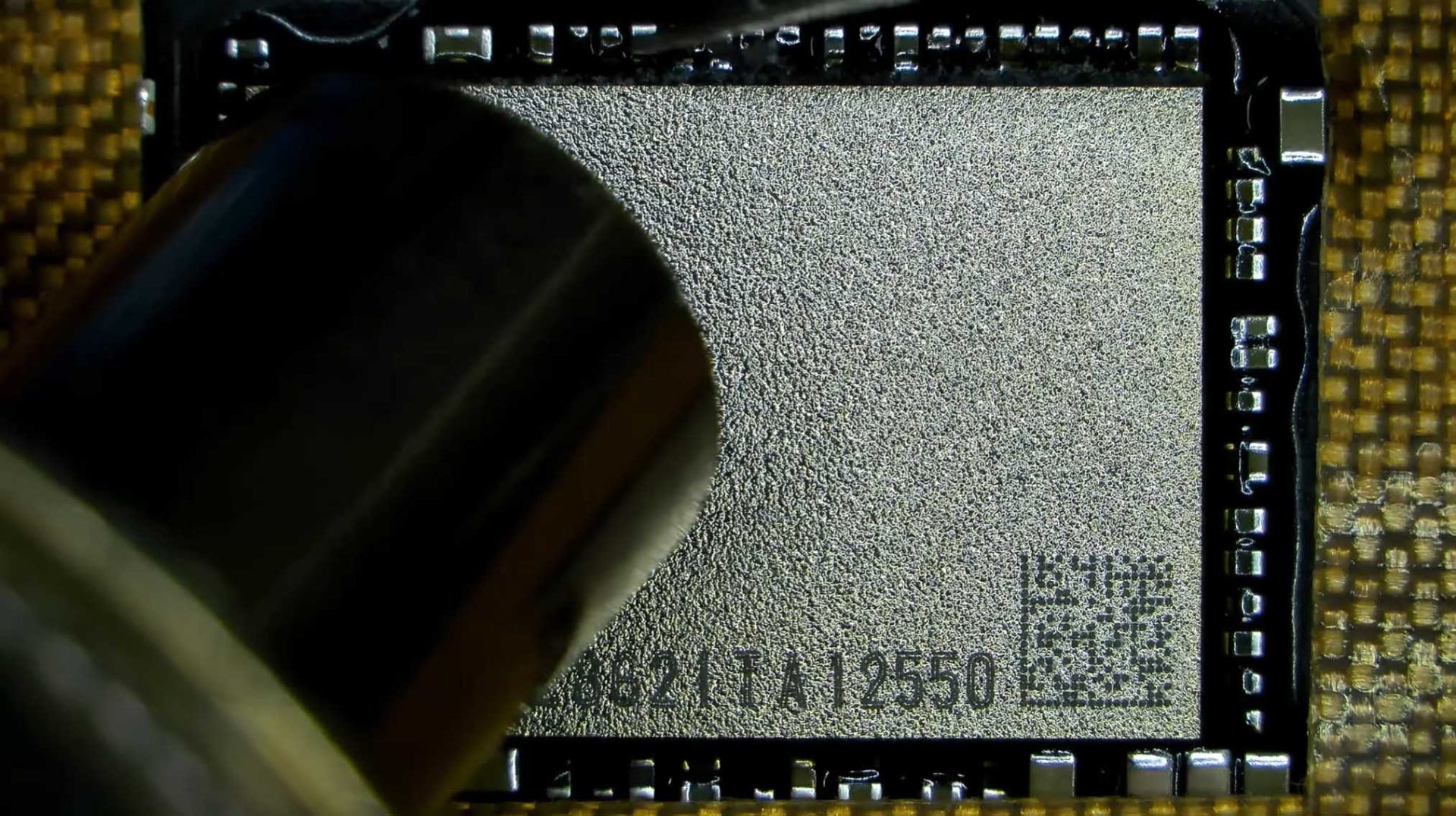
In the video, DirectorFeng points out that the MacBook Neo is surprisingly easy to open, and its compact logic board—housing the A18 Pro—doesn’t take up much space. The actual upgrade involves removing the original NAND flash chips using heat and precision tools, carefully cleaning the area, applying soldering materials, and then installing a higher-capacity 1TB NAND module in its place. After that, the system must be checked to confirm the firmware properly detects the new storage capacity.
The good news: the upgraded MacBook Neo reportedly booted without errors, and macOS was successfully flashed. But the work didn’t stop there. To improve stability and durability, the creator added BGA glue to help secure the NAND while seated on the board, then used an oven-style heating process to apply consistent temperature and finish the installation properly. Only after the board was reinstalled into the laptop was the 1TB SSD upgrade considered complete.
Interestingly, the modded 1TB MacBook Neo also showed a small bump in read and write performance based on a Blackmagic Disk Speed Test. The speed increase isn’t described as dramatic, but it’s a notable side benefit alongside the extra storage.
For most MacBook Neo owners, this kind of upgrade highlights both the potential and the risk. If you don’t want to pay higher prices for more storage at purchase time, you’d still need to find a highly experienced technician to attempt the upgrade, and even then, there’s always the possibility something goes wrong. In other words, it’s an impressive demonstration of what’s technically possible—but not an easy path for the average user.
The MacBook Neo is also mentioned as being available in a base configuration with 256GB of storage at a low entry price, which makes it tempting for buyers who might consider upgrading later. Still, given the complexity involved, anyone thinking about long-term storage needs may be better served by choosing a higher-capacity model upfront or budgeting for reliable external storage.