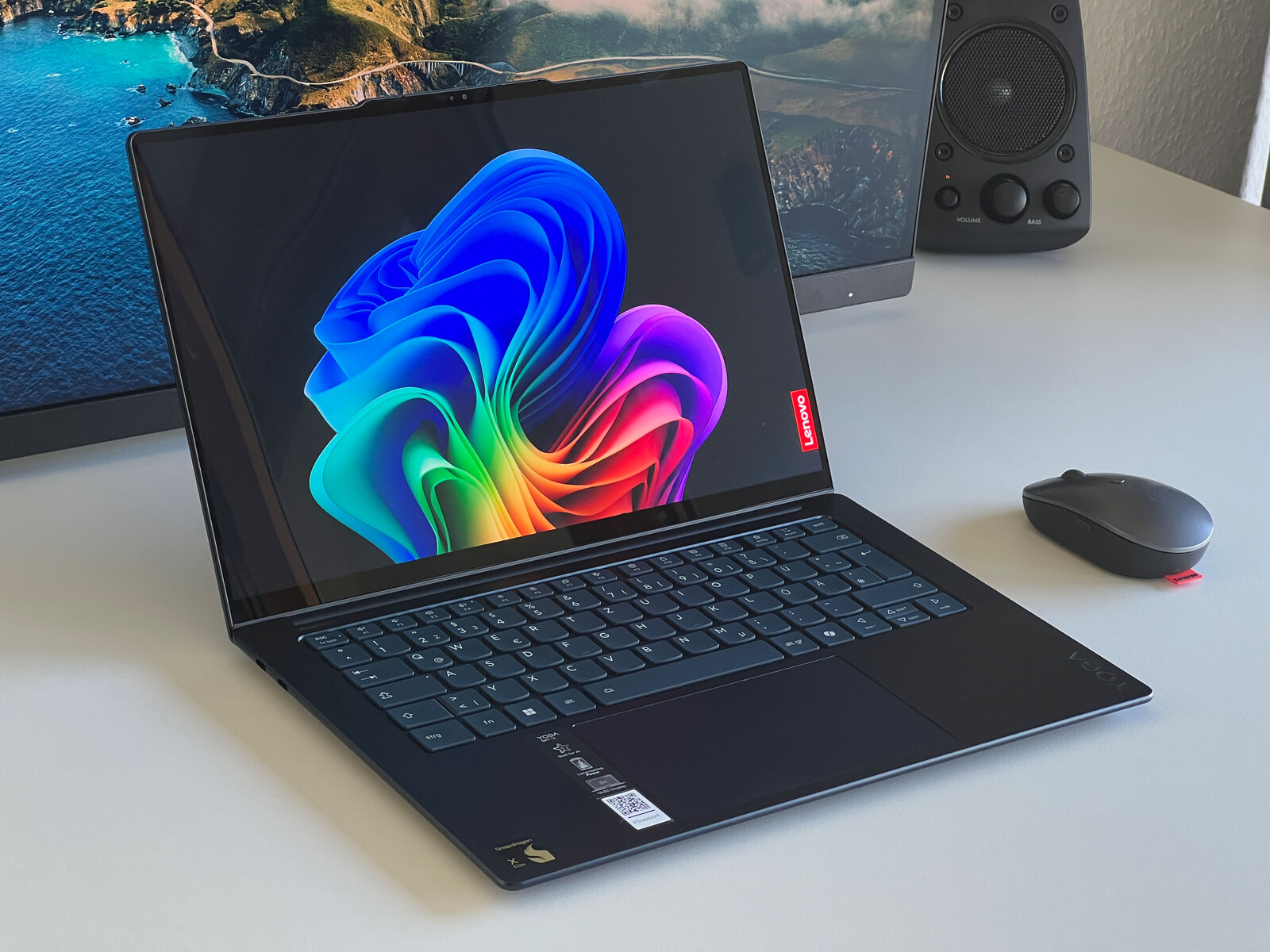
Lenovo has dropped the price of its Yoga Slim 7x 14 to $649.99 when you apply the voucher code SLIM7SALE at checkout, making it a compelling option for anyone shopping for a thin, premium 14-inch Windows laptop with an OLED display and long battery life.
The highlight is clearly the 14.5-inch OLED touchscreen. It runs at a sharp 2,944 × 1,844 resolution and a smooth 90 Hz refresh rate, giving everything from scrolling to animations a more fluid feel than standard 60 Hz panels. Brightness is another strong point, with up to 500 nits in SDR and up to 1,000 nits in HDR. That performance also earns it a DisplayHDR True Black 600 certification, which is great news for deep blacks, punchy contrast, and HDR-friendly movies and content.
Powering the laptop is the Qualcomm Snapdragon X Elite X1E-78-100, paired with 16 GB of LPDDR5X-8448 memory and a roomy 1 TB PCIe 4.0 SSD. Storage sits in the single M.2 2242 slot, so you’ll want to be happy with the configuration you choose if upgrade flexibility matters to you.
Connectivity is modern but minimal on the wired side. You get three USB-C ports, all rated at 40 Gbps and supporting DisplayPort 1.4 Alt Mode plus Power Delivery 3.1. Wireless is more forward-looking, with Wi‑Fi 7 and Bluetooth 5.4 built in.
Lenovo also includes a 1080p webcam with IR support for facial login, and there’s a physical E-shutter switch on the right side near the power button for quick privacy control.
Despite the slim design, the Yoga Slim 7x 14 keeps portability front and center. Its aluminum chassis measures 12.79 × 8.86 × 0.51 inches (325 × 225 × 12.9 mm) and weighs about 2.82 lb (1.28 kg), making it easy to carry daily. It houses a 70 Wh battery and supports charging up to 65 W using the included USB-C power adapter.
In typical use, the laptop stands out for its vibrant, color-accurate OLED screen, excellent battery life, and a comfortable typing experience. The main trade-offs to know about are that the display can show some PWM flickering, and the port selection is USB-C only—great for modern setups, but less ideal if you regularly rely on built-in USB-A or HDMI without adapters.