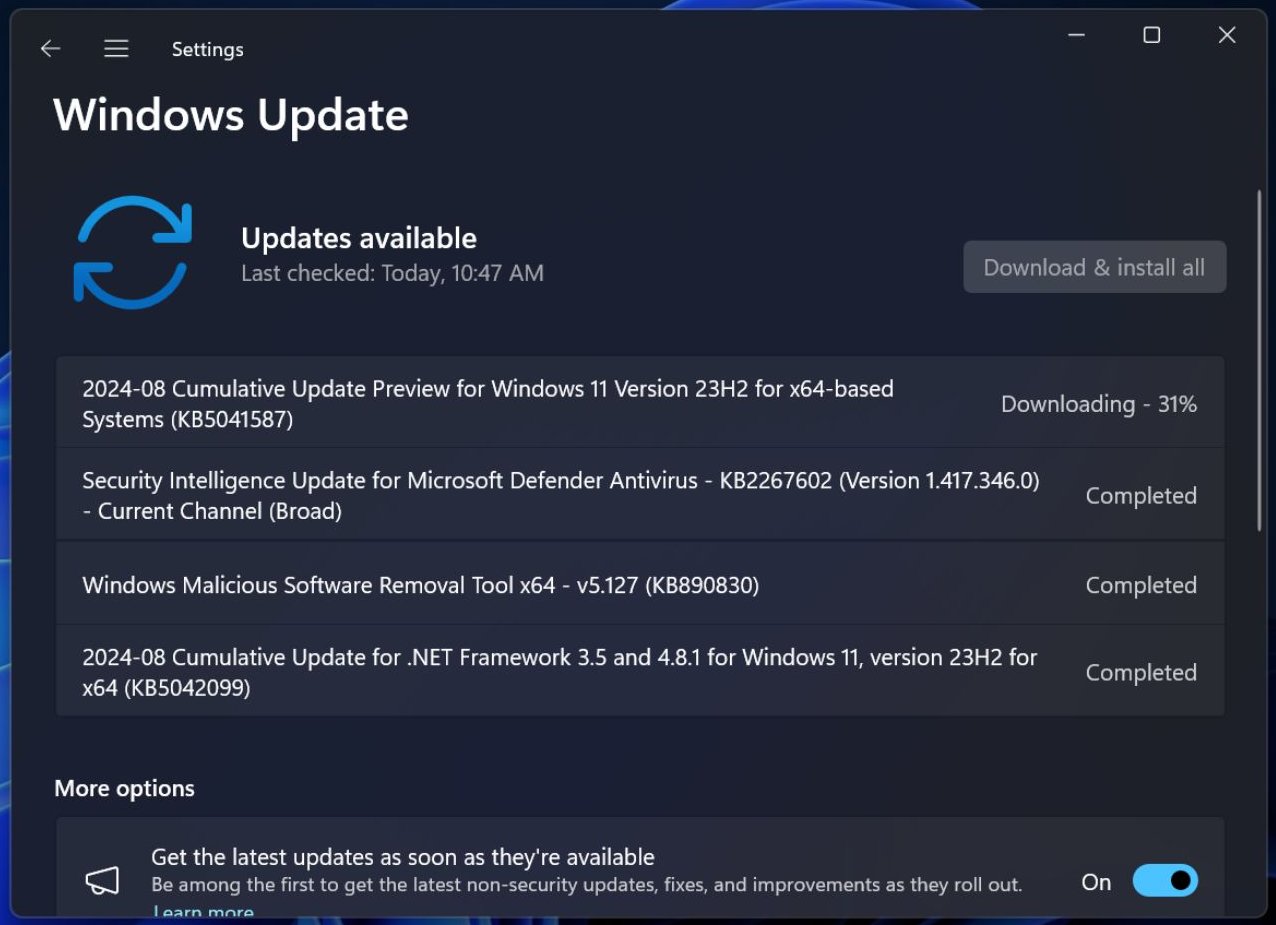
The optional KB5041587 update for Windows 11 introduces several enhancements including the ability to send files to Android devices using Windows Share, provided the phone is connected to the PC via Phone Link. Additionally, this update brings improvements to the Scan mode in Narrator, making it capable of handling large documents and webpages for reading aloud. Users in the EEA region will notice changes to the Widgets Board, driven by the Microsoft Start Experiences app, which enhances the functionality of the Microsoft Start widget and feed.
While the August security update for Windows addressed various bugs, it inadvertently introduced issues affecting systems with the GRUB 2 bootloader. Resolving this problem involves disabling Secure Boot, reinstalling Linux, and then re-enabling Secure Boot. Currently, there is no simpler workaround or patch available from Microsoft. In the meantime, the new optional update KB5041587 offers fixes and improvements in other areas of the operating system.
To apply the KB5041587 update, users must manually navigate to Settings > Windows Update and opt to install it. This patch updates Windows 11 systems to build number 22631.4112. For those encountering issues with the download or installation via Windows Update, the update can be downloaded directly from the Microsoft Update Catalog using the offline installer.
Three main features of this optional update are:
1. File sending to Android devices via Windows Share, with Phone Link connection.
2. Enhanced voice input recognition in Voice Access.
3. Improved Narrator Scan mode for better handling of large documents and webpages.
Additionally, for users in the EEA region, the Widgets Board has been refreshed, with an emphasis on enhanced security for APIs used by widgets, resulting in the removal of several widgets.
This optional update also addresses three bugs in File Explorer: the search function failing when pressing Win + F, focus issues with Shift + Tab, and a bug with screen reader announcements.
For those looking to deepen their understanding of file management in Windows 11, James Bernstein’s “Windows 11 File Management Made Easy: Take Control of Your Files and Folders” is available for purchase in Kindle and hardcover formats.