Can the Huawei MatePad Pro Max Really Replace a Laptop?
Tablets have become more powerful, more versatile, and more laptop-like than ever before. The Huawei MatePad Pro Max is a clear example of that shift, offering a large display, strong performance, and a keyboard setup designed to turn it into a portable productivity machine. But the big question remains: can it truly replace a laptop?
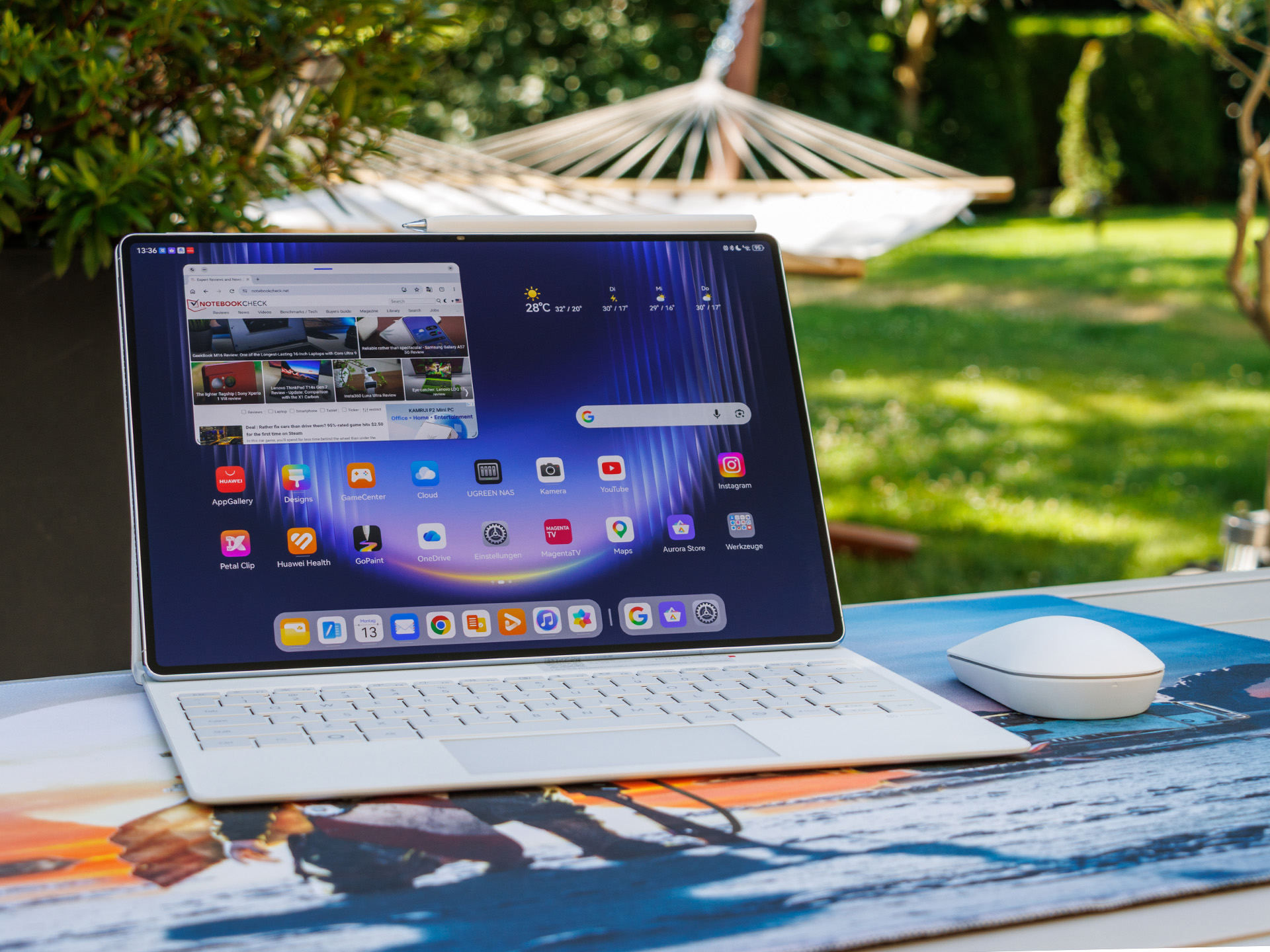
The Huawei MatePad Pro Max makes a strong first impression with its spacious 13.2-inch screen. The large display gives users enough room to work comfortably on documents, browse the web, manage emails, edit presentations, and watch videos without feeling cramped. For anyone who needs a lightweight device for daily productivity, the extra screen space is one of its biggest advantages.
The included keyboard is another key part of the experience. Once attached, the MatePad Pro Max quickly feels more like a compact notebook than a traditional tablet. The keys are comfortable to type on, making longer writing sessions much easier. Whether you are drafting reports, replying to emails, or taking notes, the keyboard helps turn the tablet into a more serious work device.
A small trackpad also improves usability. Instead of constantly reaching up to tap the screen, users can navigate more naturally, similar to how they would on a laptop. The built-in storage area for the M-Pencil Pro is another practical touch, especially for users who sketch, annotate documents, or take handwritten notes.
Performance is one of the strongest arguments in favor of using the Huawei MatePad Pro Max as a laptop alternative. Powered by the Kirin 9030 Pro, the tablet handles everyday tasks smoothly. Web browsing, document editing, email management, video calls, and multitasking feel fast and responsive. For most office-style workloads, the device has more than enough power.
However, the biggest limitation is not the hardware. It is the software. HarmonyOS works well for app-based tasks, but users who rely on traditional desktop programs may run into restrictions. If your workflow depends on full Windows or macOS applications, the MatePad Pro Max may not fully meet your needs.
External monitor support is another area where it falls short of a true laptop replacement. The tablet can output its display to another screen, but it is limited to screen mirroring. That means you cannot use an external display as an extended workspace in the same way you can with many laptops. For users who rely on multi-monitor setups, this could be a dealbreaker.
For everyday office work, though, the Huawei MatePad Pro Max is surprisingly capable. It is well suited for writing, research, presentations, online meetings, media consumption, and cloud-based productivity. It is also highly portable, weighing less than a kilogram even with the keyboard attached. Its slim design makes it easy to carry in a bag, making it an appealing option for students, remote workers, frequent travelers, and anyone who values mobility.
Still, the Huawei MatePad Pro Max is not a complete laptop replacement for everyone. It works best for users whose tasks are mostly browser-based or app-based. If you mainly work with web apps, cloud storage, email, video conferencing, and office documents, it could easily replace a laptop for many daily tasks.
But if you need specialized desktop software, advanced multitasking across several displays, or the flexibility of a full desktop operating system, a traditional laptop remains the better choice.
In the end, the Huawei MatePad Pro Max comes very close to being a laptop alternative. It is powerful, lightweight, stylish, and productive enough for many users. For the right workflow, it can replace a laptop. For more demanding professional setups, it is better seen as a premium tablet that can handle a large portion of laptop-style work.