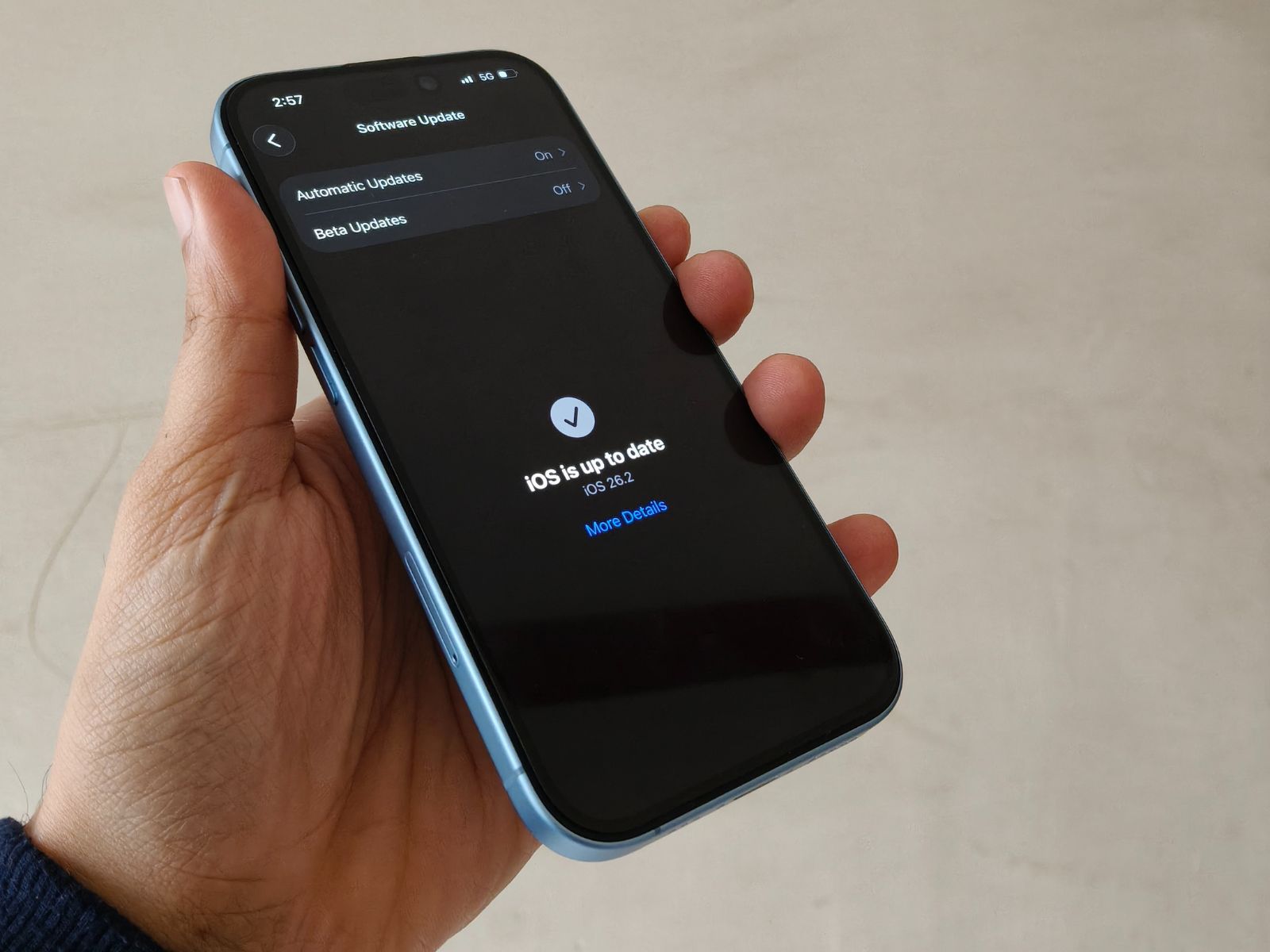
Apple’s iOS 26.2 update feels like it was built for people who notice the small stuff—those tiny hiccups that can make a fast iPhone feel oddly sluggish. In real-world use, the biggest change is how consistently smooth the interface feels when you move quickly. Rapid Home Screen swipes, fast app launches, and repeated gesture navigation no longer trigger the momentary stalls or quick UI “rebuilds” that could interrupt the flow on iOS 26.1.
The improvement is especially easy to spot in the App Library. On iOS 26.1, it could be one of the more inconsistent areas, occasionally pausing just enough to feel off. With iOS 26.2, it opens faster, scrolls more cleanly, and generally behaves the way it always should have—responsive and predictable.
Animations also feel more refined. Opening and closing windows now looks better paced, with timing that stays consistent rather than finishing a fraction of a second late. This matters most when you’re multitasking: switching between apps rapidly, bouncing back to the Home Screen, or closing a resource-heavy app and immediately jumping into something else. iOS 26.2 handles those transitions with fewer visible stutters, making the phone feel more “locked in” during fast use.
There are still a few rough edges worth knowing about before you update. Transparency effects can continue to cause visual weirdness, especially if you use clear app icons or wallpapers with lots of layers and depth. In some cases, reflections can behave oddly, and certain wallpapers may still look slightly desaturated when you return to the Home Screen. Another lingering issue: clearing apps from the recent apps view can sometimes introduce brief lag, particularly if you swipe away multiple apps repeatedly. These problems appear less often than they did on iOS 26.1, but they haven’t disappeared entirely.
Safari is where iOS 26.2 delivers one of the most consistent wins. Scrolling through long webpages feels smoother, and switching between tabs is noticeably more responsive. If you spend a lot of time browsing, reading, or researching on your iPhone, this update can make the experience feel more fluid day to day.
Battery life on iOS 26.2 may be a mixed experience right after installation. Early on, you might notice slightly higher battery drain, which is common when an update is finishing background tasks like indexing and system optimization. As those processes settle, battery performance is expected to stabilize, so it’s worth giving it a bit of time before judging long-term endurance.
Overall, iOS 26.2 is a meaningful quality-of-life update focused on speed, smoother animations, and better consistency—especially in areas like App Library navigation and Safari performance. It’s not perfect, but for many users, it should feel like a cleaner, more responsive version of iOS 26.1 in everyday use.