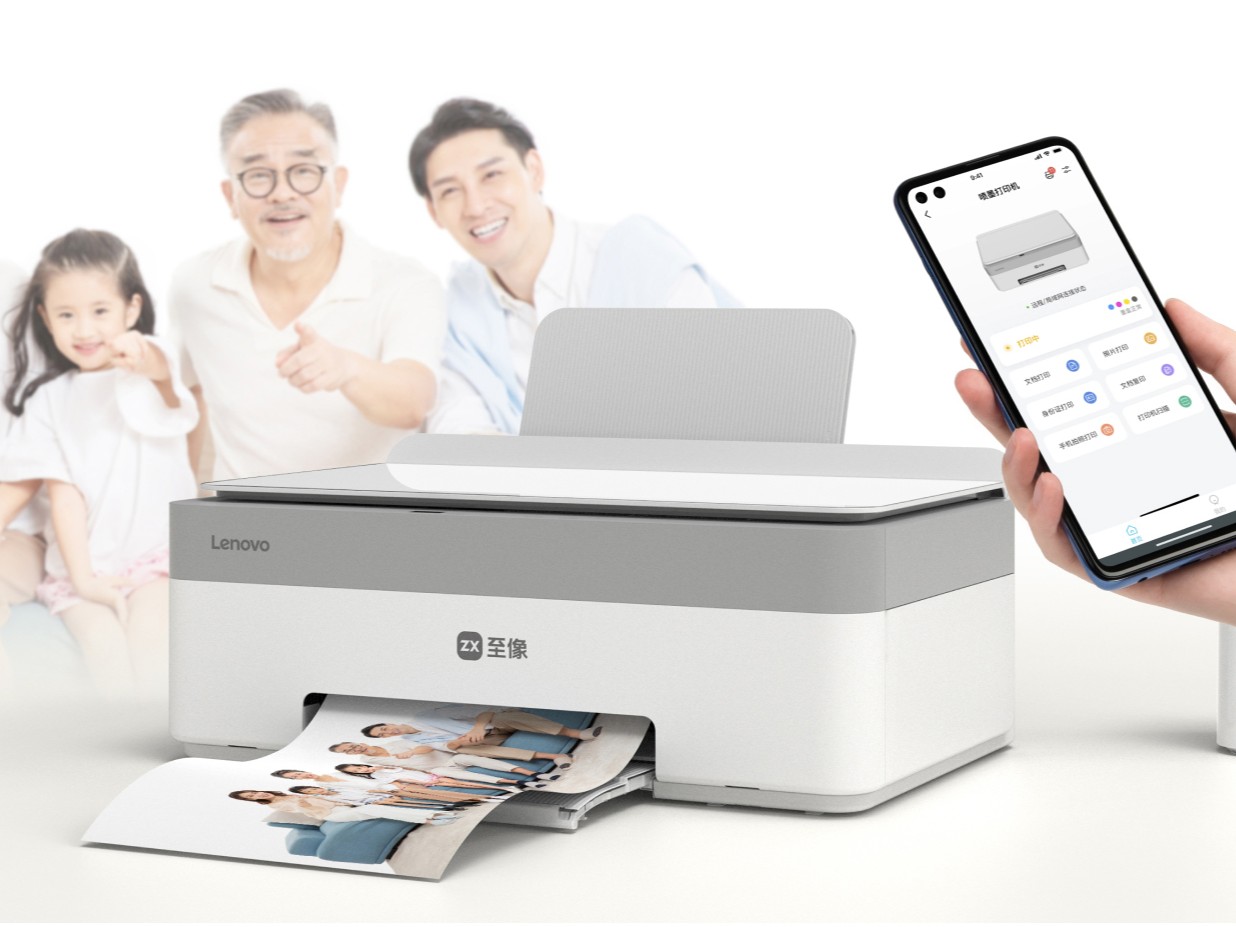
The tech world is buzzing with Lenovo’s latest release: the Xiaoxin Whale Color Inkjet Multifunction Printer, now available in China. This all-in-one device is designed to handle your printing, scanning, and copying needs with ease. With its new entry into the printer market, Lenovo aims to offer enhanced connectivity and functionality at an affordable price.
One of the standout features of the Xiaoxin Whale is its ability to print up to 7,000 pages on a single set of ink cartridges, making it a cost-effective option for users with high volume needs. While it doesn’t support duplex printing like its predecessor, the Xiaoxin Elephant, it compensates with cutting-edge connectivity options. The printer supports dual-band Wi-Fi (2.4GHz/5GHz) and Bluetooth, allowing seamless remote printing from smartphones, laptops, or tablets. Compatibility with various Windows and macOS devices ensures that users won’t struggle with connectivity issues.
Convenience is further enhanced with Lenovo’s own app for easy control and the option to use WeChat for quick, one-click remote printing. For environments requiring shared access, the printer supports up to 20 simultaneous connections—perfect for an office setting.
Physical connections haven’t been forgotten, either. An integrated USB-A port allows users to directly connect devices when necessary. As an enticing offer, early adopters can snag the Xiaoxin Whale at a promotional price of CNY 899 (approximately $123), with its regular price set at CNY 1,099 (about $151).
While the Xiaoxin Whale is currently only available in China, its robust features and competitive pricing are garnering attention. With Lenovo’s focus on expanding its tech offerings, this multifunction printer showcases its commitment to providing high-quality, user-friendly devices. Whether you’re in a bustling office or working from home, this printer might just be your new best friend for efficient and convenient printing.


