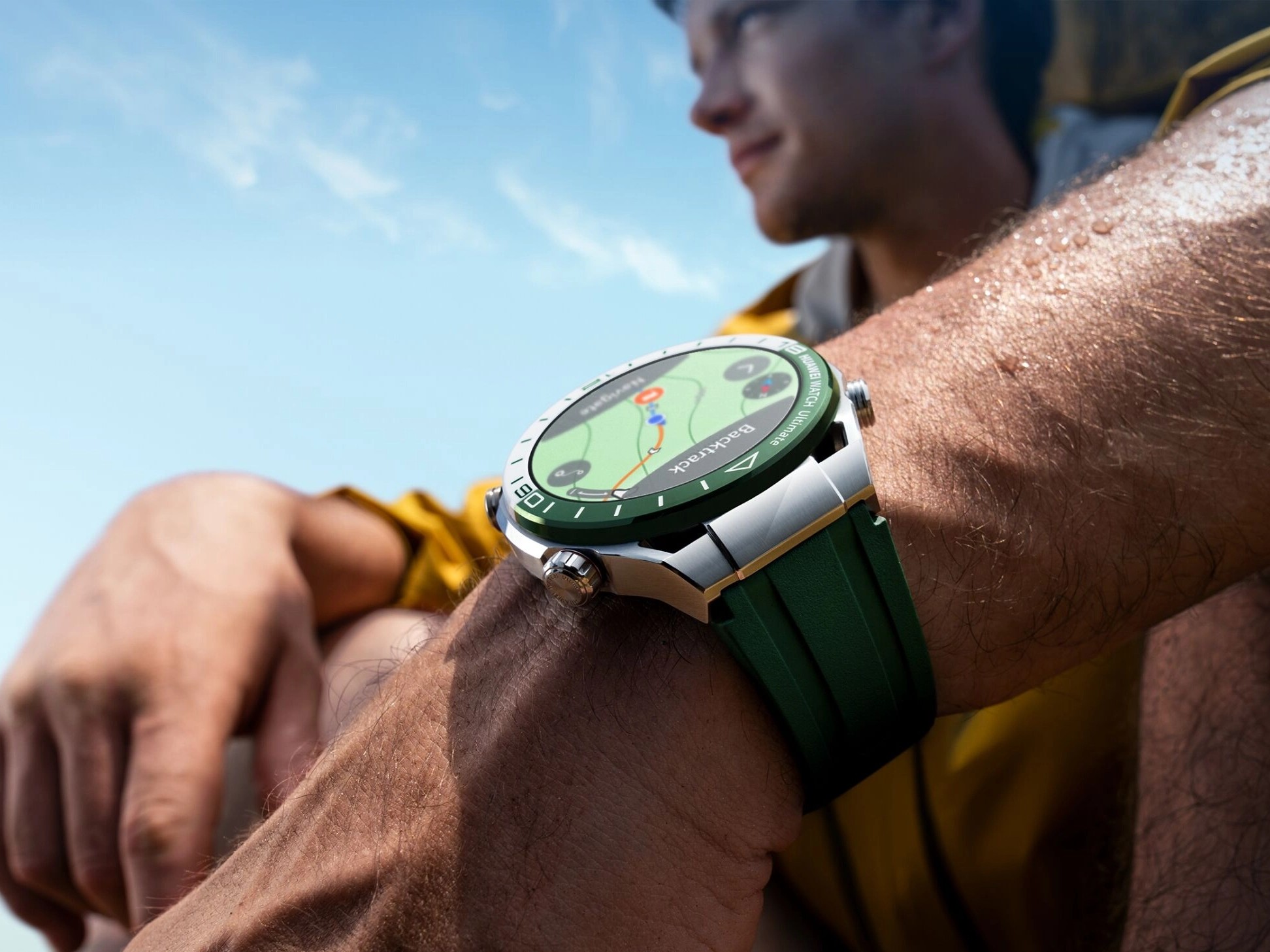
Huawei is rolling out a new global firmware update for the Watch Ultimate, arriving a couple of months after version 5.0.0.30, which focused on golf and diving improvements. This fresh release continues that momentum with smarter golf features and general stability enhancements.
Availability and versions
– The update is now appearing for the Green, Blue, and Black editions of the Huawei Watch Ultimate.
– Green model: software version 5.0.0.142 (C00M04), approximately 22.94 MB.
– Blue and Black models: software version 5.0.0.35 (C00M05), approximately 38.87 MB.
– Rollout is staged, so timing will vary by region.
What’s new
– Golf Mode upgrades, including tee-off tracking and automatic hole change functions, for a more seamless round without constant manual input.
– System stability improvements in certain scenarios to deliver a smoother, more reliable smartwatch experience.
How to install
– Open the Huawei Health app on your phone.
– Go to Devices, select Huawei Watch Ultimate, then choose Firmware update.
– Download and install the update when it becomes available for your device.
Helpful tips before updating
– Keep the watch battery above 50% and ideally on the charger.
– Maintain a stable Bluetooth connection, and ensure your phone has an internet connection.
– Don’t exit the Huawei Health app during installation.
Why it matters
For golfers, the Watch Ultimate now offers more intuitive on-course tracking with tee-off and hole change recognition, reducing distractions and helping you focus on your game. Everyone benefits from the under-the-hood stability tweaks that can enhance day-to-day performance and reliability.
If you don’t see the update yet, check back over the next few days as the global rollout progresses.