Sometimes, finding a way to end a phone call without being perceived as rude can be a delicate task. Maybe the conversation has dragged on for too long, or perhaps you need to escape an uncomfortable chat without offending the person on the other end of the line. Here’s where a clever iPhone trick can come to your rescue—it lets you simulate a dropped call, giving the impression that you’ve been cut off due to technical issues rather than a voluntary hang-up. This guide will walk you through the simple steps to fake a dropped call and spare yourself the awkwardness.
Simulate a Dropped Call on Your iPhone with Airplane Mode
When you end a call conventionally, your call partner gets a “Call Ended” notification, which is a clear signal that you chose to hang up. On the other hand, a “Call Failed” message suggests the call was unintentionally cut off due to connection problems. To create the latter scenario, you don’t need any third-party applications—your iPhone’s built-in Control Center offers a quick and efficient solution.
Here’s how you can create the illusion of a dropped call during your next conversation:
Step-by-Step Guide to Fake a Dropped Call
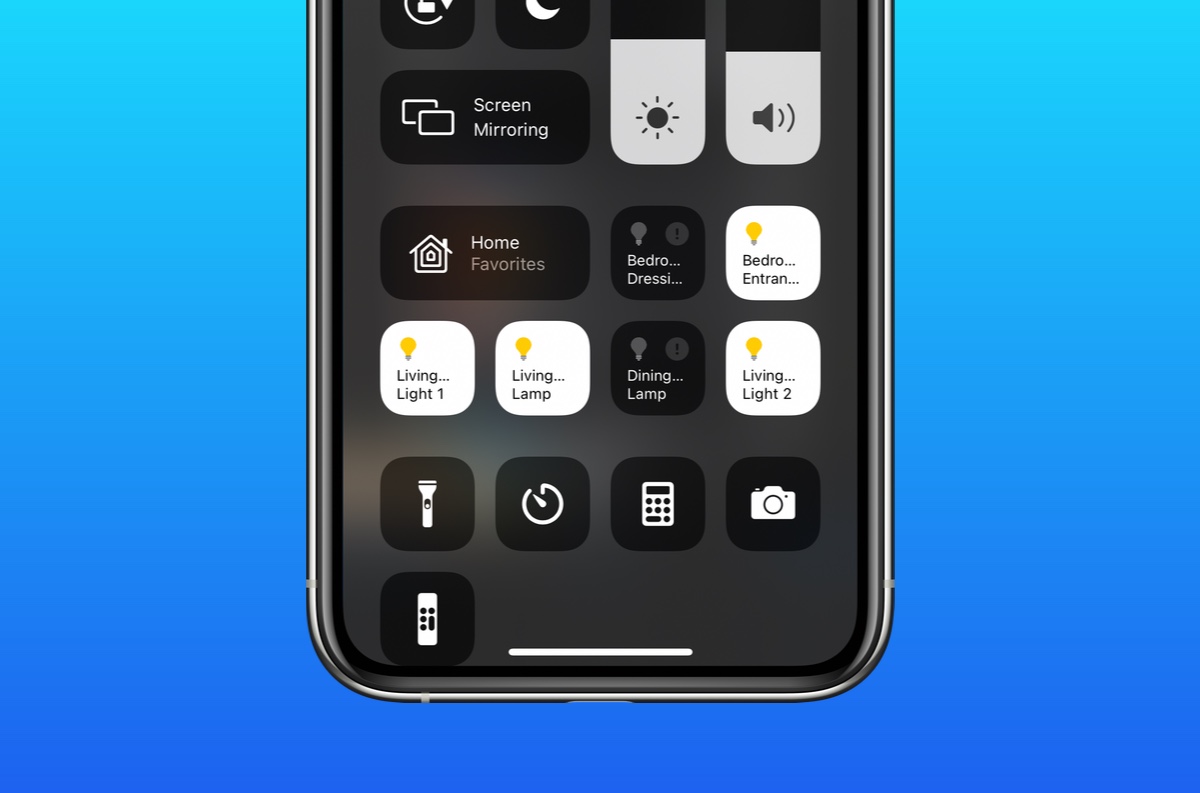
1. While you’re on the call, swipe down from the top right corner of your iPhone’s screen to access the Control Center.
2. In the Control Center, tap on the Airplane Mode icon, which resembles an airplane. This action will immediately disconnect all network communications, including cellular and Wi-Fi connections.
As soon as Airplane Mode is activated, your call will drop, and the person on the other end will see a “Call Failed” message, implying that you didn’t intentionally end the call. This trick is not limited to regular cellular calls—it also works with calls made through internet-based messaging apps like WhatsApp.
After the call has been disconnected, you can easily switch off Airplane Mode by tapping the icon again, which will change from orange (enabled) to gray (disabled). This returns your iPhone to its normal state, reconnecting you to your networks and allowing you to continue using your phone as usual.
Final Thoughts
This simple technique may come in handy the next time you find yourself in need of a tactful exit from a phone conversation. Give it a try, and let us know what you think about this convenient little tip. Whether you’re in a long-winded call or simply need a moment to yourself, faking a dropped call may just be the guilt-free solution you’ve been looking for. Always remember to use this method considerately and in situations where it truly feels necessary.


