Intel’s new Arc B370 and Arc B390 laptop GPUs are shaping up to be a lot more than a simple “higher number equals higher performance” story. While it’s easy to assume that the Arc B390 will automatically outperform the Arc B370 at the same power limits—and in raw capability, it should—the real-world results highlight something many buyers overlook: cooling and chassis design can make or break GPU performance in thin, compact laptops.
Even when two laptops run similar power settings, they don’t always deliver the same speed. Thermal headroom plays a huge role. If a laptop can’t keep temperatures under control, the GPU may throttle under load, cutting performance when you need it most. That’s why looking only at the processor model or relying on iGPU specs doesn’t tell the full story. The overall laptop design, cooling solution, and how sustained performance is managed matter just as much as the chip itself.
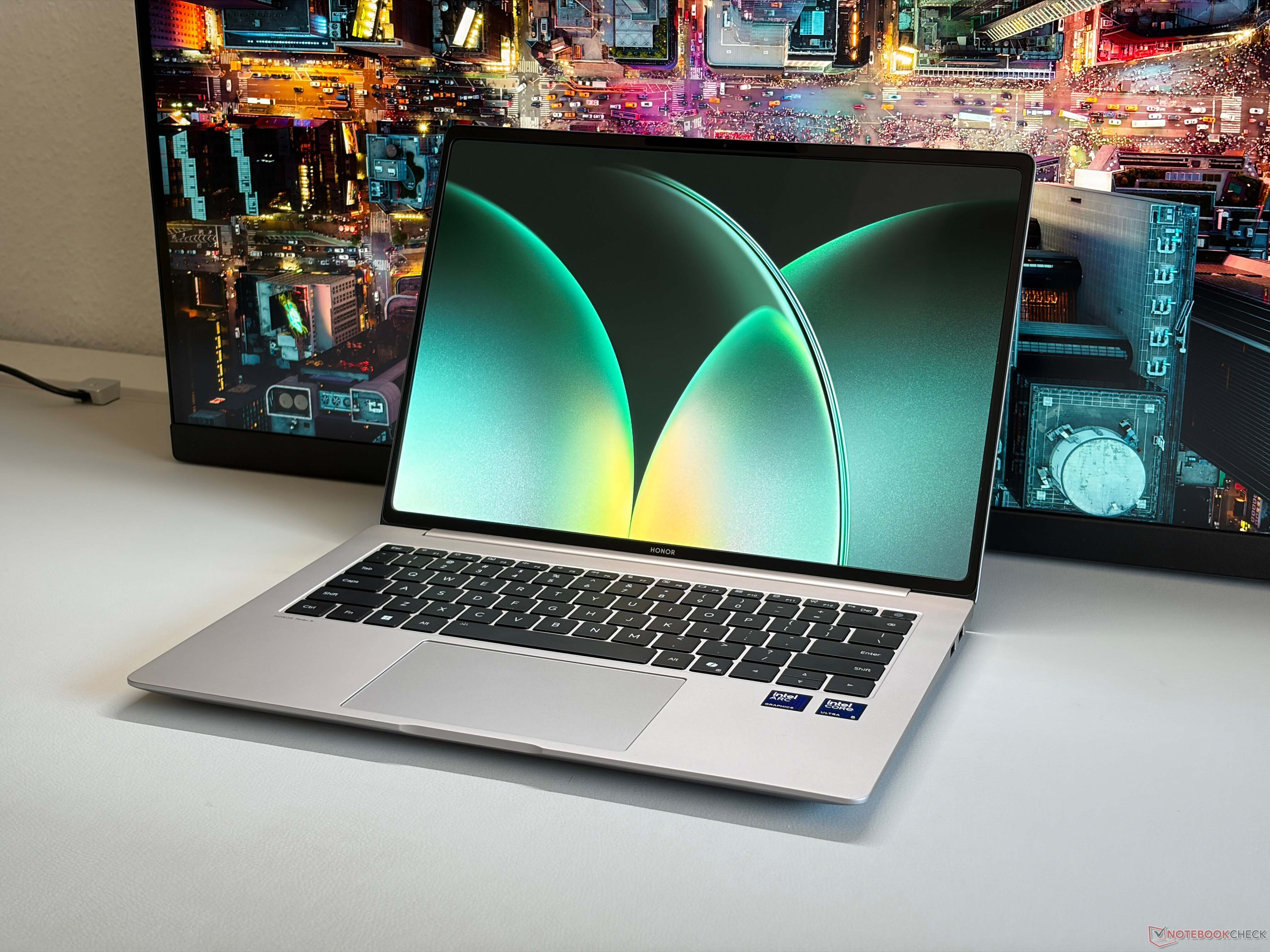
That’s especially relevant if you’ve been eyeing the Honor MagicBook Pro 14. The good news is that this model can be configured with Intel’s high-end Panther Lake processor, the Core Ultra X9 388H, paired with the faster Arc B390 GPU. In this setup, the MagicBook Pro 14 is positioned to take better advantage of the Arc B390’s performance potential, showing how a well-tuned thermal design can help a thin laptop deliver stronger, more consistent graphics performance.
For shoppers comparing compact premium laptops for productivity, creative work, or light gaming, the takeaway is simple: don’t judge performance by the GPU name alone. The Arc B390 may be the more powerful option on paper, but sustained performance depends heavily on how well the laptop can cool and maintain those power limits over time. In the case of the Honor MagicBook Pro 14, the pairing of the Core Ultra X9 388H and Arc B390 makes it an especially compelling option for anyone who wants strong Intel Arc graphics in a portable form factor without leaving performance on the table.


