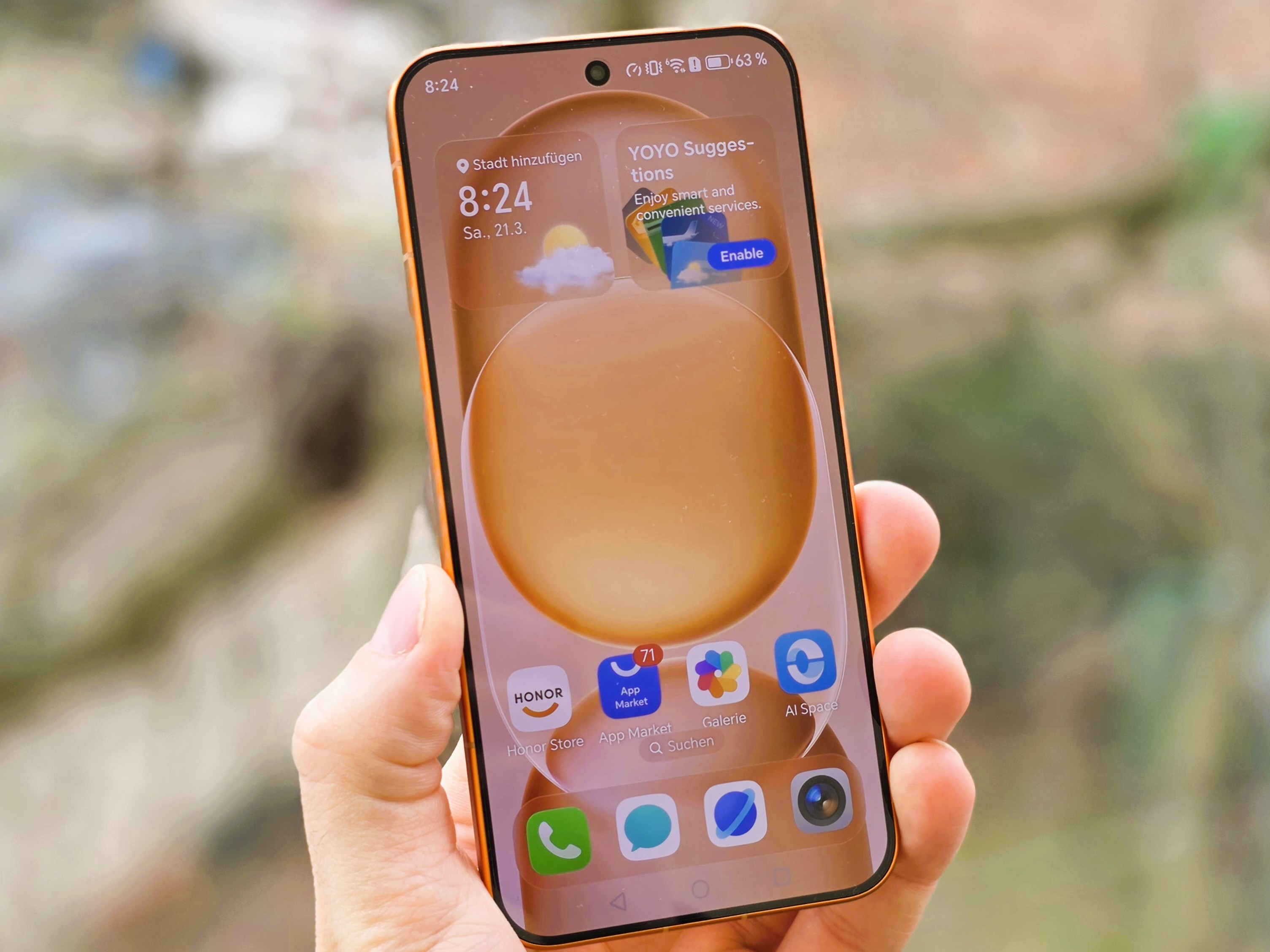
Honor’s Magic8 Pro Air is shaping up to be a compelling option for people who love the deep blacks and vivid colors of OLED screens but struggle with eye fatigue or sensitivity to display flicker. With a growing number of users paying attention to PWM flicker and blue light exposure, this phone’s display settings focus heavily on eye comfort, offering more control than many typical OLED devices.
One of the highlights is its dual approach to reducing potential eye strain caused by OLED flicker. The Magic8 Pro Air supports high-frequency PWM dimming, reaching 3,840 Hz and even 4,320 Hz at low brightness levels. For users who notice discomfort from low-brightness flicker, higher PWM frequencies can be an important factor because they may make flicker less perceptible for some people.
At the same time, Honor also gives users additional flexibility by offering two DC dimming options designed for medium and high brightness levels. This matters because different people respond differently to PWM versus DC dimming, and lighting conditions change throughout the day. Having both technologies available makes it easier to experiment and find the settings that feel most comfortable for your eyes during real-world use, whether you’re reading at night, scrolling indoors, or using your phone outside.
It’s worth noting that the impact of PWM and DC dimming can be difficult to measure in a universal way. Eye comfort is personal: some users immediately feel the difference, while others may not notice any change. Still, the key advantage here is choice. The Magic8 Pro Air doesn’t lock you into a single dimming method, which can be a real win for OLED fans who are also sensitive to flicker.
Beyond dimming, the “eye comfort display” menu includes extra tools meant to help users understand and fine-tune their viewing experience. Built-in tests like a contrast test and a color vision test add a more practical, user-focused layer to the settings, especially for people who want to adjust the display to suit their individual vision needs rather than relying on one-size-fits-all presets.
Honor also includes a feature called “defocus,” which the company says simulates looking into the distance to help reduce eye strain. The idea is to provide relief from prolonged close-up focus, which is a common cause of fatigue during long sessions of reading or browsing on a smartphone.
Rounding out the display comfort toolkit are two familiar but useful additions. “Natural tone” adjusts screen colors based on ambient lighting, aiming for a more consistent and comfortable appearance across different environments. There’s also a “circadian night display” mode that reduces blue light output, which many users prefer in the evening to make the screen feel gentler on the eyes.
For anyone searching for an OLED phone with eye comfort settings, high-frequency PWM dimming, and DC dimming options, the Honor Magic8 Pro Air stands out by emphasizing customization. If you’re sensitive to flicker or simply want more control over how your screen behaves across brightness levels, this is the kind of feature set that can make day-to-day use noticeably more comfortable.


